

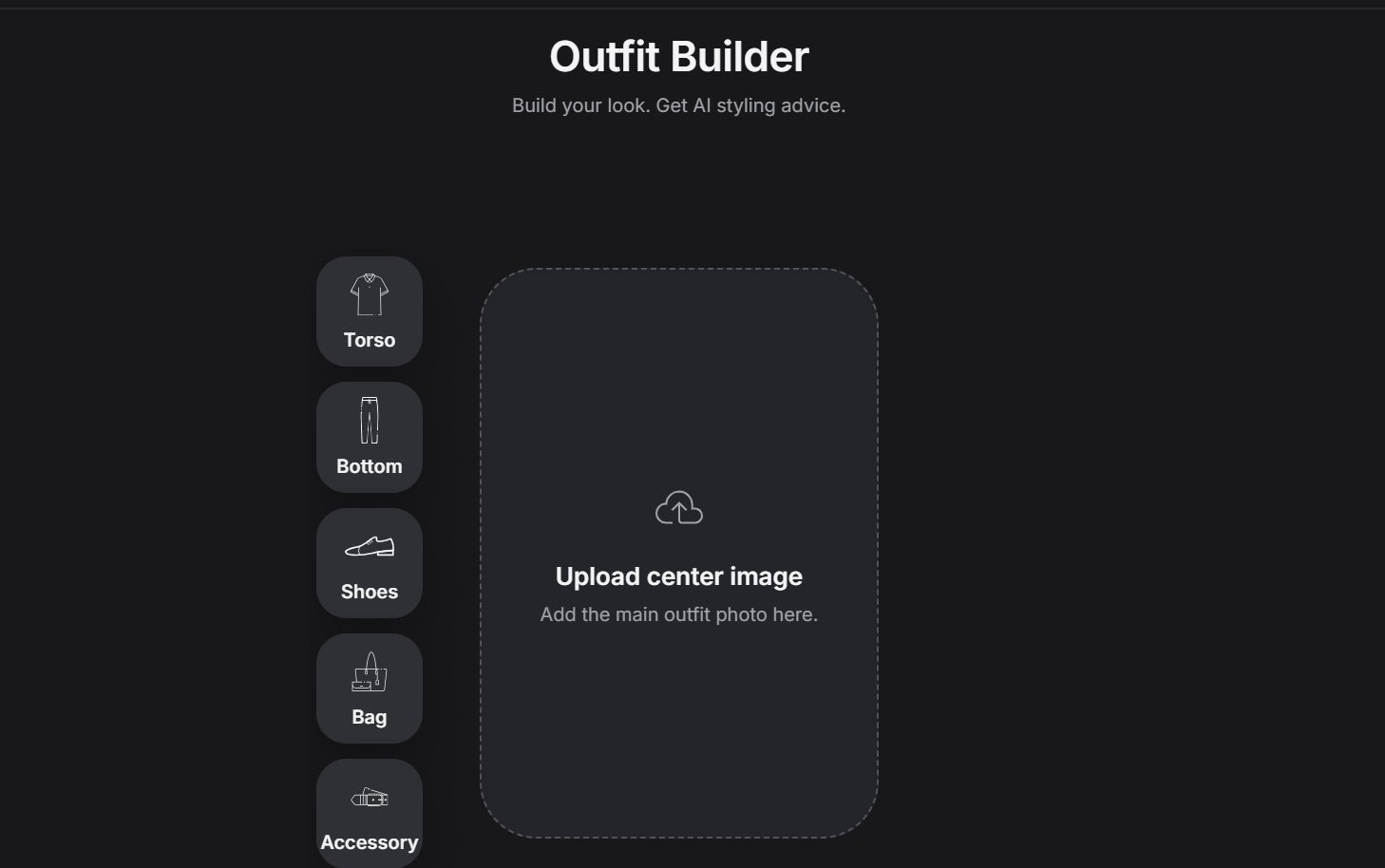
Add items from the left side
When the designer clicks any category button on the left side, an object form opens for that part. That means each outfit section uses the same kind of structured entry explained in Objects. So if the designer clicks a section, they can open the object form and enter the product information for the item they want to add.Current outfit sections
Right now, each outfit has five sections:- Upper body
- Lower body
- Shoes
- Accessory
- Bag
Center image
The designer can click the center image area to upload a cover image or a mannequin image.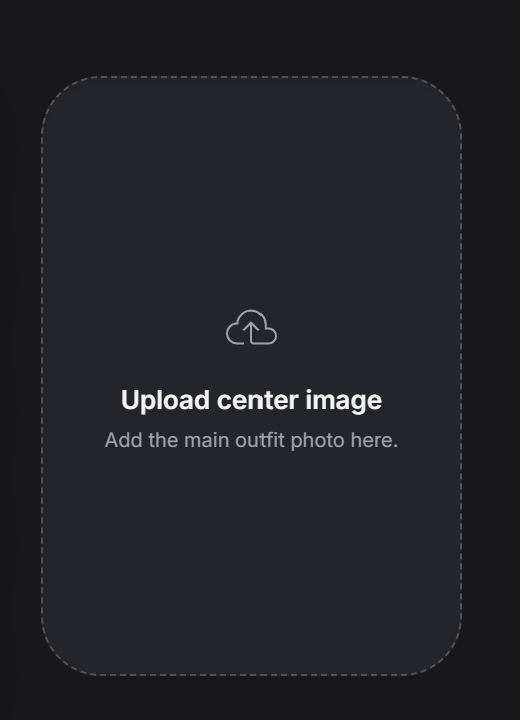
- A cover image for the look
- A mannequin image
- A model photo
- The main reference image for the whole outfit
Preview at the bottom
At the bottom, the designer can see a preview of all items currently added to the outfit.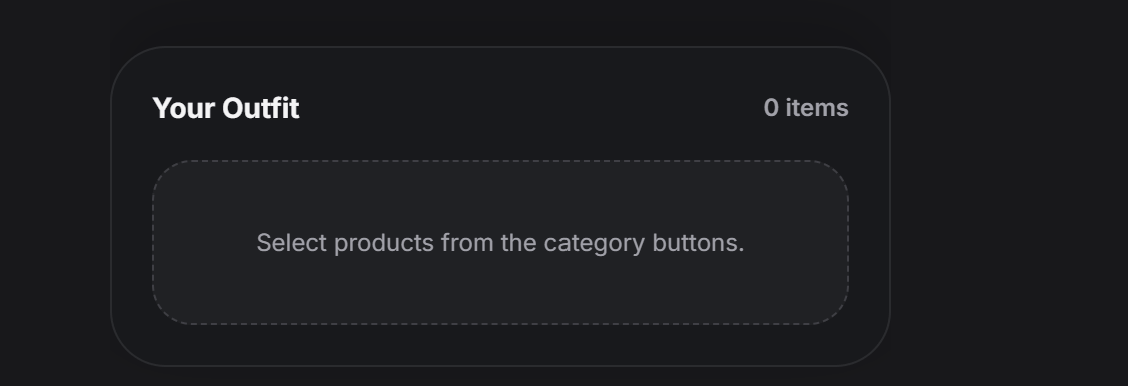
Full sample
A completed outfit can look like this: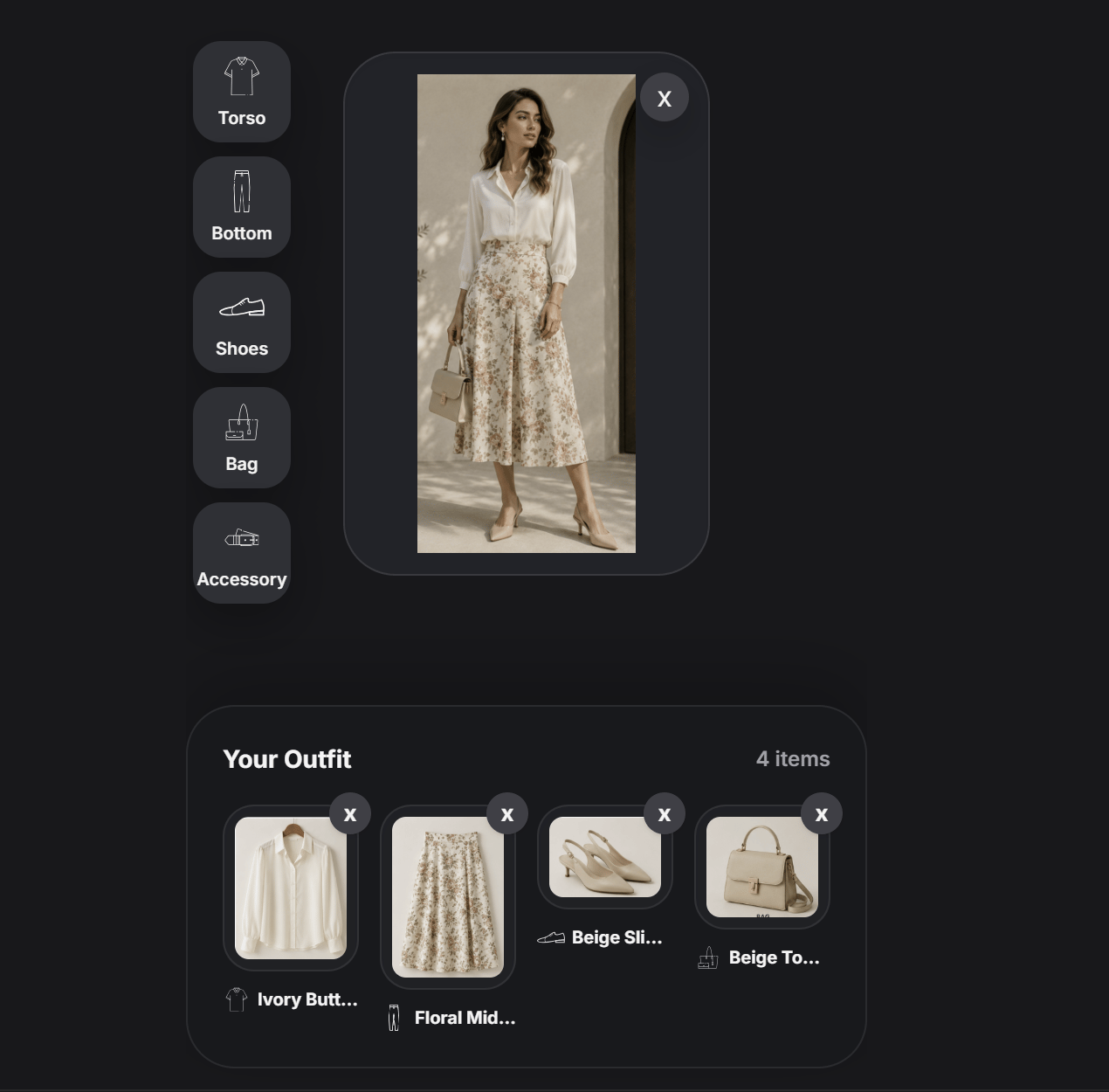
- Uploaded a main outfit image in the center
- Added products into several outfit sections
- Built a complete look from separate items
- Used the preview area to review everything together
Outfit Builder is best when the designer wants to build a full look as a system, not just enter one product at a time. It combines structured product entry with a visual outfit preview.