

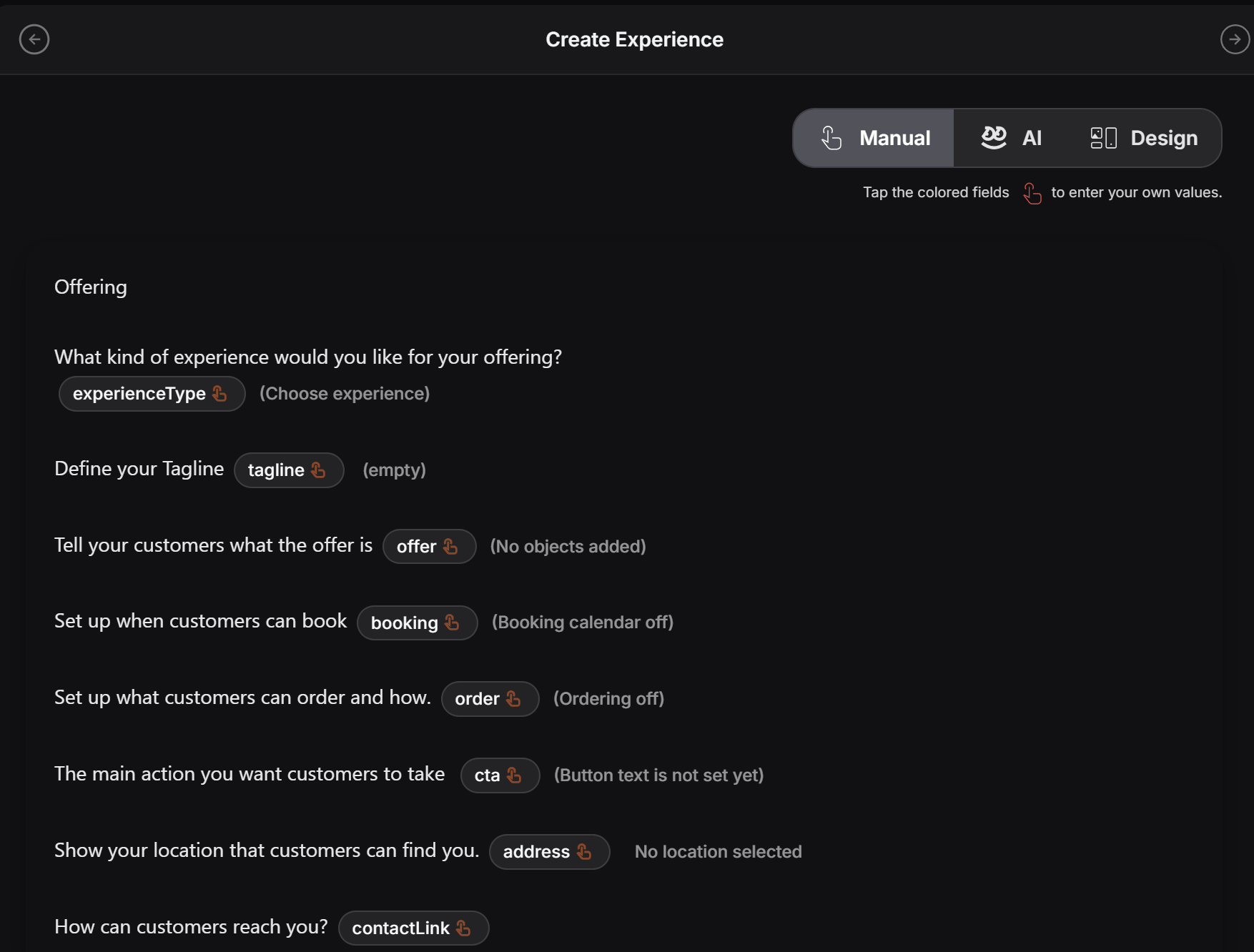
How it works
The page shows short prompts about the experience. Each colored dynamic item can be clicked. When the designer taps one of these fields, a form opens for that specific part of the experience. For example, the designer can click fields such as:experienceTypetaglineofferbookingorderctaaddresscontactLink
Clickable pills
The small rounded pills are interactive fields.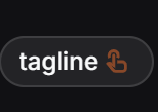
tagline, PeekTag opens the related form for that field.
So the designer does not need to search through menus or guess where to enter the information. They can simply tap the pill and fill out the correct form.
Each pill is connected to one part of the experience. For example:
taglineopens the form for the short brand lineofferopens the form for the main offerbookingopens the booking settings formorderopens the ordering formctaopens the main action button form
What the designer fills in
These forms contain information about the experience. Experience Designers can use them to complete things like:- What kind of experience this is
- The tagline or short brand message
- What the customer is being offered
- Whether booking is available
- What customers can order
- The main action button
- The business location
- How customers can contact the business
Why this page is useful
Narrative Form helps the designer work through the experience in a natural order. Instead of guessing where information should go, they can follow the written prompts and fill each dynamic field step by step. This makes it easier to review missing data, improve weak sections, and complete the experience with the right business details.Use Narrative Form when the designer wants manual control and a guided structure. It works well when the experience needs clean, human-reviewed details before moving to the next step.