

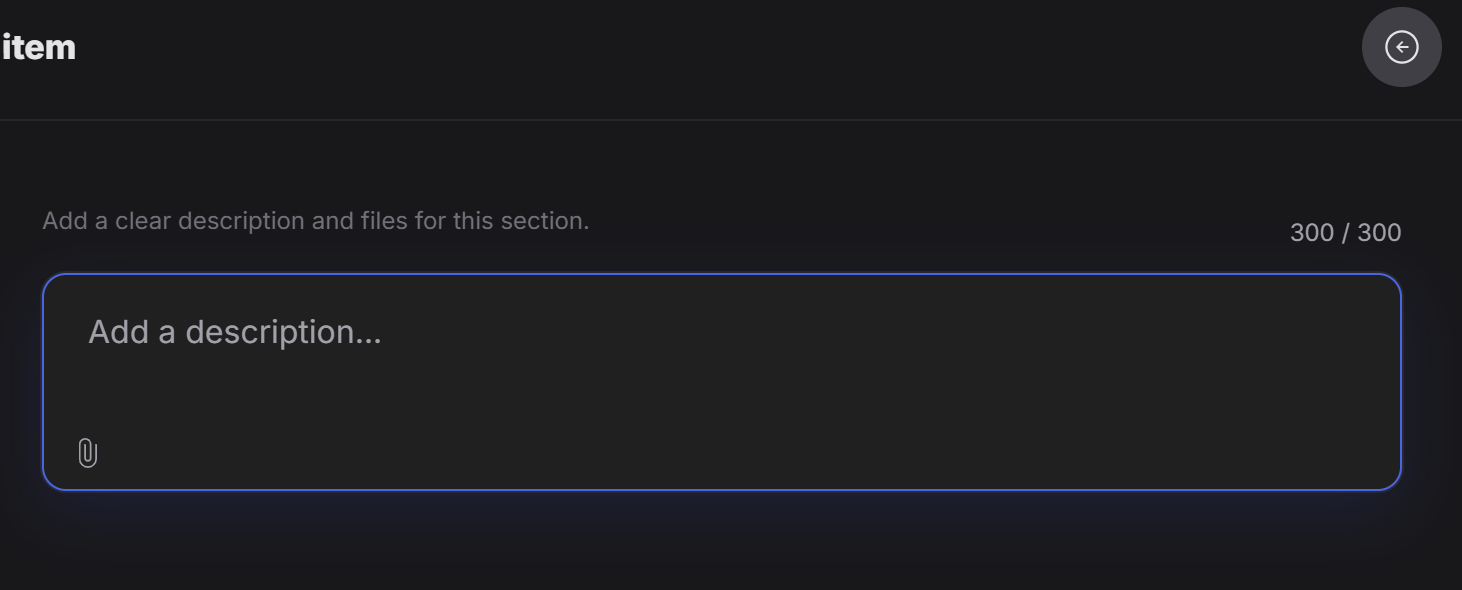
How images can be added
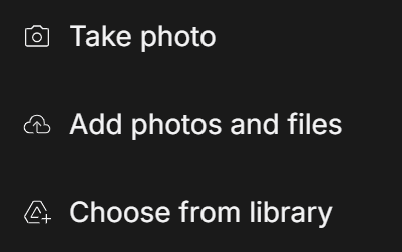
- Take a photo right away with the camera
- Upload a photo or file from the computer or phone
- Choose from files that were already uploaded before
What it can be used for
The Item form works well for things like:- A tagline
- A tag image
- A title together with a cover image
- A short promotional block with text and media
- One highlighted section that needs both words and visuals
Why this form is useful
Use this form when one part of the experience should stay together as one unit. For example, if the designer wants to update a title and its cover image in the same place, the Item form is a practical choice. This is better than splitting the content across several unrelated fields.Think of Item as a simple mixed-content block: one place where the designer can add a description and attach a related file or image.