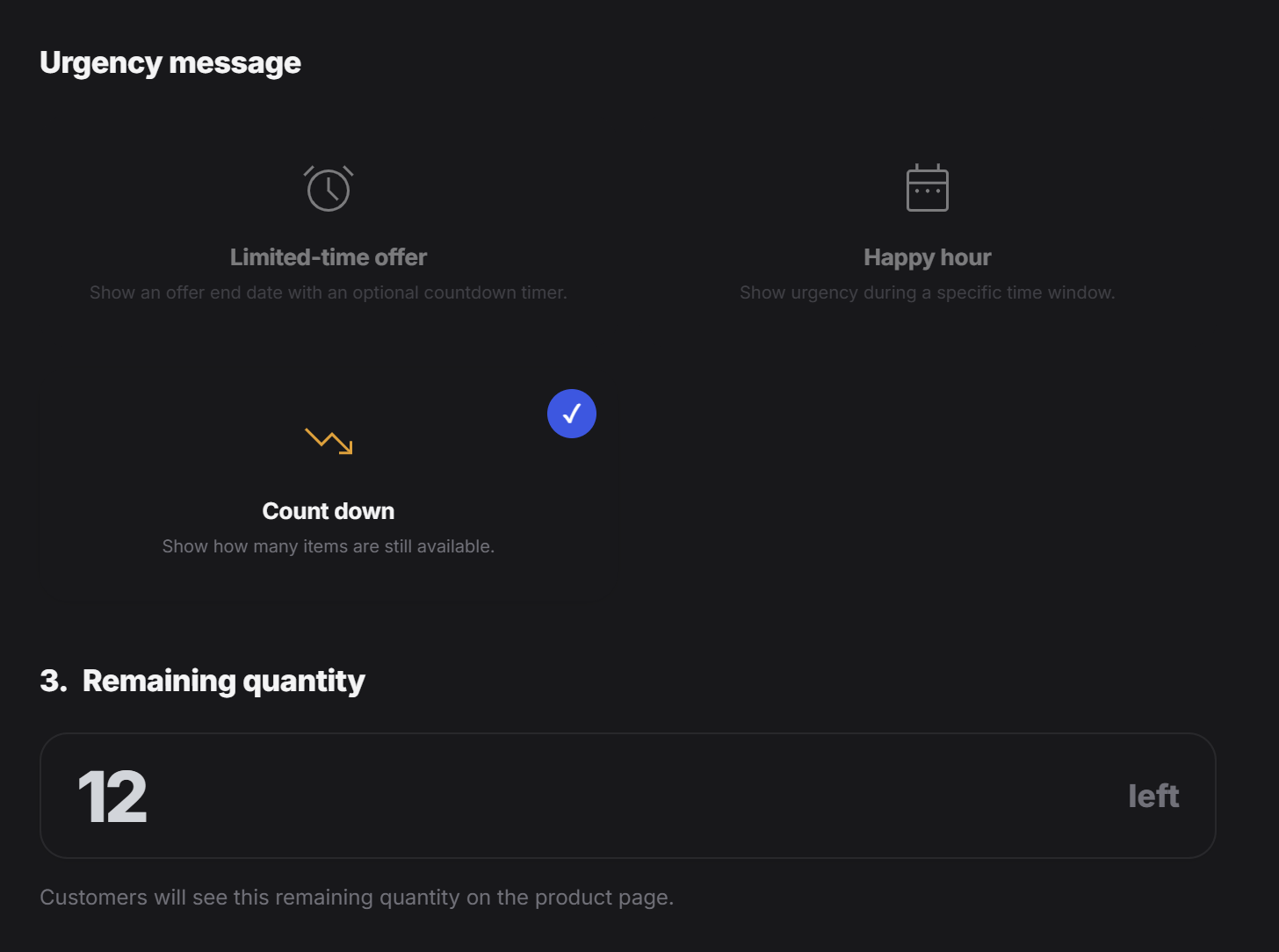
FOMO status
Turn on Show urgency message when you want the tag to display urgency cues. If this is off, the FOMO setup stays hidden from customers.Urgency message types
PeekTag currently supports three urgency styles:- Limited-time offer
- Happy hour
- Count down
Limited-time offer
Use Limited-time offer when the offer should end at a specific date and time.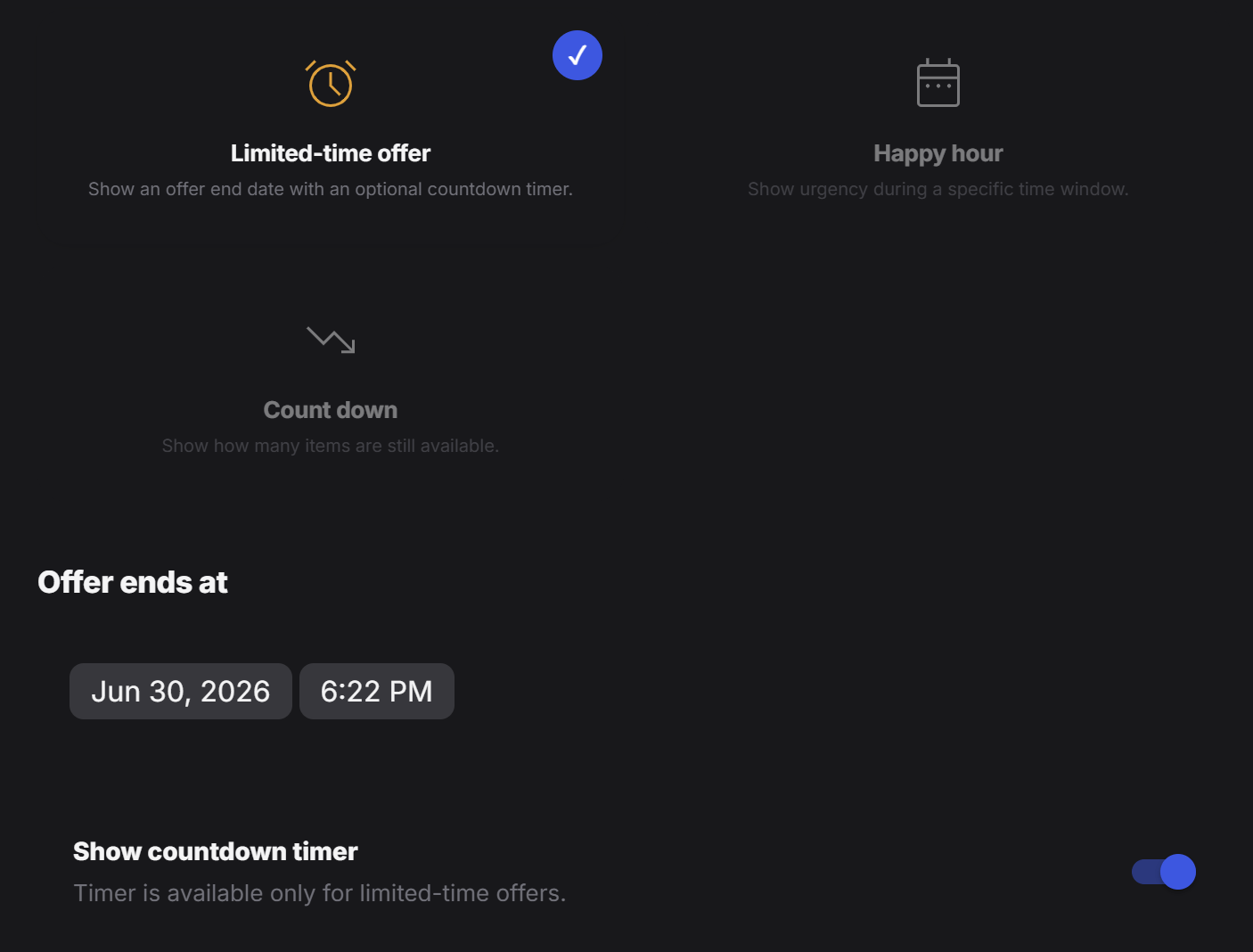
- a weekend restaurant deal
- a one-day product promotion
- a launch discount that ends tonight
- a booking offer that expires before a certain date
Happy hour
Use Happy hour when the offer is active during a specific time window instead of one single deadline.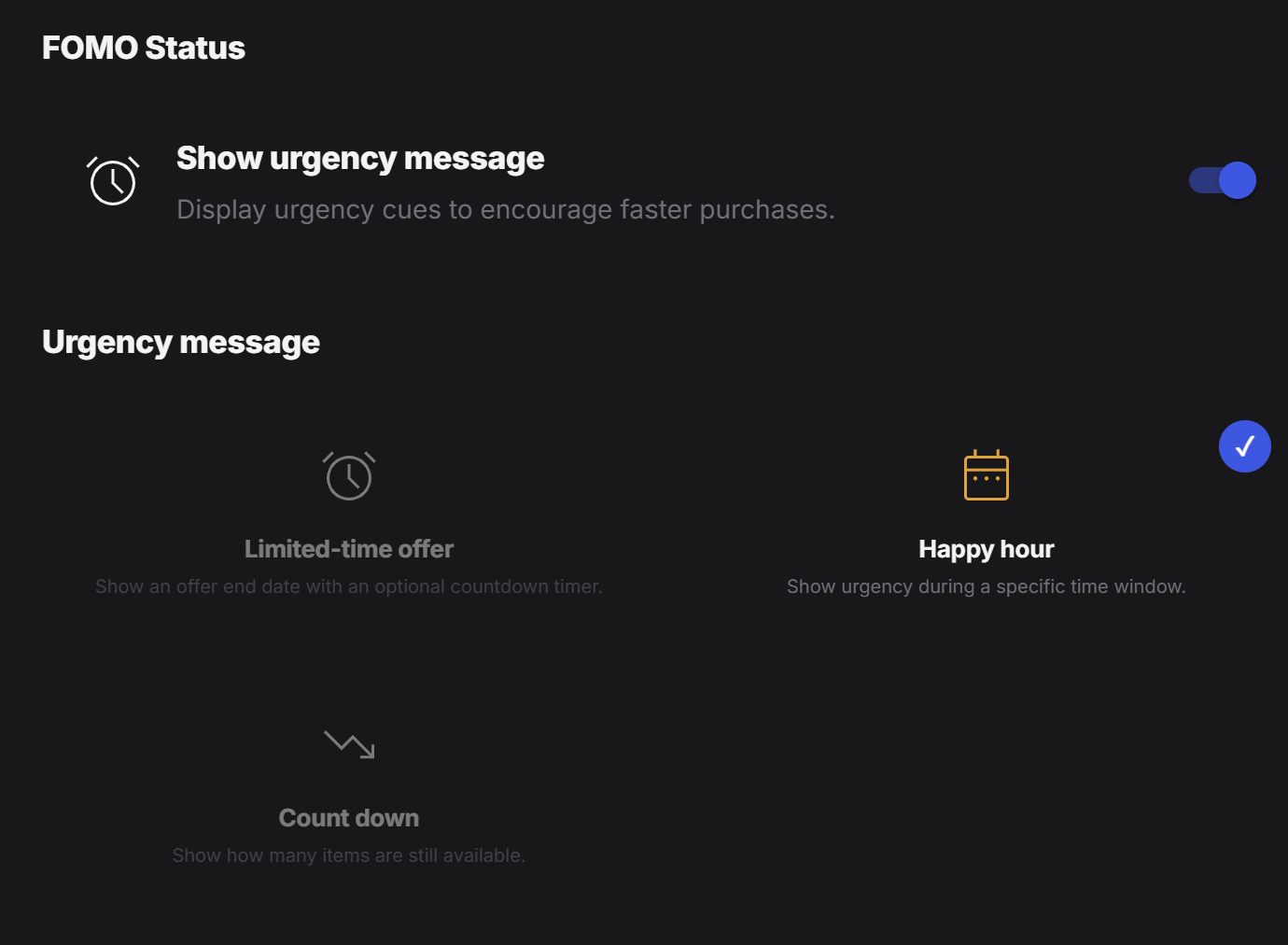
Include date range
Turn this on when the happy hour should only run between specific start and end dates.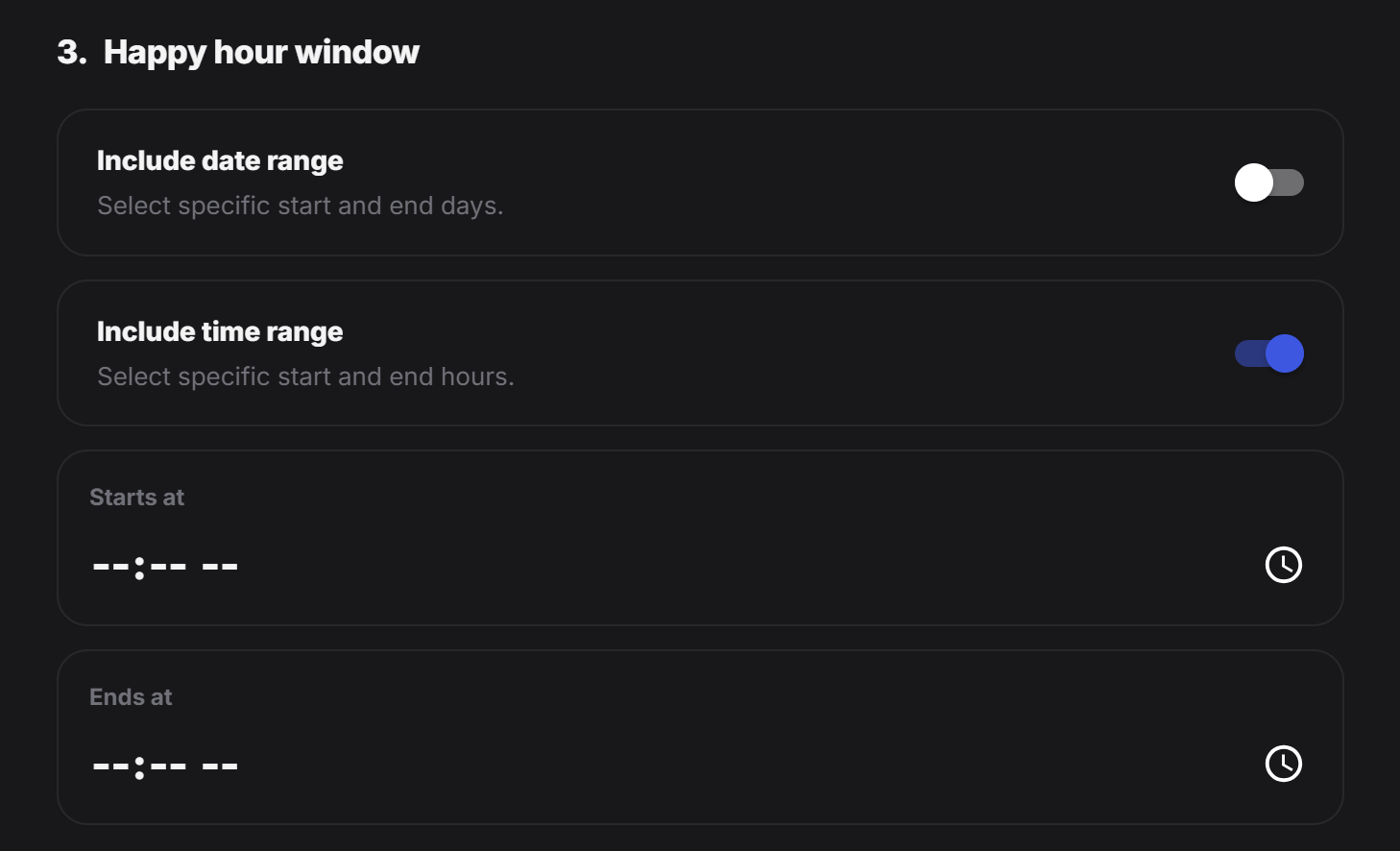
- only during a holiday week
- only for a weekend event
- only during a 3-day campaign
Include time range
Turn this on when the happy hour should only run during certain hours of the day. Example:- every day from
4:00 PMto6:00 PM - lunch deal from
12:00 PMto2:00 PM - late-night menu from
9:00 PMto11:00 PM
Starts at
This is the start time of the happy hour window.Ends at
This is the end time of the happy hour window. Happy hour is a good fit for:- restaurant drink specials
- afternoon coffee promotions
- salon booking discounts during quiet hours
- store offers that should only appear during a daily campaign window
Count down
Use Count down when the urgency should be based on remaining quantity instead of time. In this mode, customers see how many items, slots, or units are still left. This works well when scarcity matters more than a clock. Examples:12 leftfor a limited product drop5 seats leftfor an event or class3 tables leftfor a booking window8 portions leftfor a special menu item