

Option 1: Pick the location on the map
In the first tab, the designer can place the physical address directly on the map.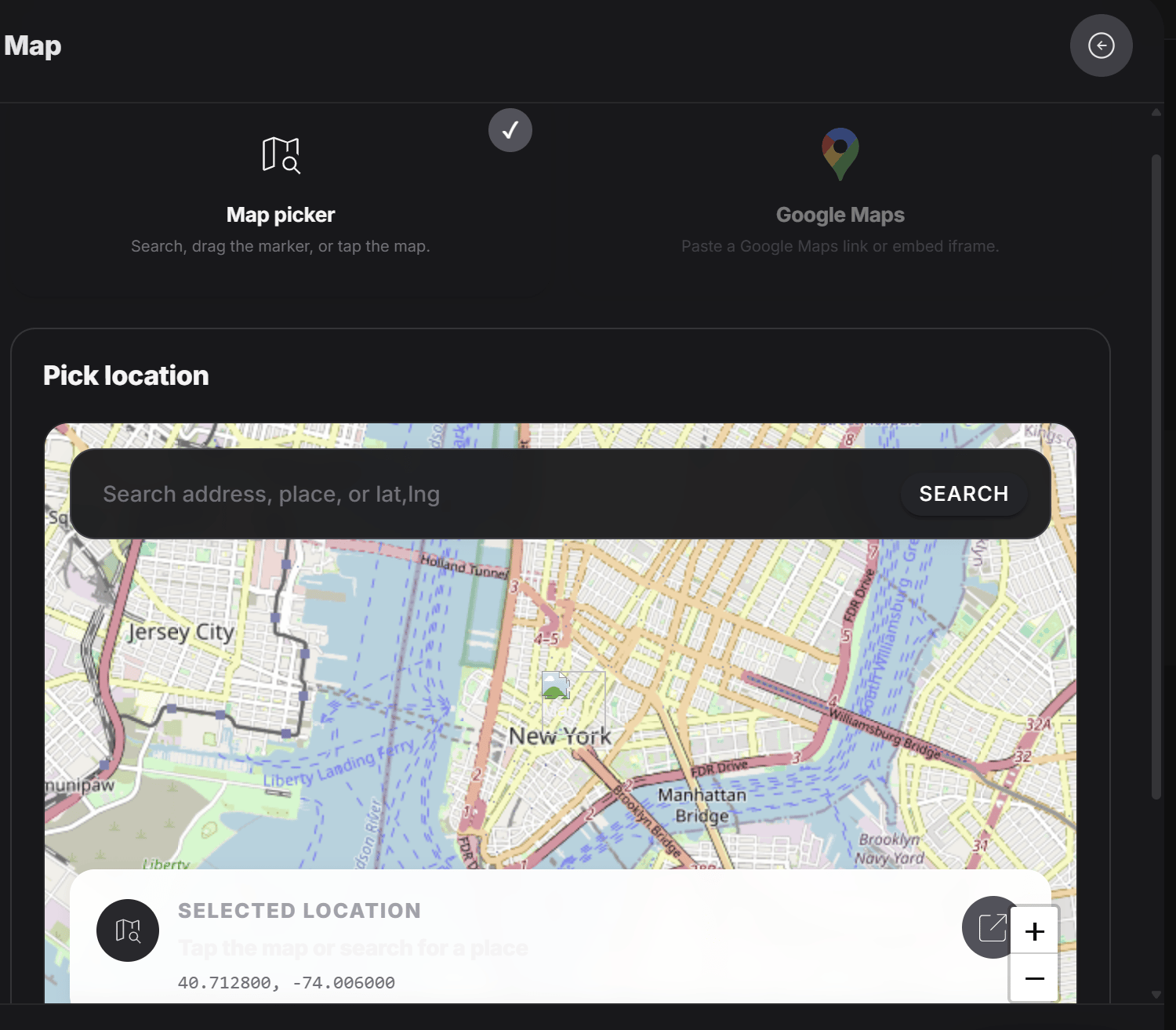
- Search for an address or place
- Drag the marker
- Tap the map to set the point
Option 2: Add Google Maps link
In the second tab, the designer can paste the Google Maps address or embed link for the tag.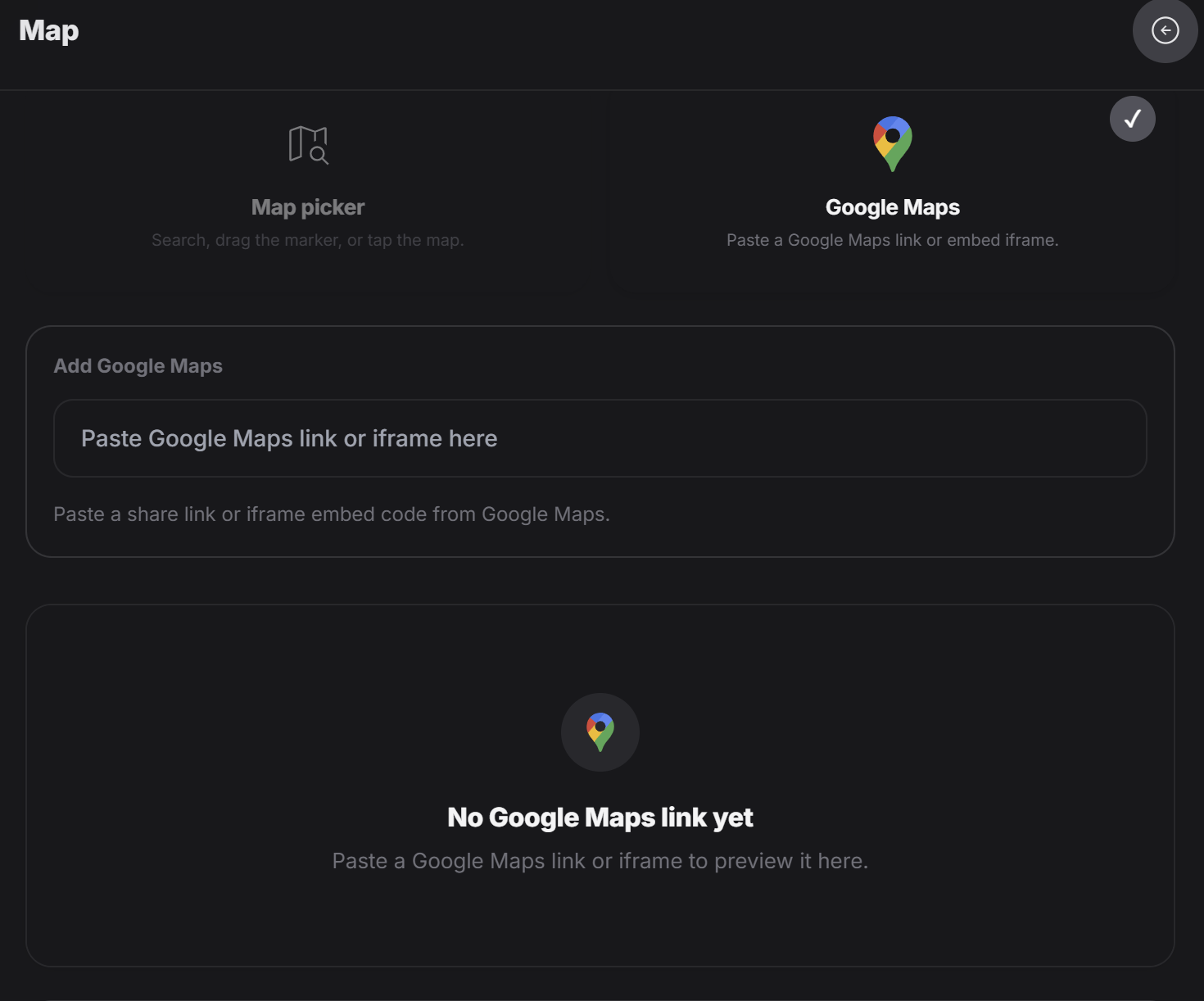
Why this is useful
This form helps when the experience should point people to a real place. For example:- A restaurant location
- A salon address
- A showroom
- A pickup location
- A business branch
- A venue for an event
Use the map picker when you want to manually choose the exact spot. Use the Google Maps tab when you already have the map link and want to preview it before saving.