

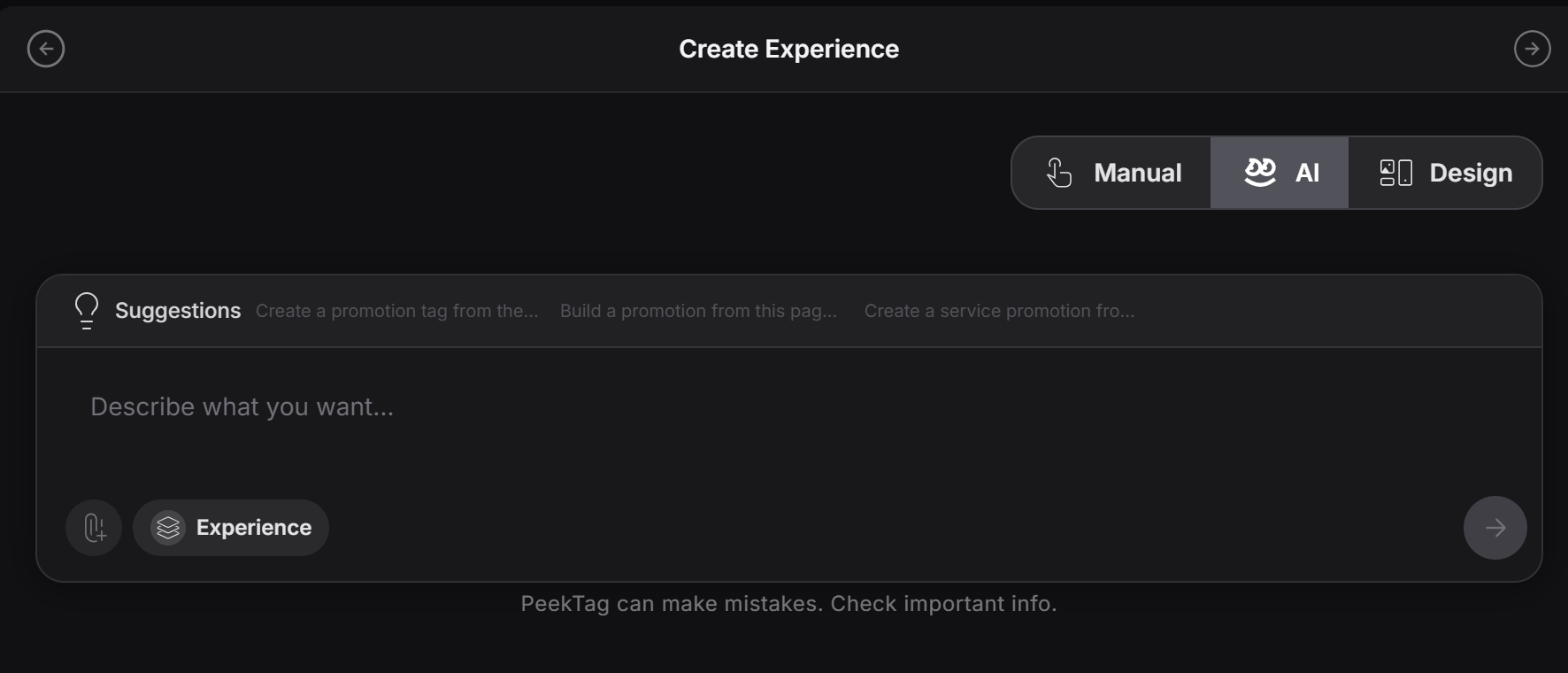
What this is good for
This mode is usually recommended when you need a wide update that affects many parts of the experience. For example:- Add a 10% discount to all items in the full menu
- Mark one item as sold out everywhere it appears
- Change the tone of the whole experience
- Update many descriptions at once
- Refresh a full promotion quickly
How it works
The designer writes a prompt that explains what should change. A simple prompt can be:When designers usually use it
Designers often use Full AI Refinement when:- They need a global update
- They want to avoid editing field by field
- They are testing different versions quickly
- They want to make a broad content change from one instruction
Important warning about cost
Use it when the speed and scale of the update matter more than making a small low-cost edit. If the change is only for one field or one small section, it is usually better to use manual editing or a smaller refinement path instead.Think of Full AI Refinement as the “big update” tool. It is best for broad changes, fast revisions, and high-level instructions that affect the whole experience.