

Common examples
The Items form works well for everyday cases like:- Adding descriptions for products on one shelf together with each product image
- Creating a list of featured menu items with photos
- Showing several services with a short explanation and image for each one
- Building a row of promotions where every card has text and a picture
- Adding multiple highlighted items in one section of the experience
Why this form is useful
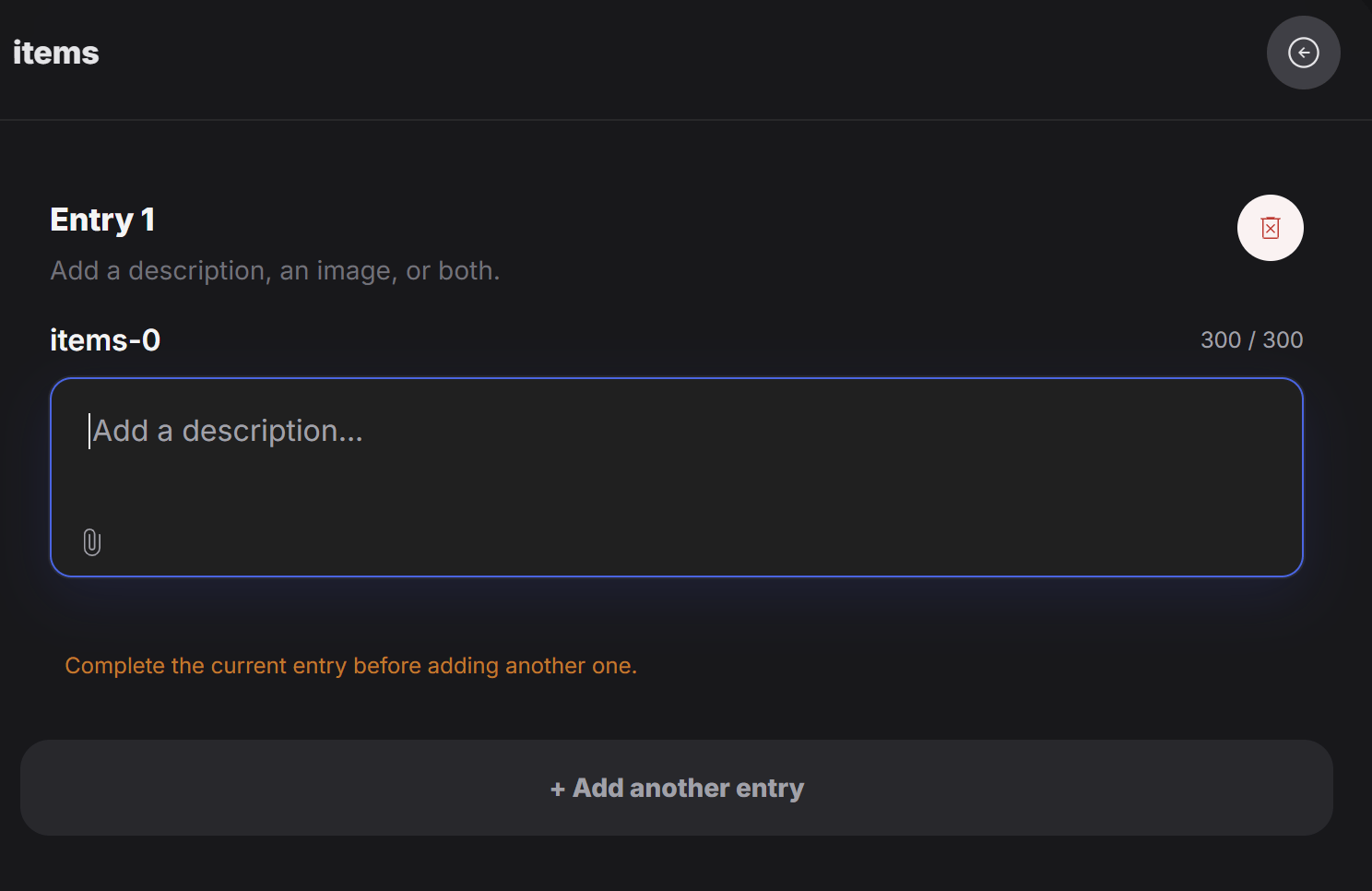
Use this form when one item is not enough and you need several entries with the same structure. For example, if you want to explain a few items in a shelf, and each one should have its own text and image, Items is the right choice. This makes it easier to manage repeatable content without creating each block in a separate form.Think of Items as a repeatable version of Item. Instead of one text-and-image block, you can create many of them in the same place.