

- A product page
- A booking page
- A checkout page
- A campaign page
- A partner or affiliate link
- Any other external or internal destination
What the designer sets here
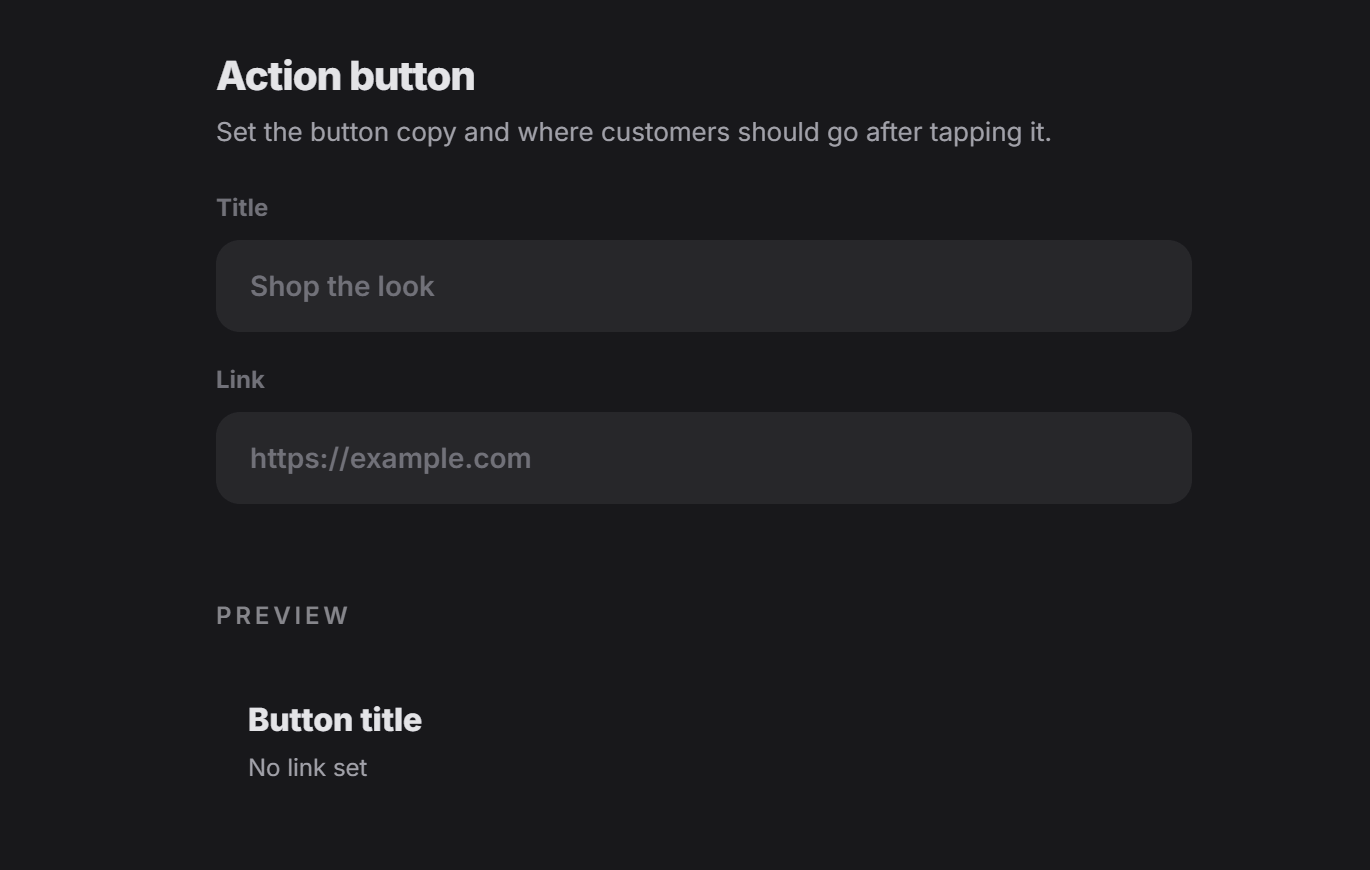
In this form, the designer usually defines:- The visible button title
- The link the user should open after clicking
- Shop now
- View product
- Book now
- See offer
- Continue to checkout
A common use case: affiliate marketing
One of the most common uses for this button is affiliate marketing. In that case, the designer can place the tag owner’s affiliate ID inside the action link. That means when the user clicks the button, they are redirected to the main target page through the owner’s affiliate link. This is useful when the tag is helping drive traffic, sales, or conversions to a partner or merchant page.Why this matters
The Action Button is often the final step that moves the customer from browsing to action. So even though it looks simple, it can be one of the most important parts of the experience.Think of this form as the bridge between the experience and the next action you want the customer to take.