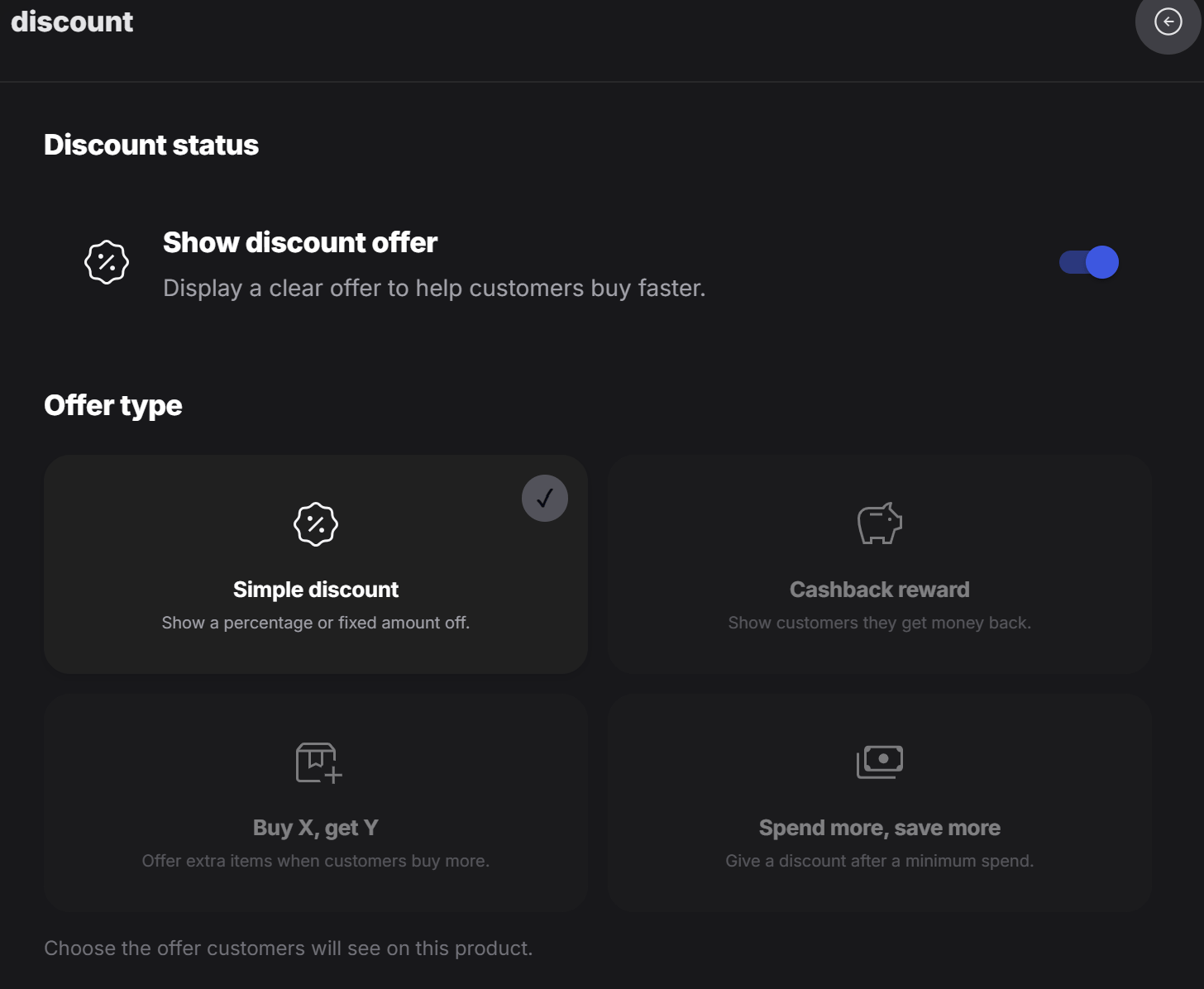
Discount status
Turn on Show discount offer when you want the promotion to appear on the tag. If this is off, the discount setup stays hidden from customers.Offer type
PeekTag supports four discount models. Designers can choose the model that matches the offer they want to create.Simple discount
Use Simple discount for a direct price reduction. This is the easiest offer for customers to understand. The discount can be set as:- Percentage, such as
20% off - Fixed amount, such as
50 DKK off
Cashback reward
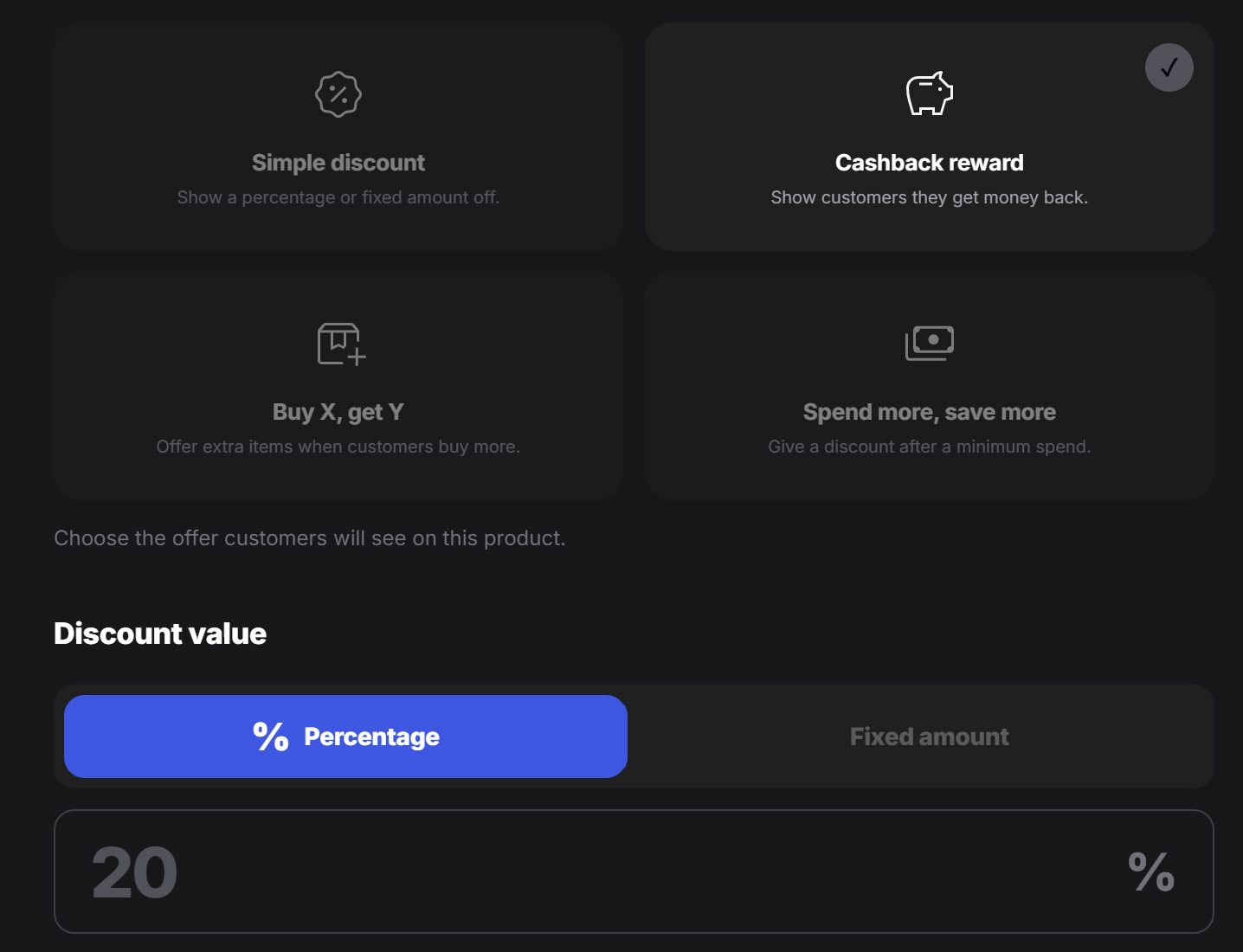
Use Cashback reward when the customer should receive value back after the purchase. Cashback can also be configured as:- Percentage, such as
10% cashback - Fixed amount, such as
25 DKK back
Buy X, get Y
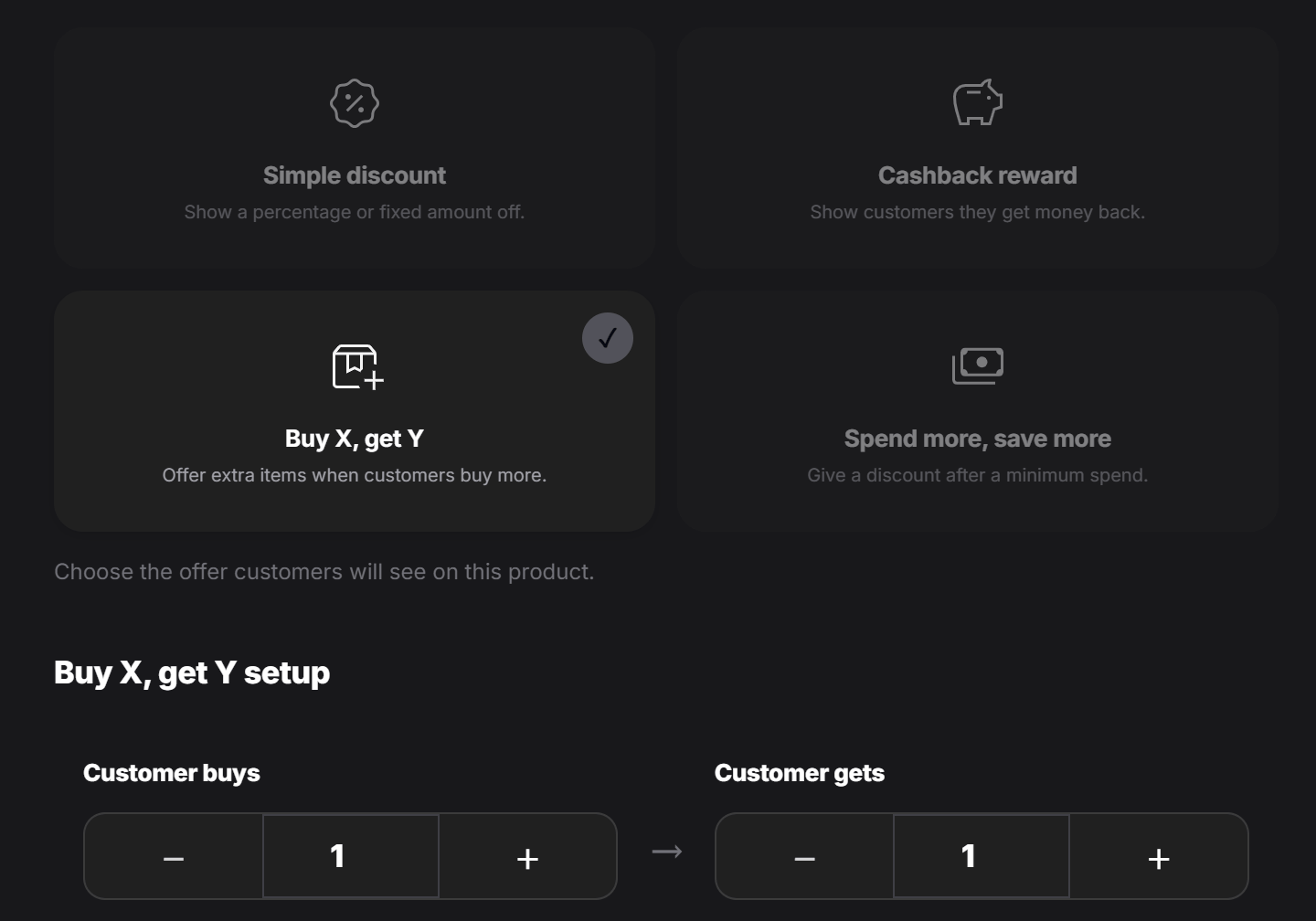
Use Buy X, get Y for quantity-based offers. The customer buys a certain number of items and receives extra items as part of the offer. For example:- Buy 1, get 1
- Buy 2, get 1
- Buy 3, get 2
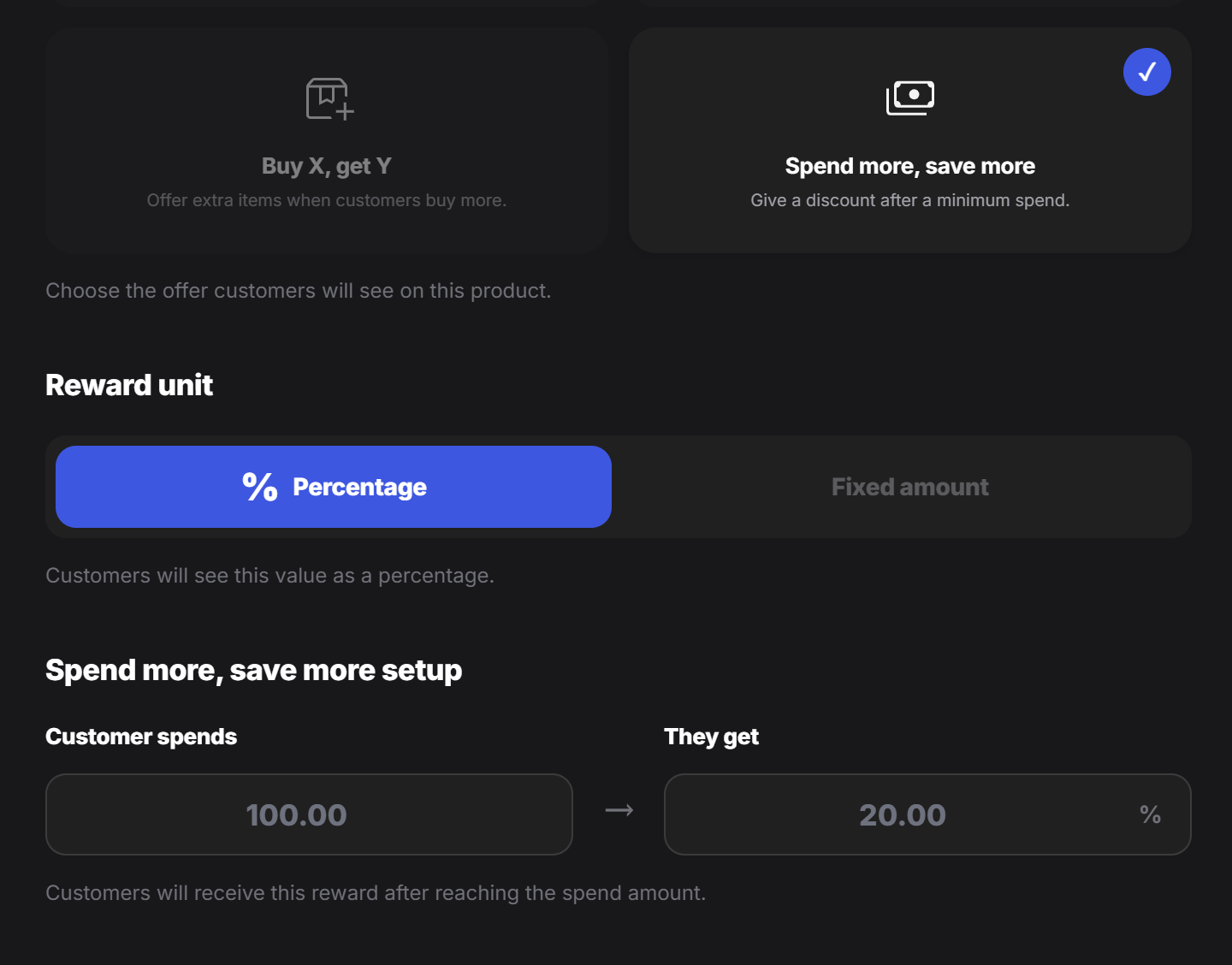
Spend more, save more
Use Spend more, save more when the customer should receive a reward after reaching a minimum spend amount. For example:- Spend
100 DKKand get20% off - Spend
200 DKKand get30 DKK off
- Percentage
- Fixed amount
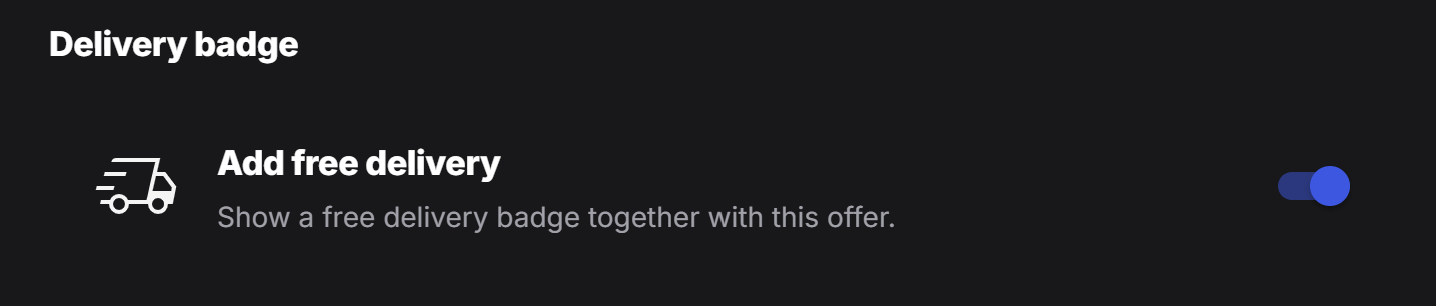
Free delivery
Designers can also enable Add free delivery for the tag. When this option is active, the tag shows a free delivery badge together with the offer. Use this when delivery is part of the promotion and customers should notice it before they place an order.