

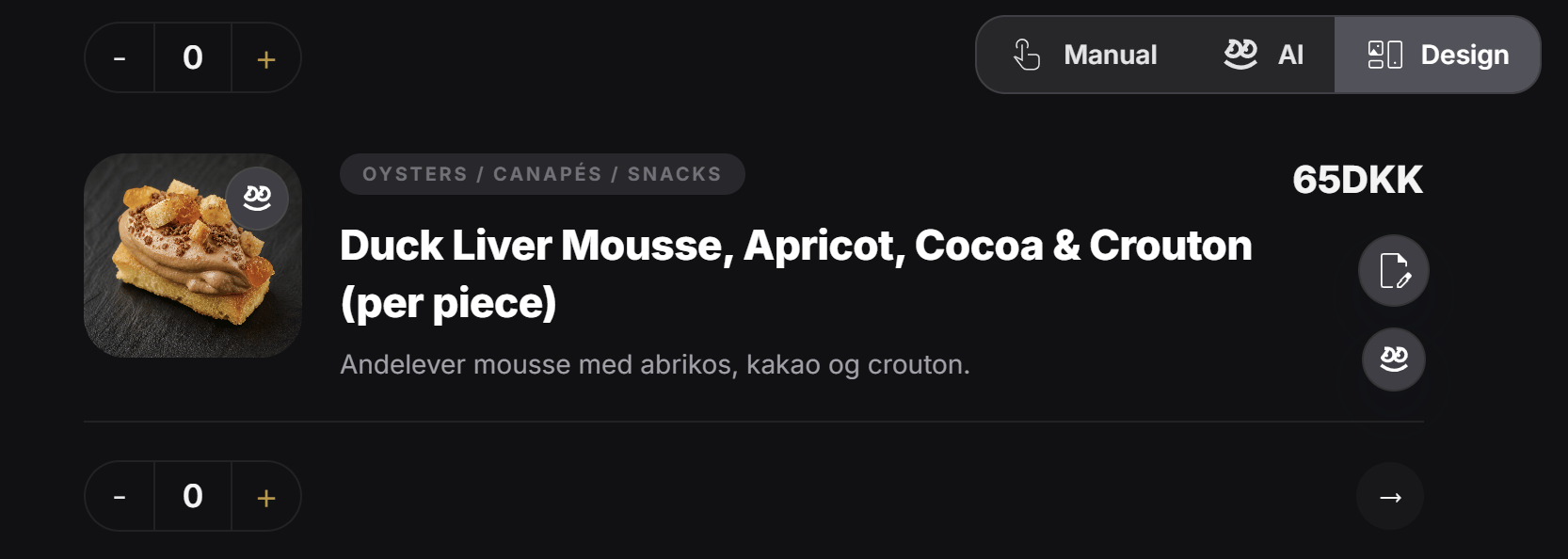
Why people use this mode
Use Partial Refinement when only one section or one item needs to change. For example:- Update one product description
- Change one menu item price
- Edit one CTA
- Replace one image
- Improve one short paragraph
- Adjust one offer without touching the rest of the experience
Manual and AI both work here
This mode supports both manual editing and AI editing. The designer can switch between:ManualAIDesign
Manual update
In manual mode, the designer can click the edit icon on the exact part they want to update.
AI update for one area
In AI mode, the designer can click the AI update icon on the part they want to improve.
Why this is efficient
Partial Refinement is often the best balance between control and speed. You can:- Edit by hand when you want exact control
- Use AI when you want faster rewriting or improvement
- Keep costs lower than a full AI refinement when only one region needs work
- Avoid changing parts of the experience that are already correct
Use Partial Refinement when the experience is mostly good and you only need to improve specific parts. It is one of the most practical day-to-day editing modes for designers and tag owners.