

Stripe payments setup is currently shown as early access in PeekTag. Some payment features may still depend on the account, country, business type, and enabled Stripe capabilities.
What Stripe is used for
Stripe is used when the business wants to collect money through a PeekTag experience. Common examples include:- paid orders
- paid bookings
- product checkout
- service deposits
- paid reservations
- premium offers or campaigns
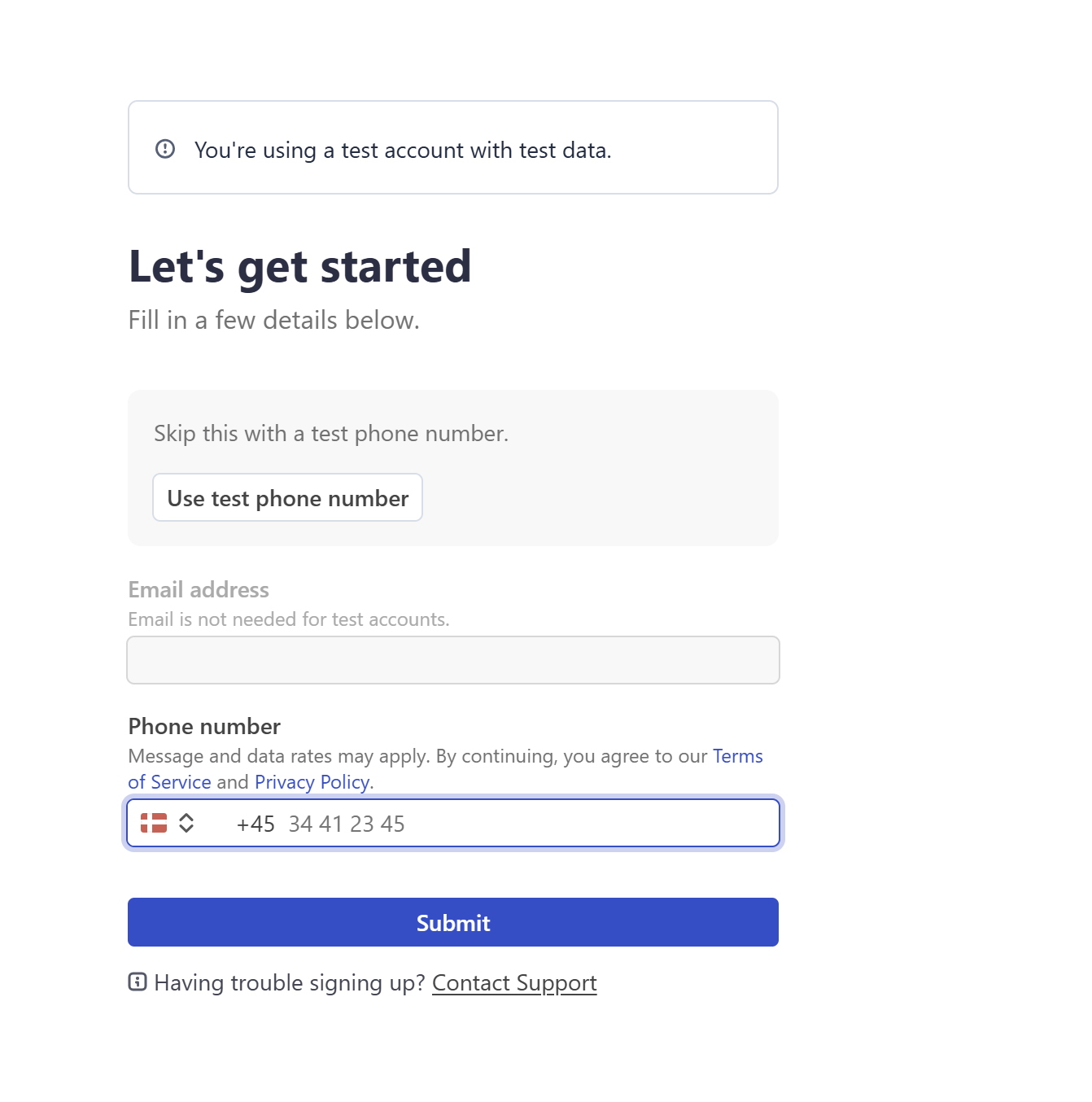
Connect your Stripe account
After the account is connected
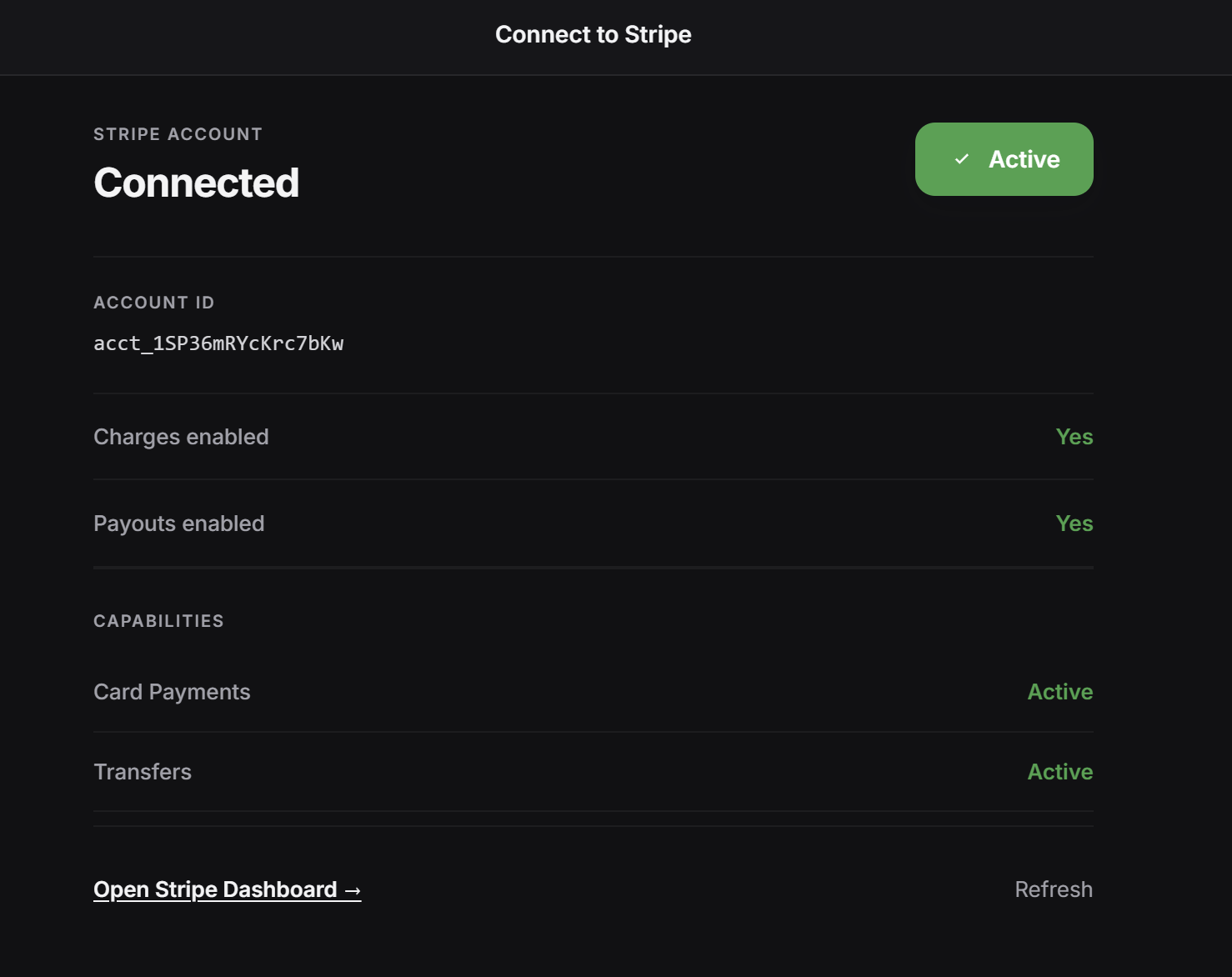
After Stripe is connected, PeekTag shows the connected account status. The Stripe status page can show information such as:- Account ID: the Stripe connected account ID
- Charges enabled: whether the account can accept payments
- Payouts enabled: whether Stripe can send money to the account owner
- Card Payments: whether card payment capability is active
- Transfers: whether money can be transferred to the connected account
What the status means
Open Stripe Dashboard
After connection, the owner can open the Stripe Dashboard from PeekTag. Use the Stripe Dashboard to review payment activity, account requirements, payout settings, verification status, and other Stripe account details. If the account status looks wrong, click Refresh in PeekTag after completing updates in Stripe.When to set it up
Connect Stripe before publishing any experience that accepts online payments. This is especially important for experiences that use:- Stripe checkout
- paid ordering
- paid booking
- deposits
- card-based customer payments