

- Hair style
- Beard style
- Hair color
- Or another related grooming use case
Why this matters
Choosing the exact type helps PeekTag tune the experience properly. That means the system can activate agents, previews, and interactive features that match that specific use case. For example, if the experience is specifically about hair styling:- A more specialized agent can give better answers to the user
- The try-on generator can create a more accurate image
- The experience logic can feel more relevant to that business type
How designers use it
The designer can search, filter, and choose the type that best matches the business.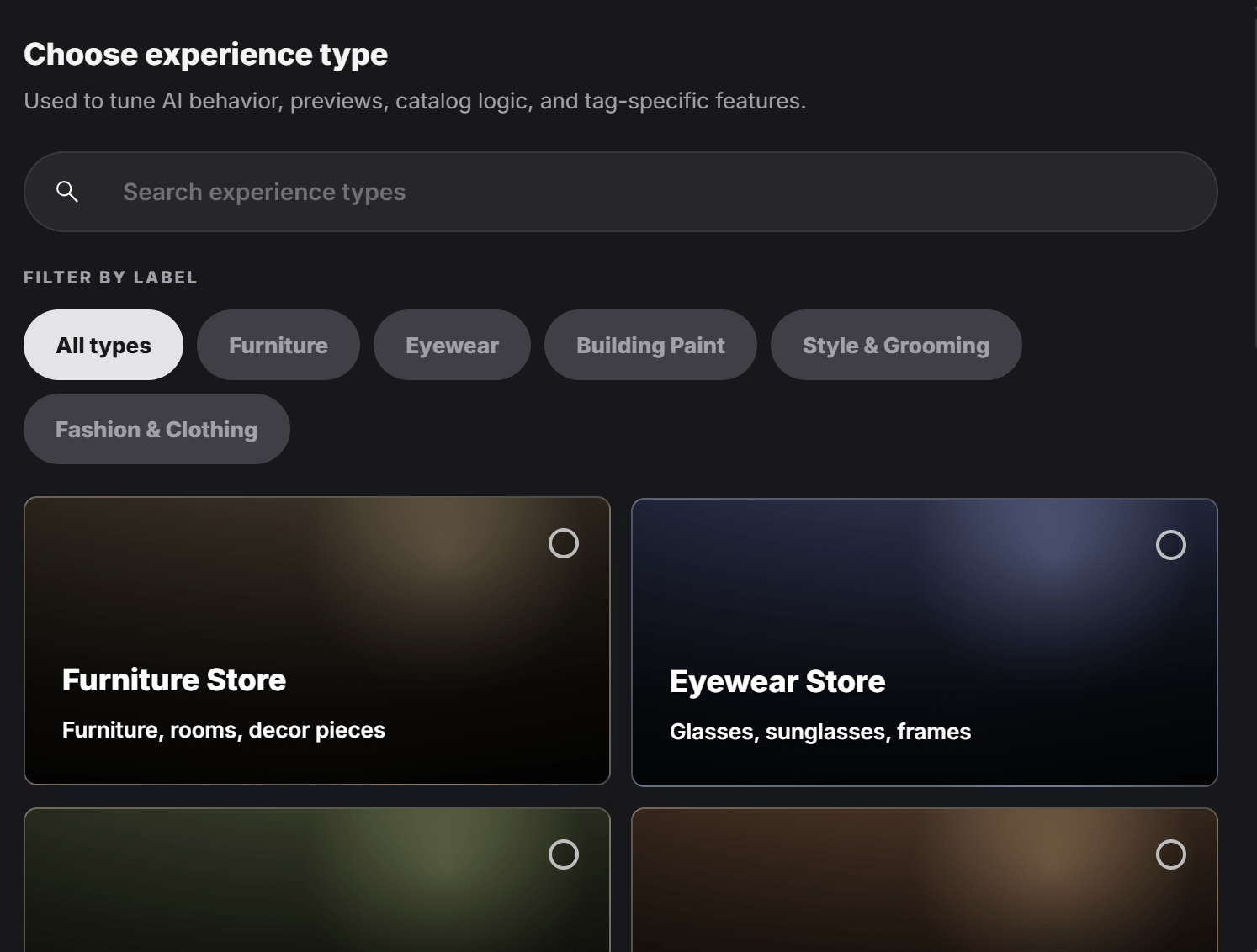
Simple way to think about it
Think of Experience Type as the setting that tells PeekTag:The more accurate the selected experience type is, the more relevant the AI behavior, previews, and interactive tools usually become.