

Create a poster with a prompt
The designer can describe what kind of poster they want. The text should match the business and the style of the experience. For example, for a restaurant, the designer can ask for a poster that feels premium, modern, cozy, seasonal, casual, luxury, or family-friendly.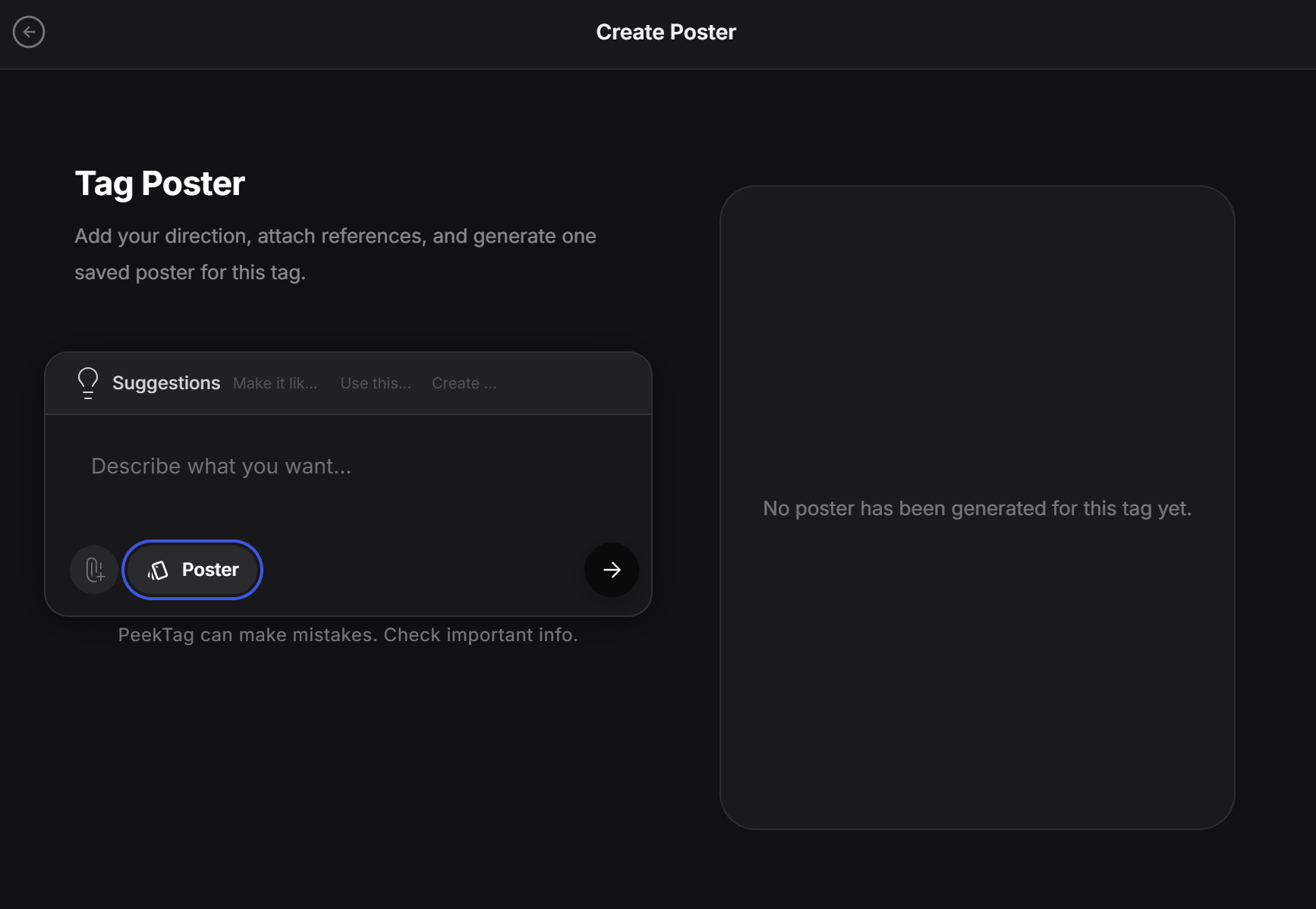
The prompt does not need to be technical. Write what the poster should feel like, what it should show, and what kind of customer it should attract.
Use the Poster pill
Click the Poster pill to open poster options. In this panel, the designer can decide whether the generated poster should include brand details.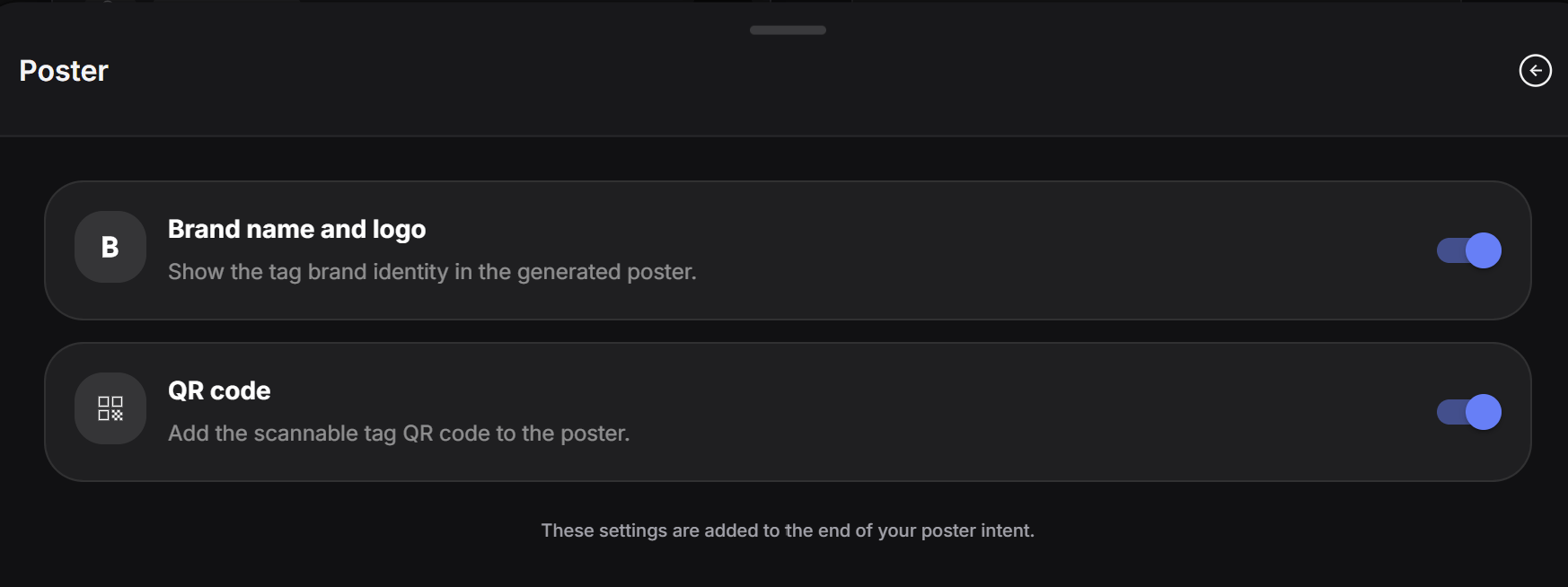
- Brand name and logo: adds the tag brand identity to the generated poster.
- QR code: adds a scannable QR code that opens the main tag page.
Review the final poster
After generation, the final poster appears on the right side of the screen.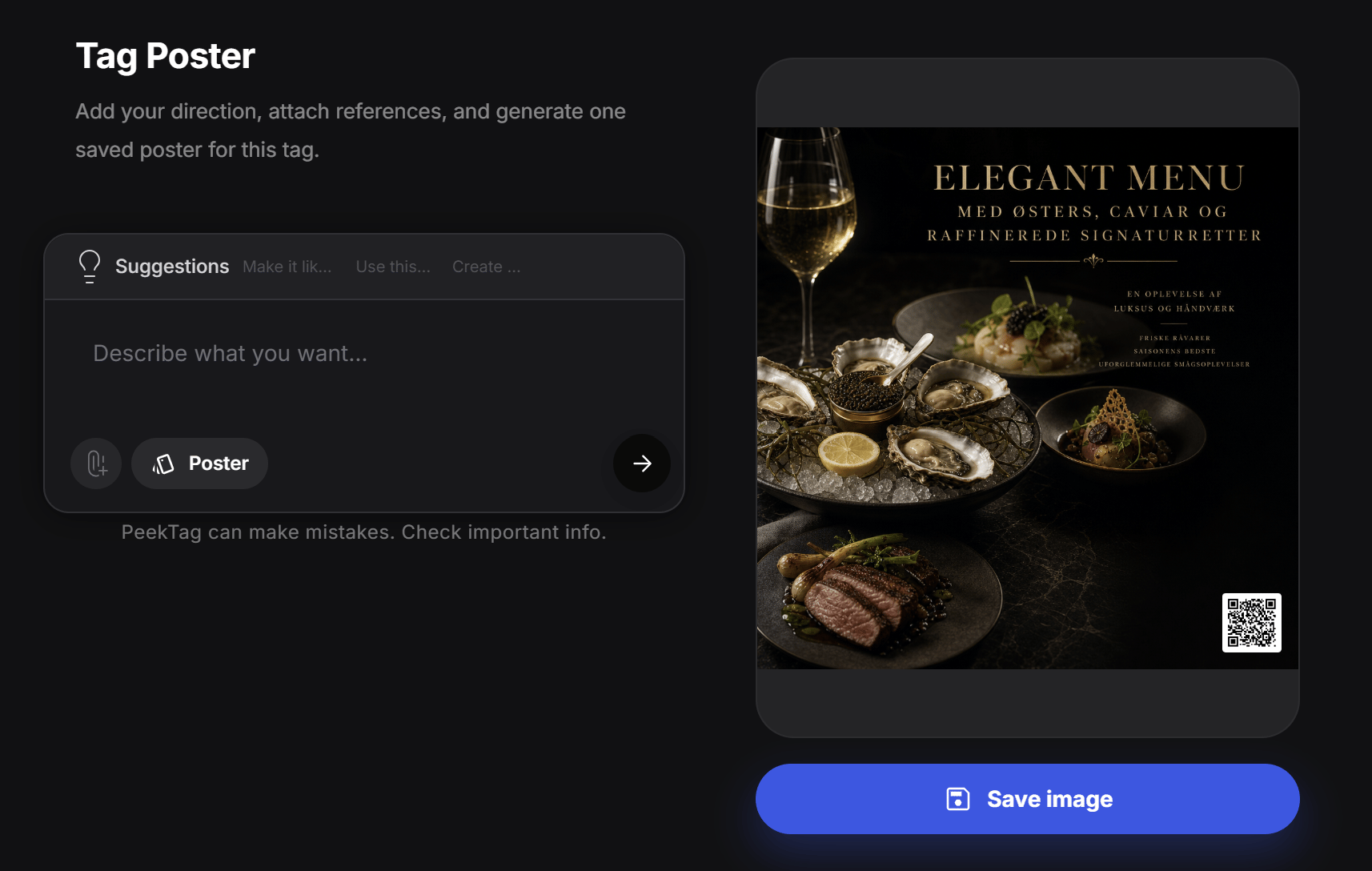
- The image matches the brand style
- The text is readable
- The poster looks good on mobile and desktop
- The QR code is visible
- The poster does not include wrong or unwanted details