

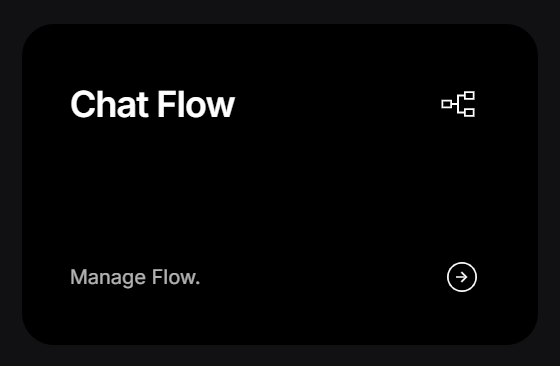
Screenshot 2026 07 02 091414
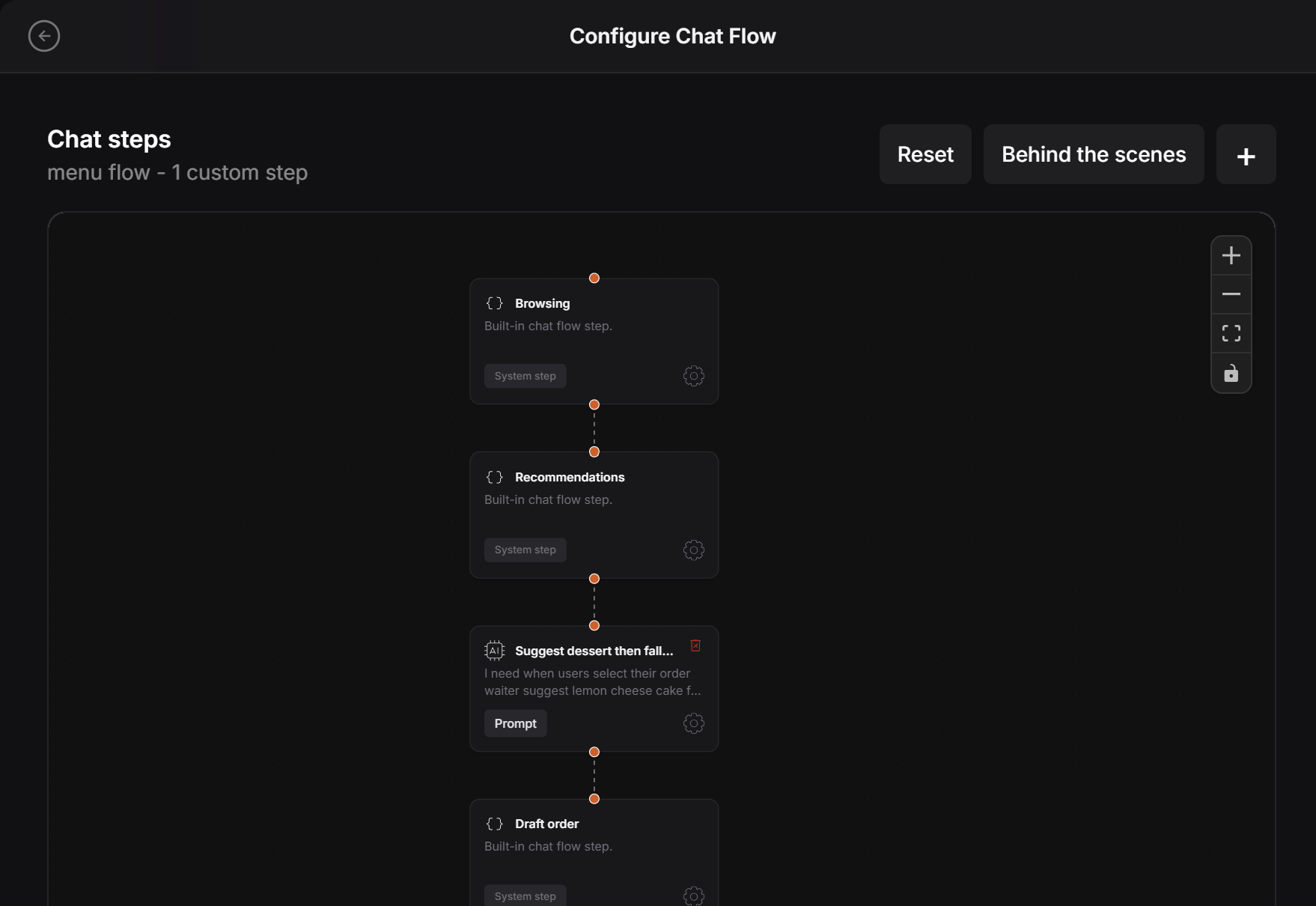
Conversation Flow is where the designer controls the path of the chat. The flow already has some default steps, but the designer can add a custom step between those steps when the agent needs to do something specific.

Add a custom step

Click the plus button to add a new chat step.
Screenshot 2026 06 28 134722
Use this when you want the agent to follow a special rule during the conversation. For example, in a restaurant experience, the designer can tell the agent:
This means the agent can guide the customer in a more helpful way instead of only answering general questions.

Use the plus button

The plus button opens the form for creating a new step.

Plus button for adding a chat step
A custom step can be placed between the existing flow steps. For example, it can sit between Recommendations and Draft order if the agent should suggest something before the order is finalized.

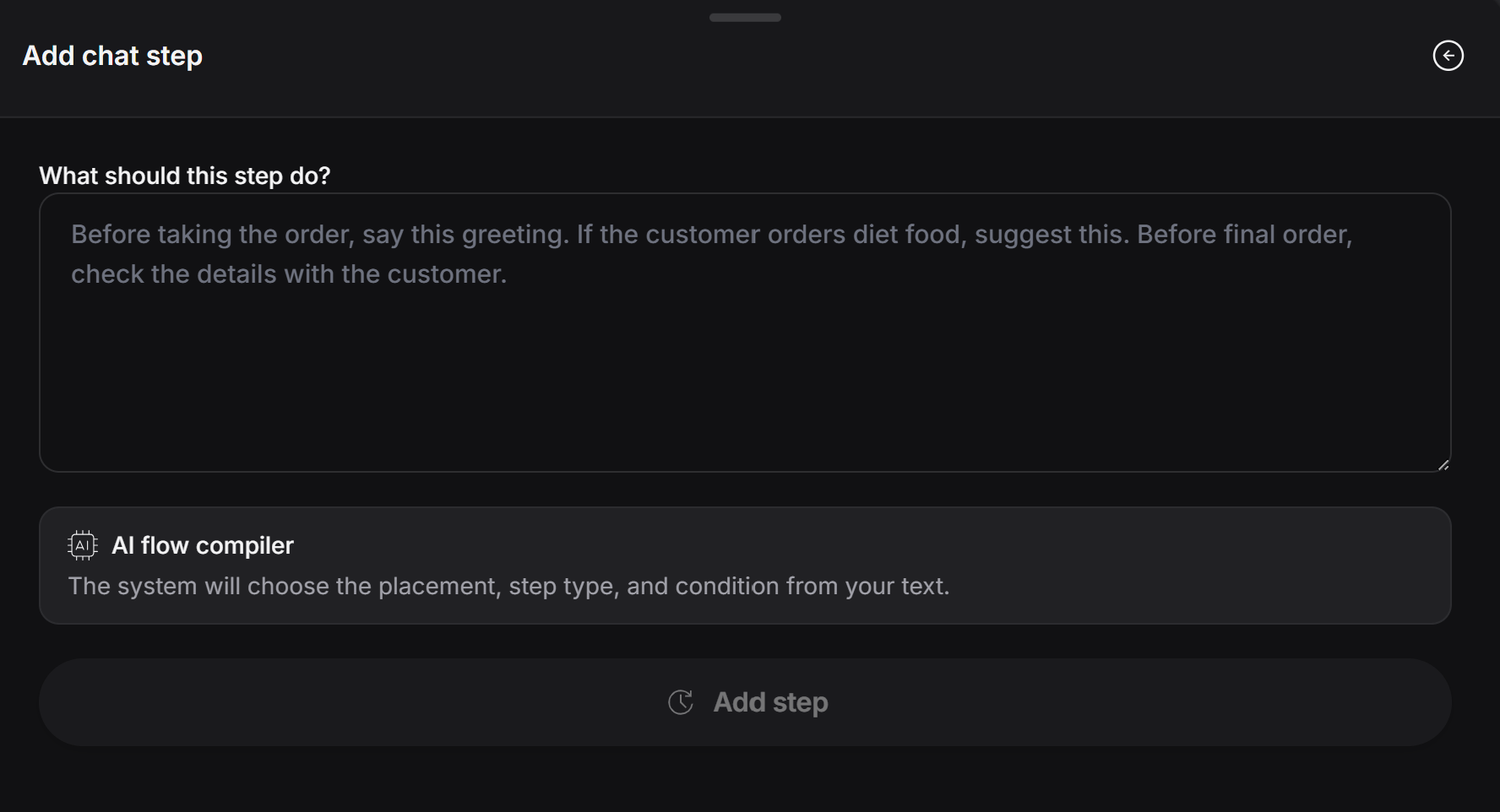
Write what the agent should do

In the step box, write the instruction in normal language. The designer does not need to write code.
Screenshot 2026 06 28 134738 1
PeekTag uses the instruction to decide:
  • Where the step should fit in the flow
  • What type of step it should be
  • What condition should trigger it
  • What the agent should say or suggest

Example

A good custom step can be simple and direct:
Keep each custom step focused on one job. If you need the agent to do several different things, create separate steps so the flow stays easy to manage.