

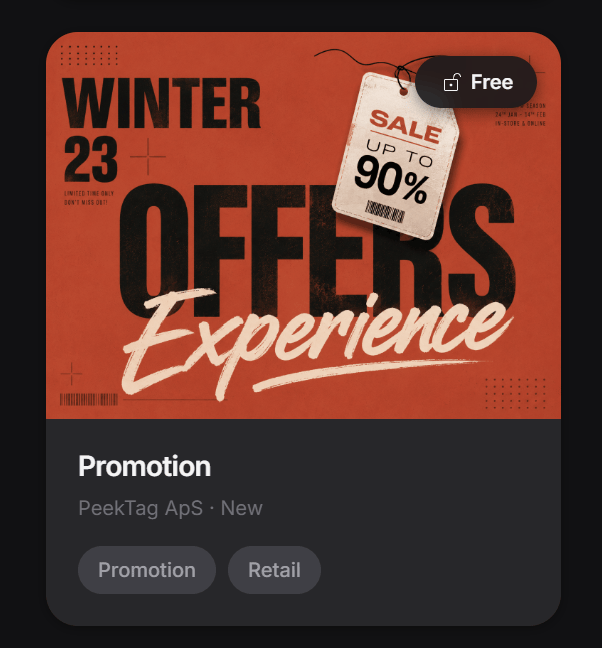
Promotion Experience
A Promotion Experience is for highlighting one specific offer in a simple, clear, and attractive way.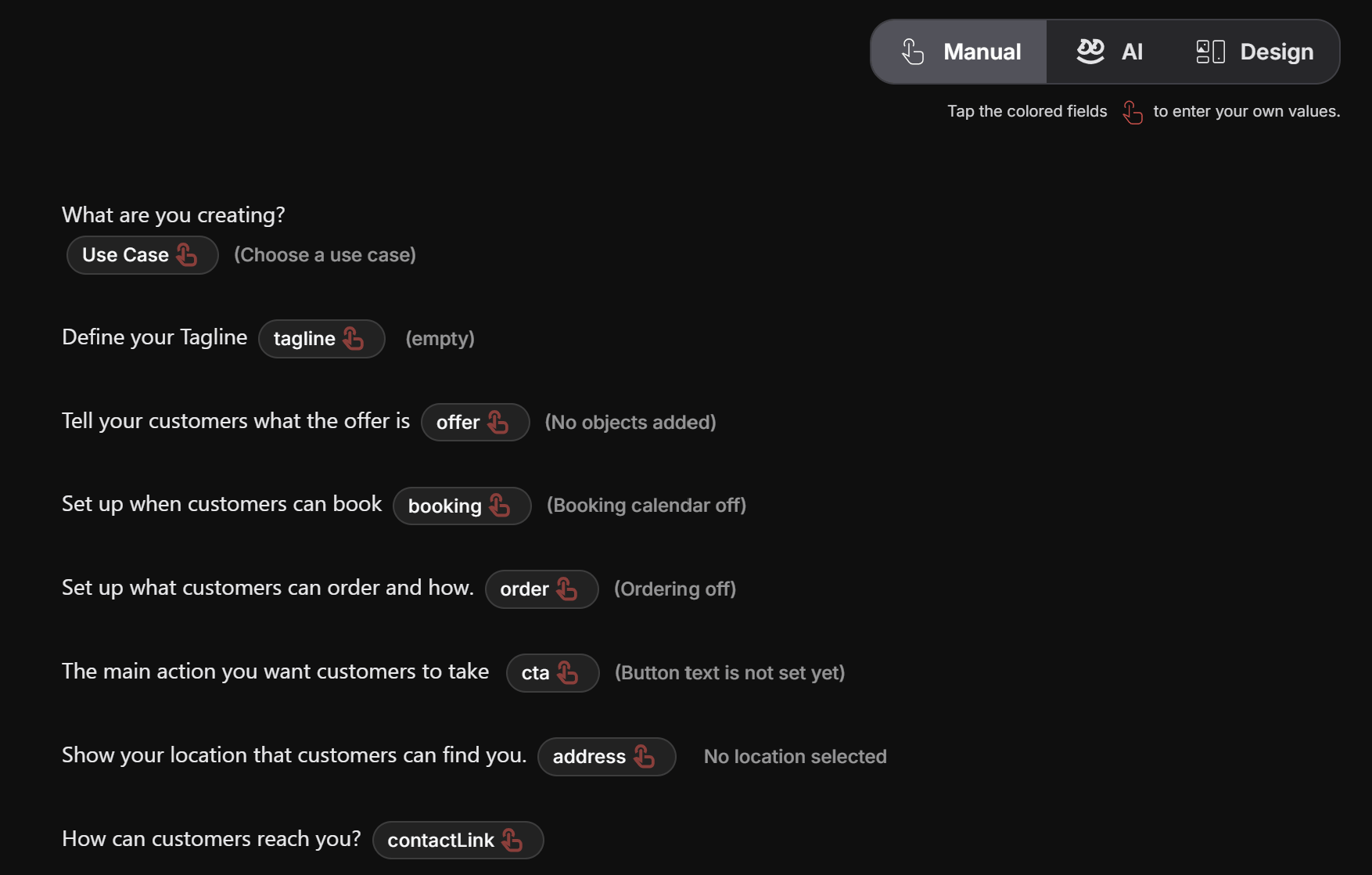
Add screenshot: Promotion card overview
Add screenshot: Promotion about and features
Start with the use case
The first step is choosing the closest use case for what you want to promote.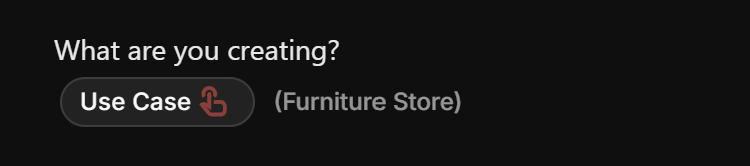
Write a short tagline
The tagline is the quick attention-grabber.
- Weekend Sale
- Free Dessert
- Glow Facial
- Summer Offer
- 20% Off
Add the main offer
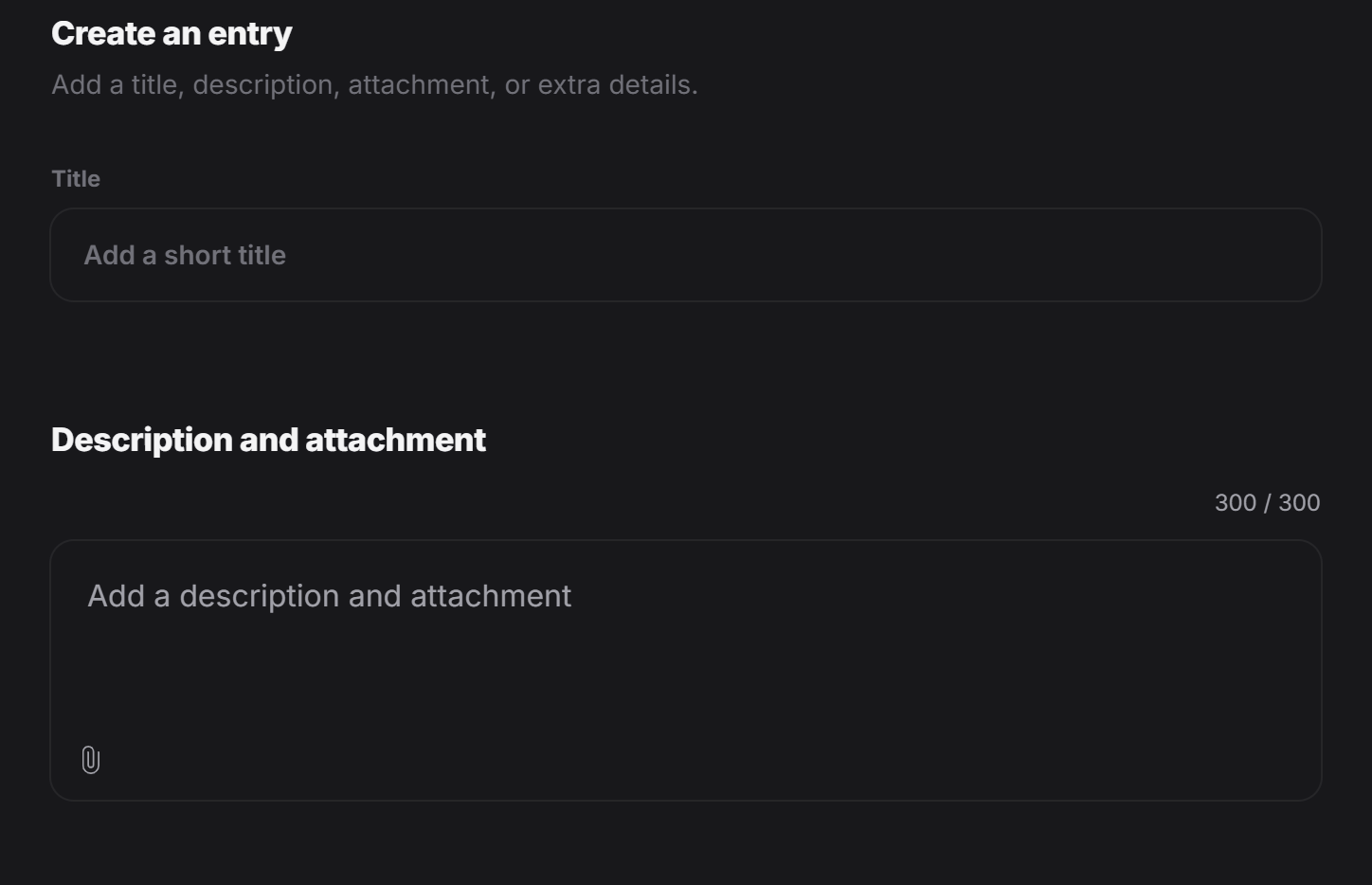
In theoffer section, the designer adds the main thing being promoted.

- the product or service title
- a short description
- one or more images
Add screenshot: Manual mode with use case, tagline, offer, booking, order, cta, address, and contact fields
Add screenshot: Create an entry modal
Add custom details
After the main offer is added, you can add extra details.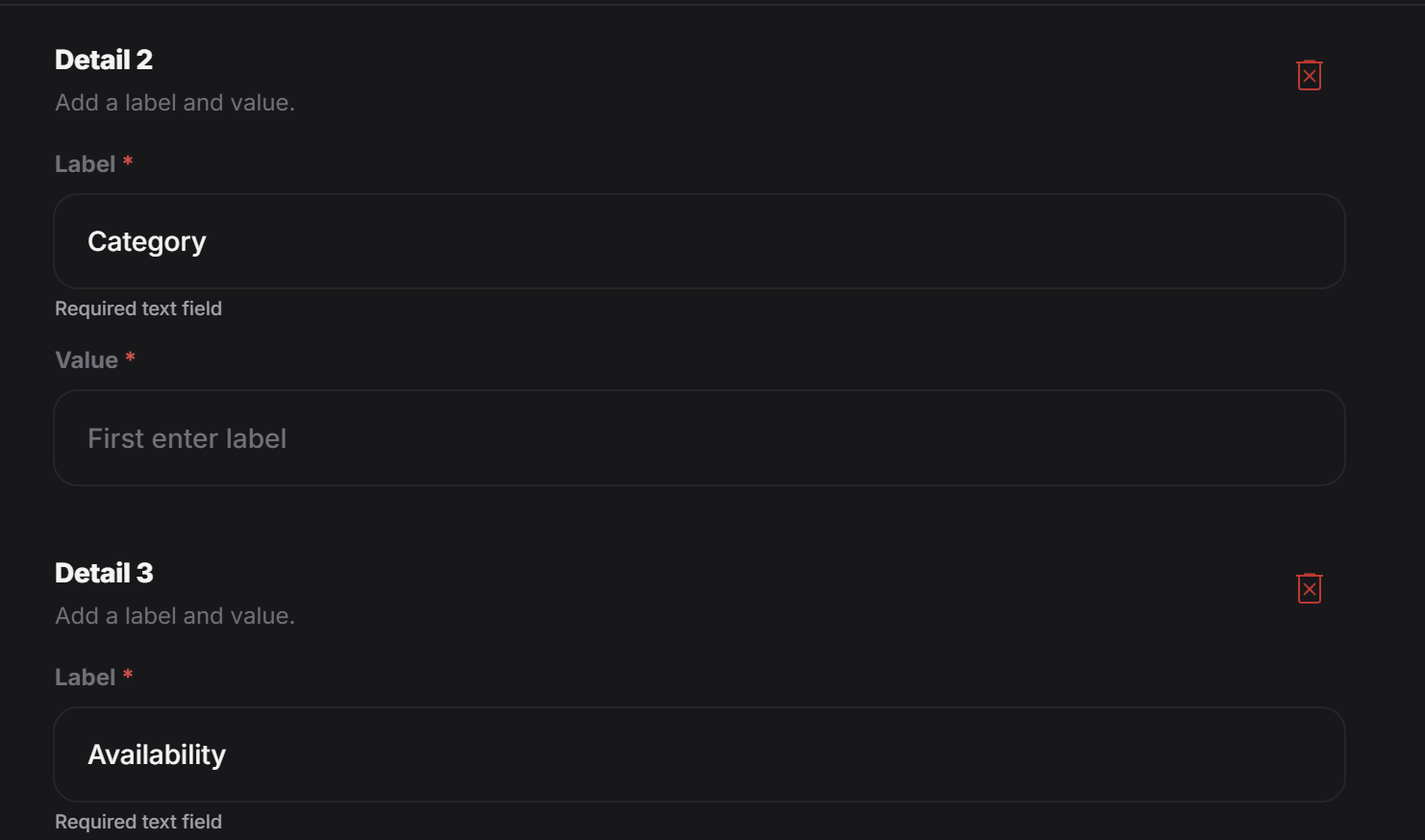
- a label
- a value
- Price: 49 EUR
- Duration: 60 minutes
- Material: 100% cotton
- Size: Medium
- Color: Black
- Availability: In stock
Add another detail.
This is a good place for practical information that helps the customer decide faster.
Add screenshot: Custom details
Add screenshot: Add another detail button
Add the promotional offer
At the end, the designer can define the actual offer for that item.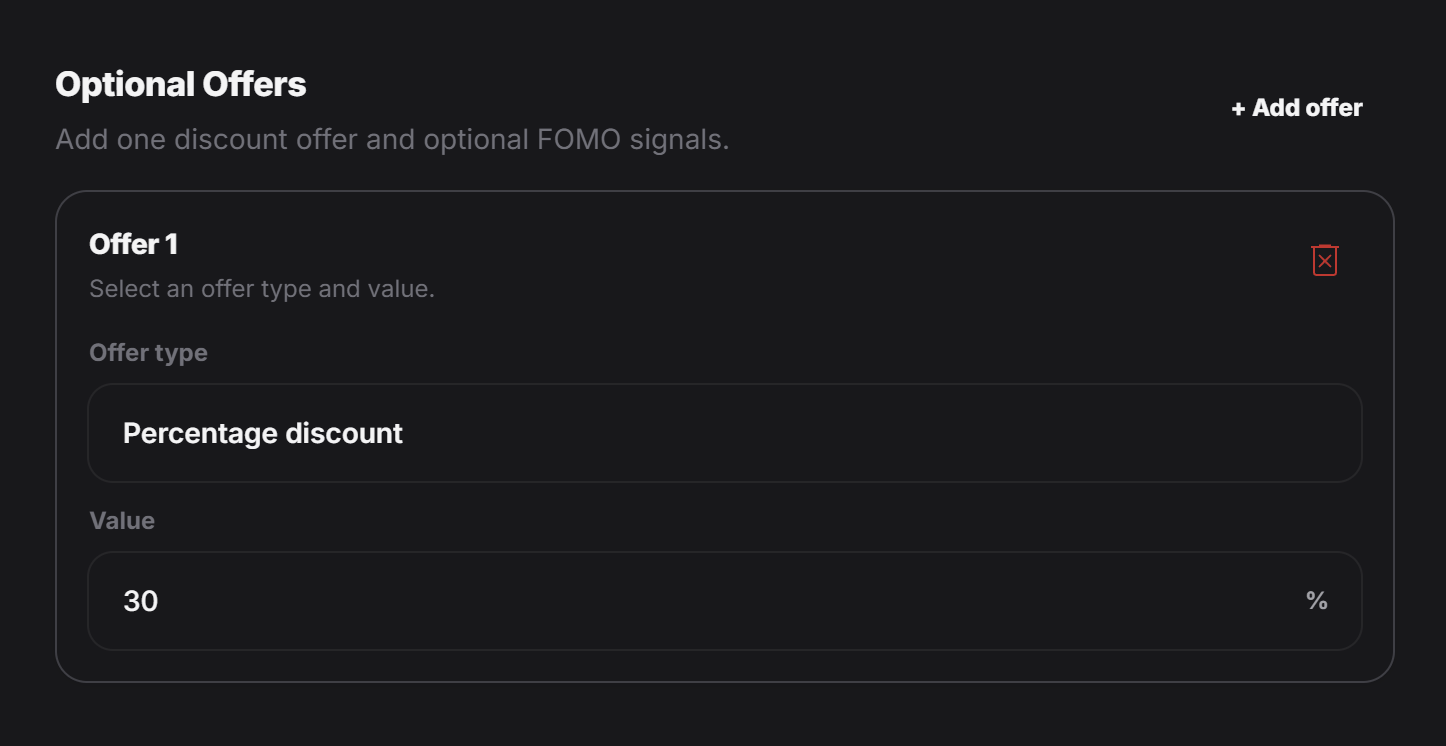
- a percentage discount
- a fixed discount
- cashback
- a bundle-style offer
- another promotional reward that fits the campaign
Add screenshot: Optional offers
Add booking or ordering if needed
If this promotion should let customers book or order directly, you can also turn on those parts from the related clickable pills.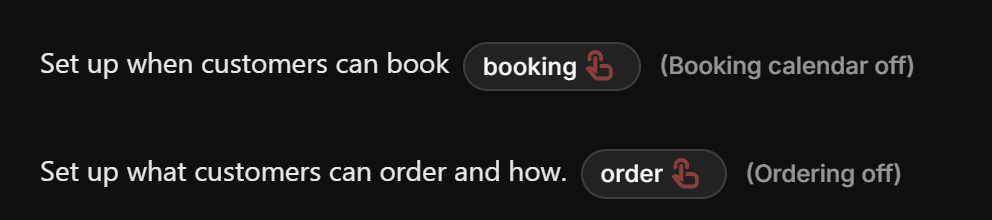
Add the final action
At the end of the experience, the customer usually needs a clear next step.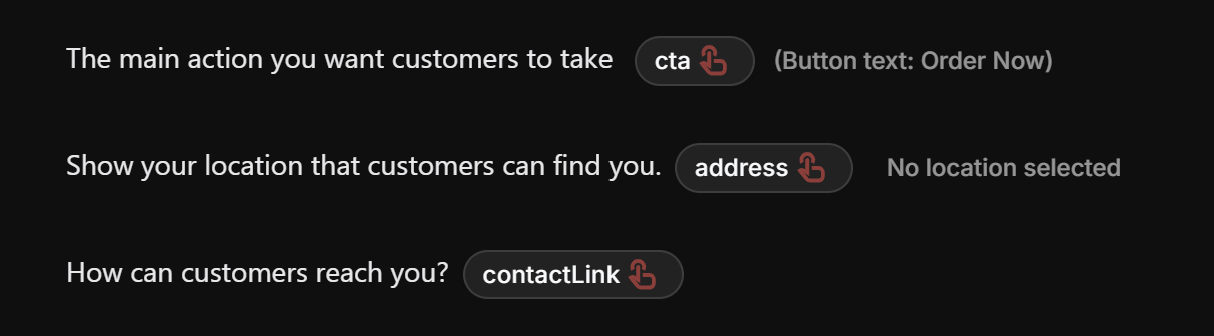
- open a product page
- visit a store location
- call or message the business
- book an appointment
- buy now
- learn more
Simple way to think about it
A Promotion Experience usually follows this structure:- Choose the right use case
- Write a short tagline
- Add the main offer with title, description, and images
- Add details that help people understand the item
- Add the discount or promotional offer
- Turn on booking or ordering if needed
- Set the CTA and address if you want customers to go somewhere next
Best practice
Try to make the experience easy to scan. For most promotions, people should be able to understand these three things very quickly:- What is being offered?
- Why is it interesting right now?
- What should I do next?