

Pin Plan
The Pin Plan controls whether your tag accepts pin requests and what kind of access model you want to use.No plan
Use No plan when you do not want this tag to accept any pin requests. In this mode, the pin system is basically off for this tag. Other tag owners will not be able to use it as a placement target.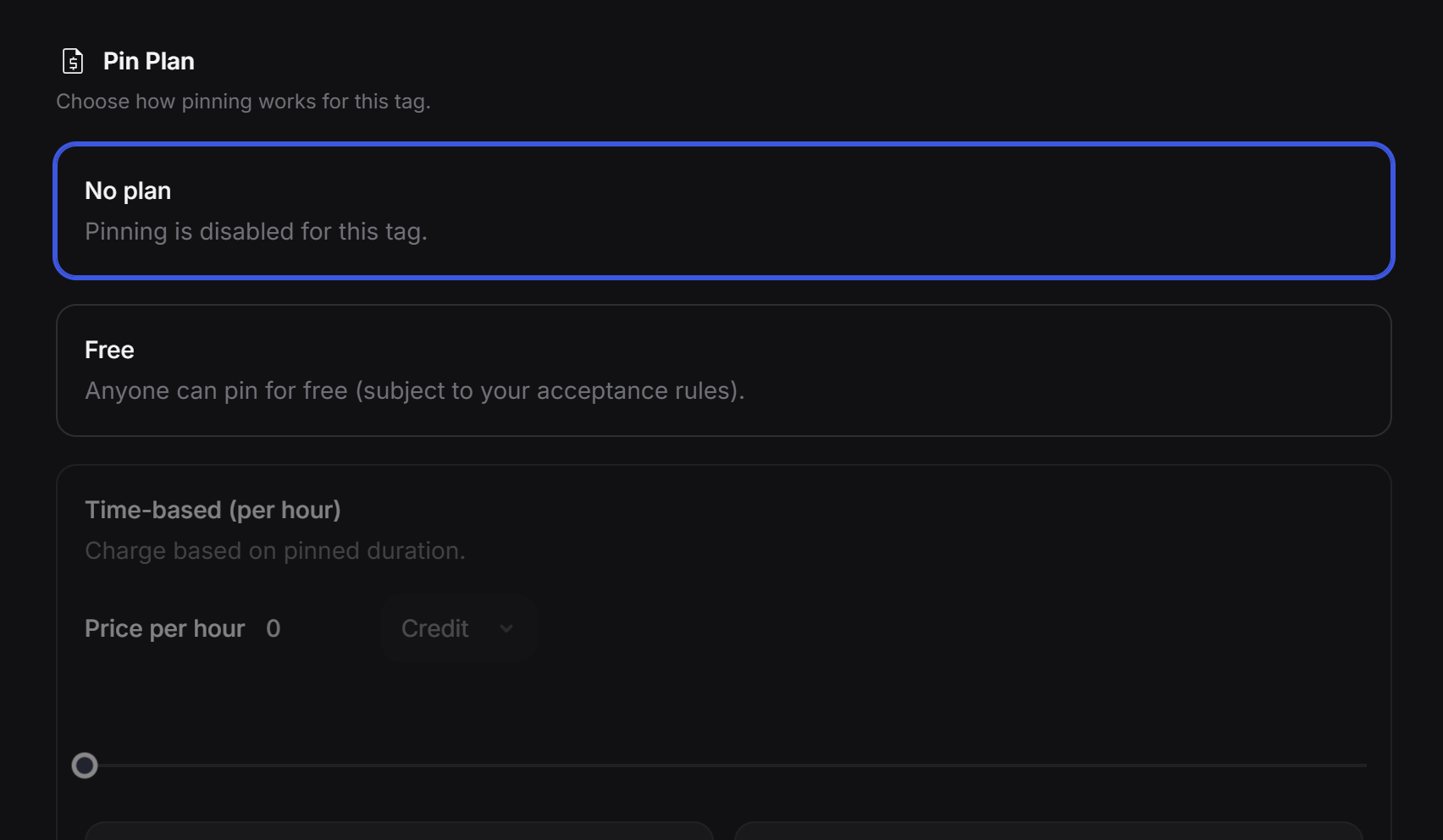
Free
Use Free when you want other tags to be able to request placement on this tag without paying. This is a good option when you want to grow visibility, build partnerships, or curate a useful group of related tags around your experience. Requests still follow your review and moderation rules.Early access paid mode
The third option is an early access mode for paid pinning. In this setup, the tag owner can allow other tags to appear in exchange for AI credits now, and later this can also support direct paid access as the system expands. This option is useful when a tag has premium visibility and the owner wants more control over how that placement is offered.Tag Type

Moderation

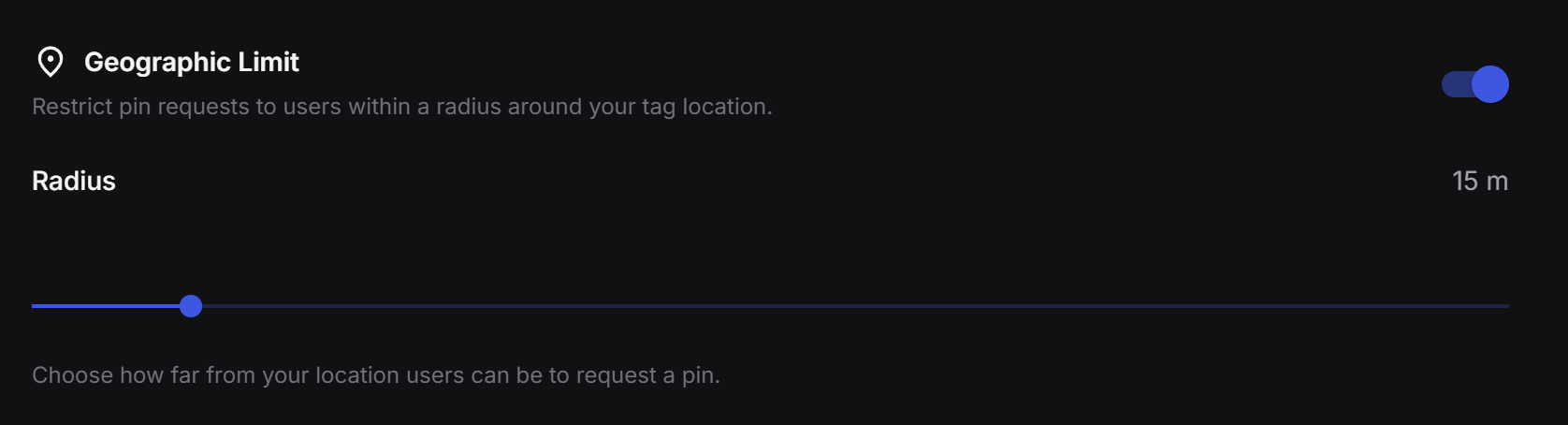
Geographic Limit
Verification
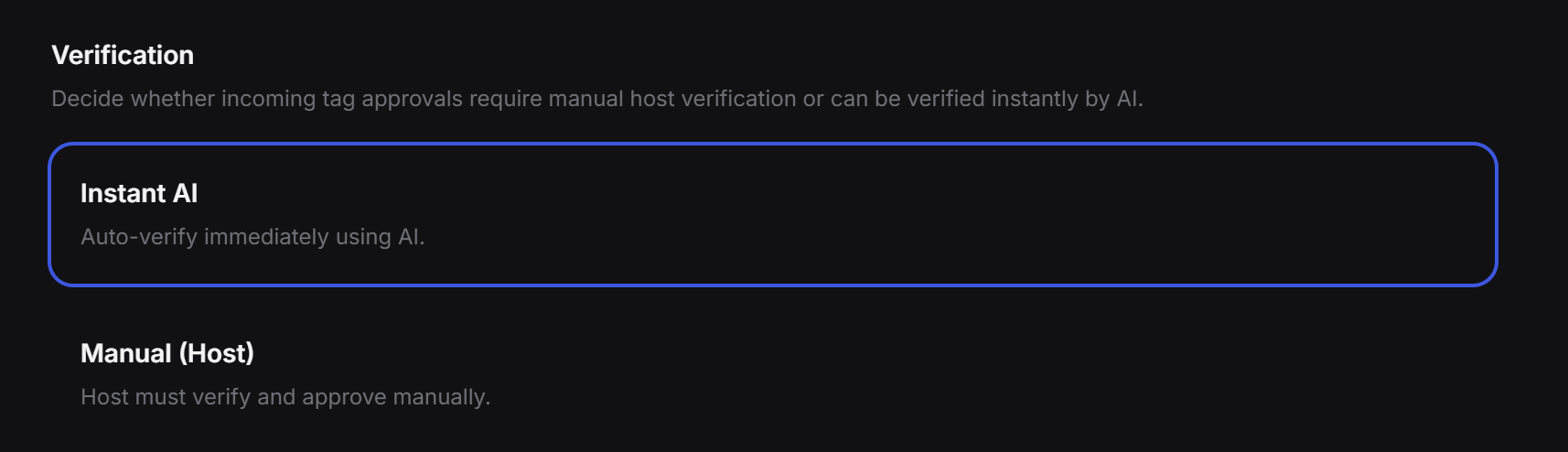
Verification decides how pin requests get approved.Manual review
If you choose Manual (Host), the tag owner reviews each request one by one and decides whether to accept or reject it. This is the best choice when you want full control.AI review
Acceptance Keywords
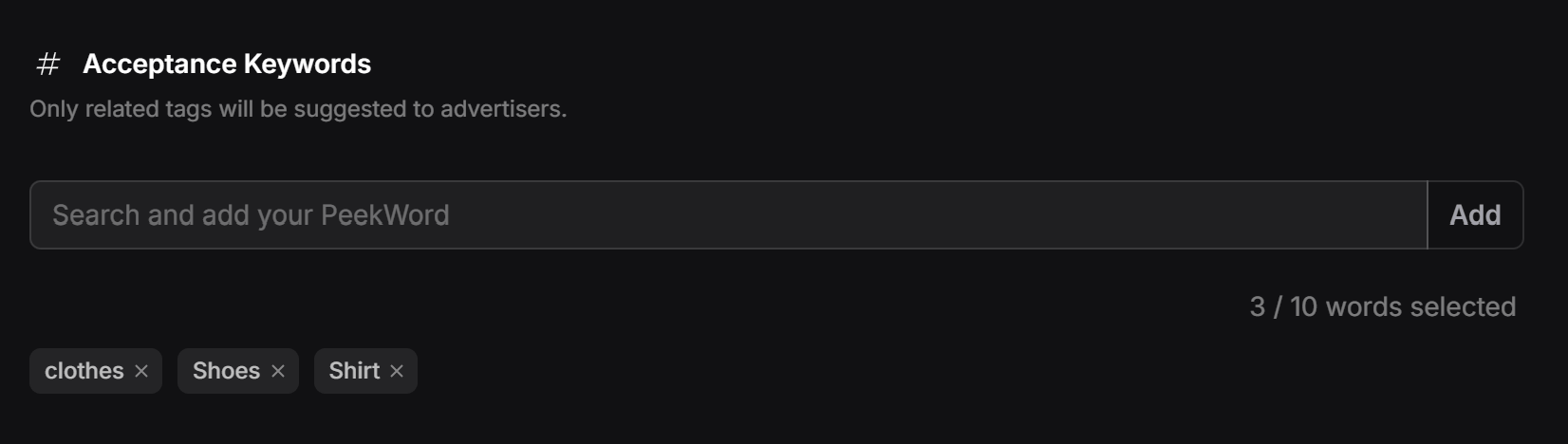
bags, shoes, jewelry, or style. If your tag is tied to a restaurant campaign, you might use words like dessert, drinks, menu, or reservation.
This makes the approval process smarter and helps keep incoming pin requests aligned with your actual goal.
Suggested setup
If you want a practical default setup, this is a good place to start:- Set a Pin Plan.
- Choose the right Tag Type.
- Add a few Acceptance Keywords.
- Turn on Moderation if you want cleaner matching.
- Add a Geographic Limit if location matters.
- Choose whether Verification should be manual or AI-assisted.