

Submission Flow is where the designer decides what should happen after the user submits data. Click Agentic flow to open the flow builder.
Screenshot 2026 06 28 174332
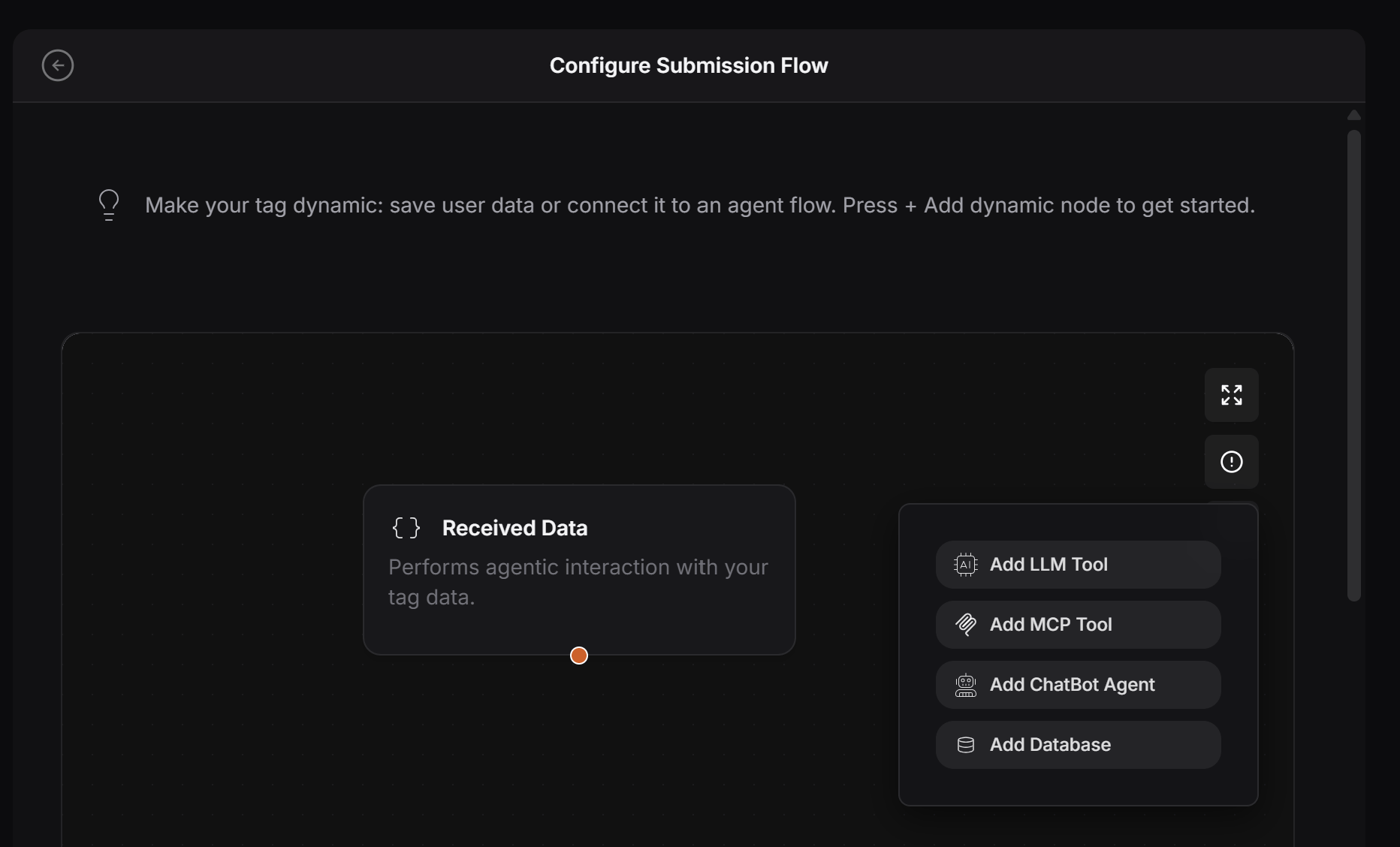
The first node is the data received from the user. After that, the designer can connect actions that process or send the data somewhere else.
Screenshot 2026 06 28 174358

What this can be used for

The designer can create flows such as:
  • Send the order details to the restaurant by SMS
  • Email a booking request to the salon owner
  • Save the submitted form in a database
  • Send high-value orders to an approval step
  • Add AI credit to a user’s wallet when the invoice is above a certain amount
  • Notify the owner when a customer submits urgent instructions
  • Connect the request to an MCP tool, chatbot agent, database, or other system
This makes submitted data more useful because it does not just sit in the records list. It can trigger the next business action.
Start with one simple flow. After it works, add more actions step by step.