

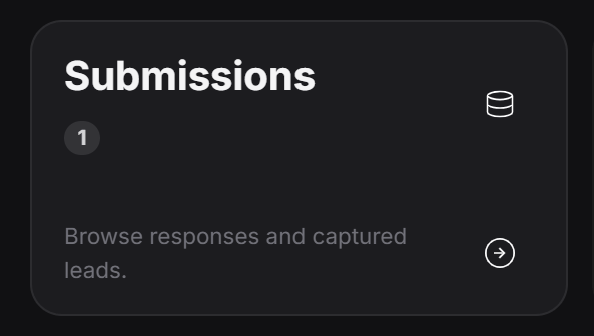
Screenshot 2026 07 02 091546
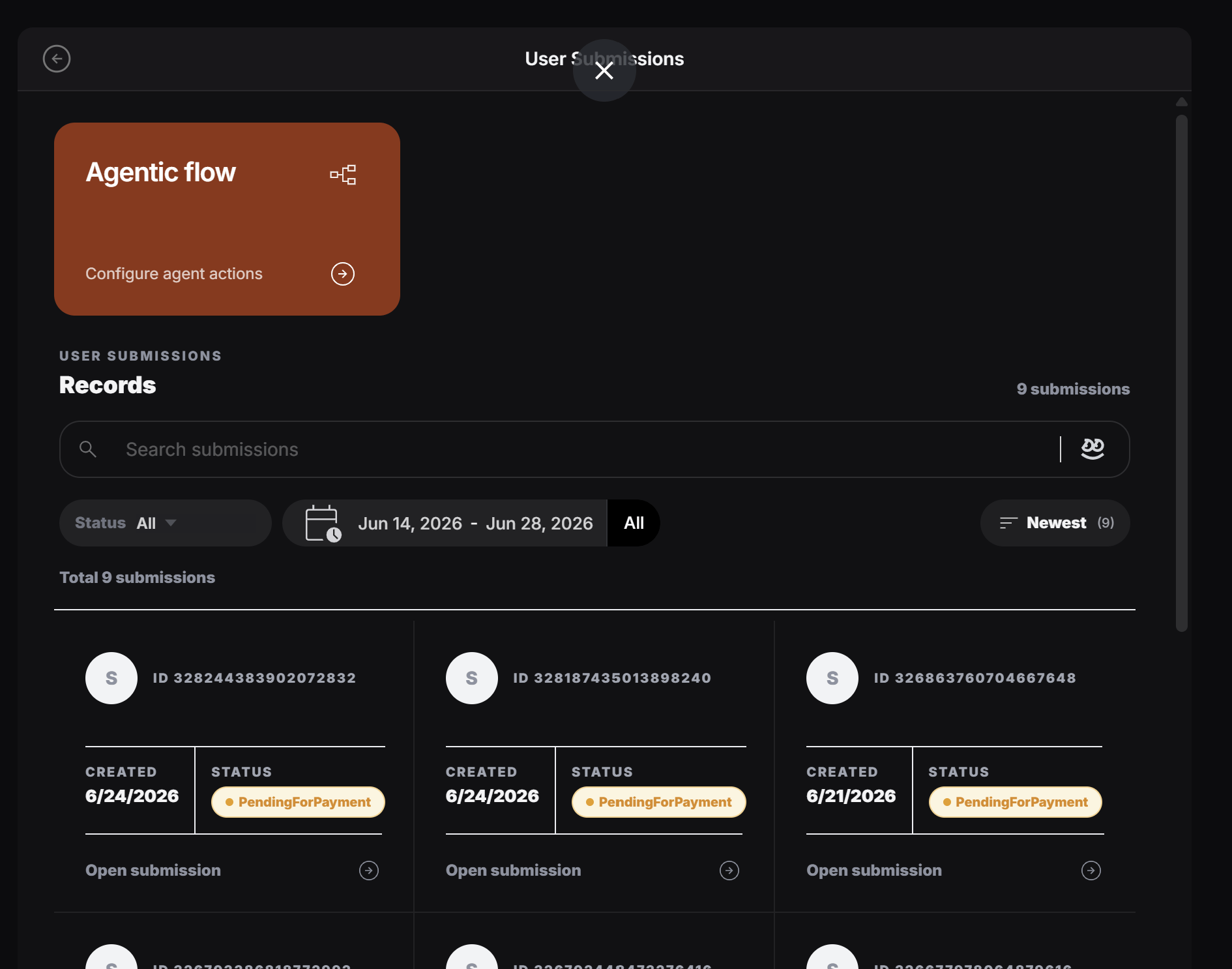
Submission Records is where the tag owner sees the data users submit through the tag. This can be many different kinds of data. For example, it might be a restaurant order, a salon booking, a quote request, a form submission, or any other request that came from the customer flow.
Screenshot 2026 06 28 174216 1

What the list shows

Each card is one submitted request. A submission can include information like:
  • The date it was created
  • The current status
  • The submitted order, booking, or request details
  • A link to open the full submission
For example, a restaurant tag might show food orders. A beauty salon tag might show appointment bookings. A service business might show customer requests.

Filter submissions

The owner can filter records by status, date range, and sorting order.

Screenshot 2026 06 28 174657 1
Use filters when the owner wants to find a smaller group of requests, such as:
  • Newest submissions
  • Requests from a specific date range
  • Orders waiting for payment
  • Bookings that still need approval
  • Completed or redeemed requests

Search submitted data

The search box helps the owner find submissions faster.

Screenshot 2026 06 29 210627
The owner can search for normal text, or click the PeekTag icon in the search box to use semantic search. Semantic search means the owner can search by meaning, not only exact words. For example, they can search for requests that mention a specific item, food, service, preference, or instruction. Examples:

Submission status

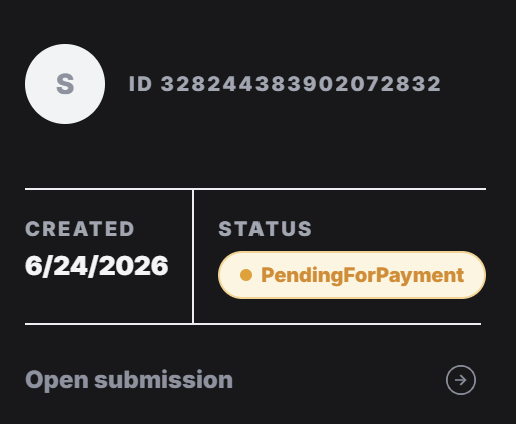
Every submission has a status so the owner can understand what needs attention.
Screenshot 2026 06 28 174605
A status can show things like pending payment, waiting for owner approval, completed, redeemed, or another state based on the tag flow.
Use the submission list as the daily inbox for customer requests. Filter it, search it, open the record, and then decide what should happen next.