

Screenshot 2026 07 02 220322 1
Shopify lets designers connect a store to PeekTag and use real store products inside an experience. Instead of entering every product by hand, the designer can connect the Shopify store, open the product form, and pick products directly from the store catalog.

What it is used for

Use this connector when an experience needs products from a Shopify store. For example, a designer can use Shopify products for:
  • fashion and outfit experiences
  • product recommendation experiences
  • gift guides
  • shop-the-look pages
  • product discovery flows
  • interactive catalogs
  • campaign or promotion tags

Connect a store
Screenshot 2026 07 02 220333
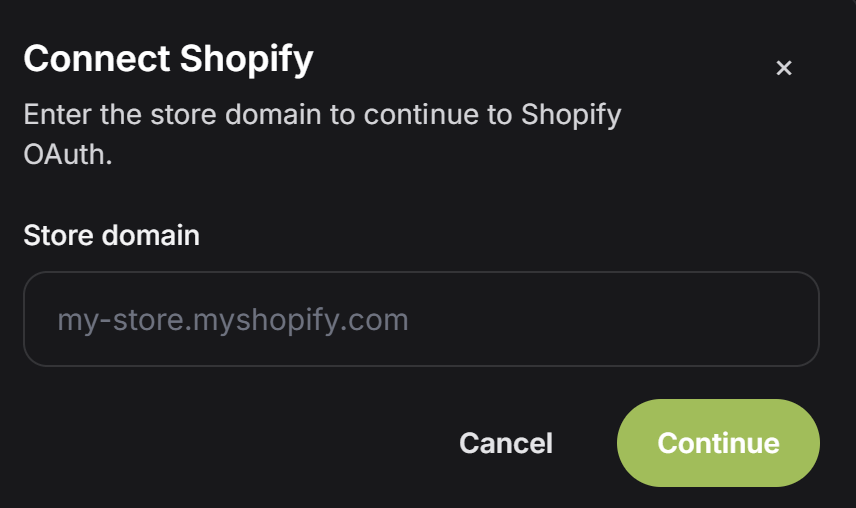
To connect Shopify, the user enters the store domain and continues to Shopify OAuth. The store domain usually looks like this:
After the domain is entered, click Continue. PeekTag sends the user to Shopify so the store owner can approve the connection.
Use the Shopify store domain, not a product page URL. The domain should usually end with .myshopify.com.

Import products

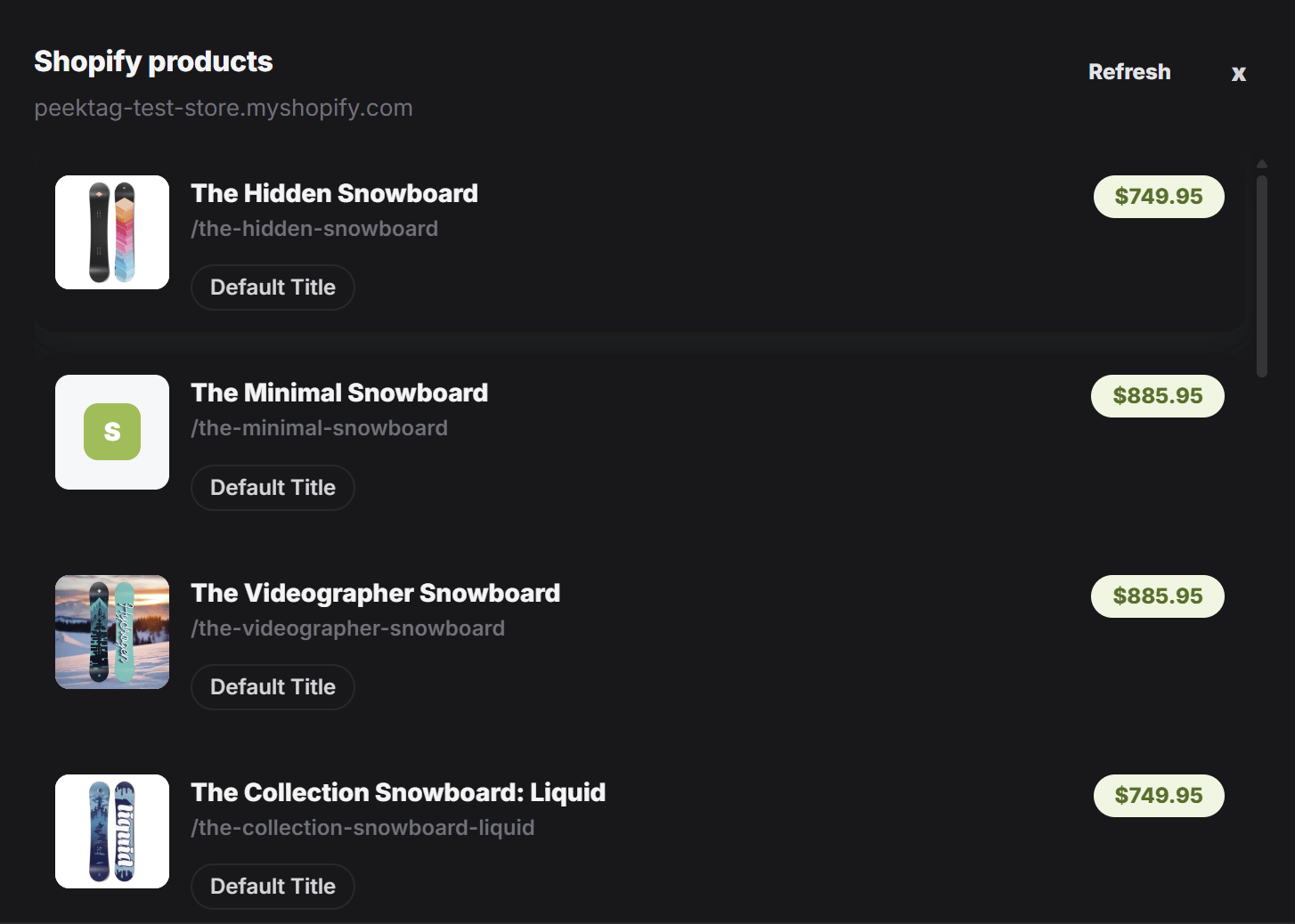
After Shopify is connected, a Shopify button appears in the product entry flow. When the designer clicks the Shopify button, PeekTag opens the connected store products. The designer can review the list, refresh it if needed, and select the product they want to add to the experience. A product can include useful store information such as:
  • product title
  • product image
  • product handle or product path
  • variant title
  • price
This makes it faster to build product-based experiences because the designer starts from real store data instead of creating everything from scratch.

Product selection flow

Screenshot 2026 07 02 220409
A typical Shopify import flow looks like this:
  1. Open the product or object entry form.
  2. Click the Shopify button.
  3. Review the products from the connected store.
  4. Pick the product you want to use.
  5. Continue editing the experience with the imported product data.
Screenshot 2026 07 02 220427

Prompt examples

If the designer wants to work with Shopify products through AI instructions, open the Shopify Prompt Examples page in this Connectors section. It collects ready-to-use prompts for searching products, importing them, and building experiences or promotions from store data.

When to use it

Use Shopify when the business already manages its products in Shopify and wants those products to appear inside PeekTag experiences. This is especially useful for ecommerce teams, fashion stores, product catalogs, affiliate campaigns, and any experience where product information should stay close to the real store catalog.
If the store connection is removed or the Shopify permissions change, product import may stop working until the store is connected again.
