> ## Documentation Index
> Fetch the complete documentation index at: https://docs.peektag.com/llms.txt
> Use this file to discover all available pages before exploring further.
# Pin Requests & Active Pins
> Review incoming pin requests, accept or reject them, and manage the pins that are already active on a tag.
This section is for the tag owner.
Here, the owner reviews requests coming in from other people and manages the pins that are already active on the tag.
## Pin Requests
 The **Pin requests** area shows incoming requests from other tags that want to be pinned here.
This helps the owner decide what should be allowed into the experience.
Typical reasons to review carefully:
* the request should match the theme of the tag
* the pinned content should feel relevant to the audience
* the owner may want to keep quality high
* there may be limited capacity for host slots
The **Pin requests** area shows incoming requests from other tags that want to be pinned here.
This helps the owner decide what should be allowed into the experience.
Typical reasons to review carefully:
* the request should match the theme of the tag
* the pinned content should feel relevant to the audience
* the owner may want to keep quality high
* there may be limited capacity for host slots
 ## Accept or reject incoming requests
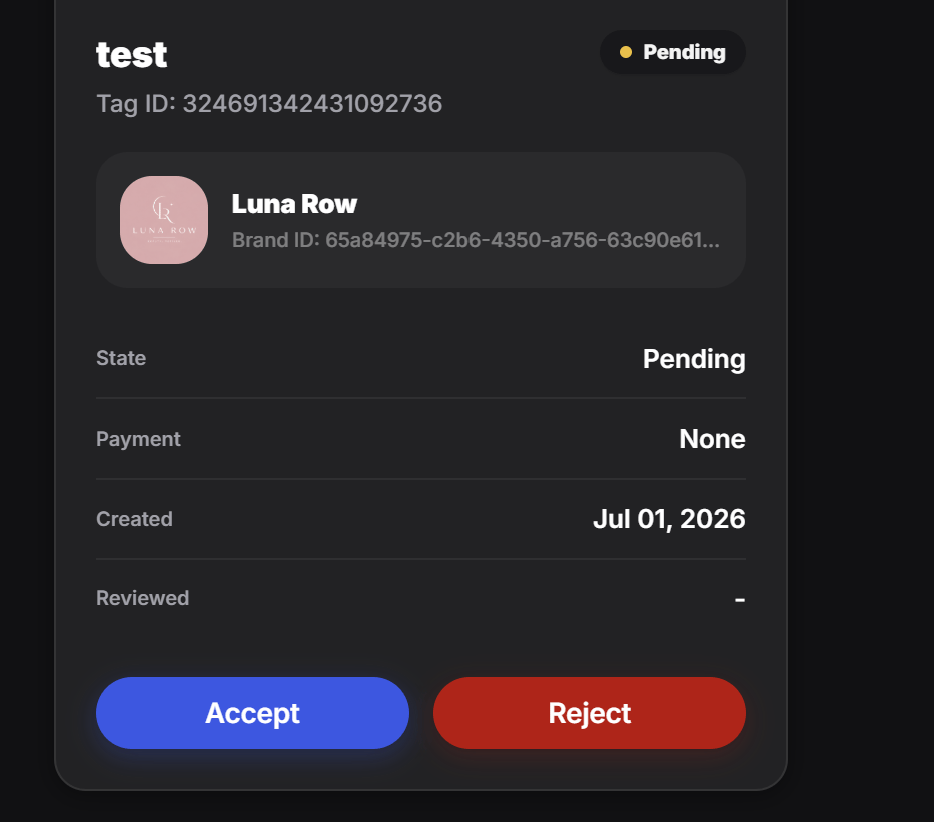
When the owner opens one request, they can review its details and then decide whether to accept it or reject it.
This gives the owner control over what gets pinned to the tag.
They can check things like:
* who sent the request
* which tag is asking to be pinned
* the current request state
* when it was created
* whether it fits the tag strategy
After that, they can choose:
* **Accept** if the request makes sense
* **Reject** if it is not a good fit
## Active Pins
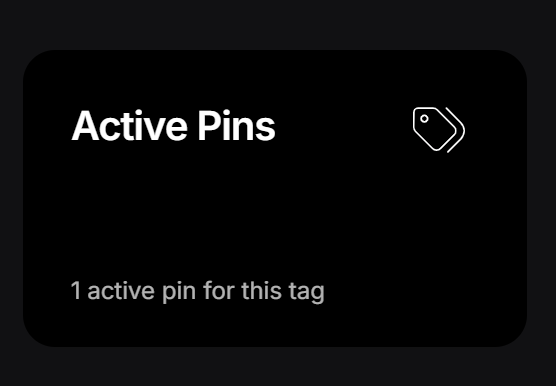
The **Active Pins** area shows requests that were already approved and are currently active on the tag.
This is the management view for live pinned relationships.
## Accept or reject incoming requests
When the owner opens one request, they can review its details and then decide whether to accept it or reject it.
This gives the owner control over what gets pinned to the tag.
They can check things like:
* who sent the request
* which tag is asking to be pinned
* the current request state
* when it was created
* whether it fits the tag strategy
After that, they can choose:
* **Accept** if the request makes sense
* **Reject** if it is not a good fit
## Active Pins
The **Active Pins** area shows requests that were already approved and are currently active on the tag.
This is the management view for live pinned relationships.
 ## Deactivate an active pin
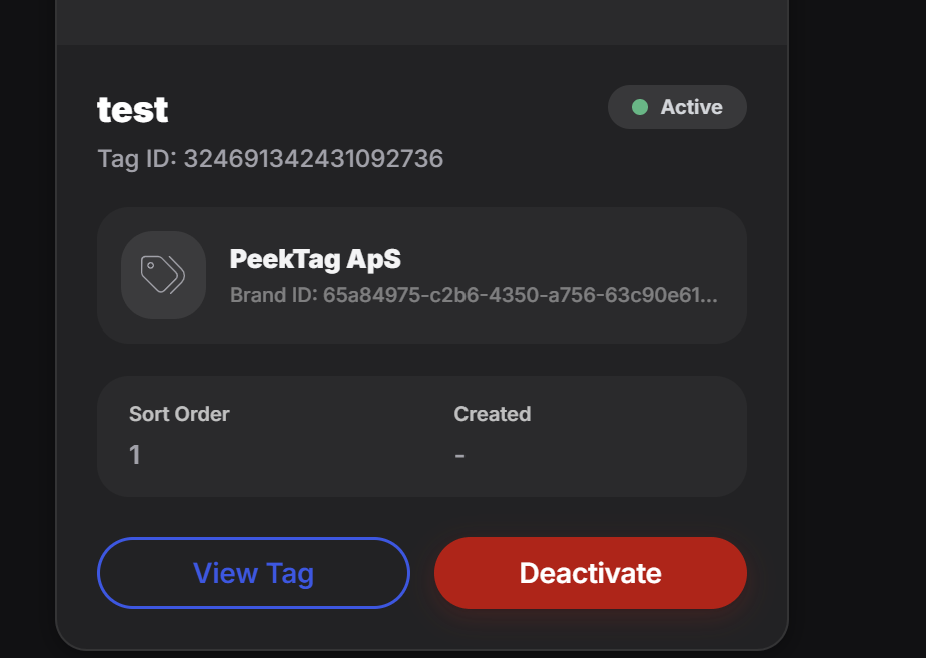
If the owner no longer wants a pin to stay live, they can deactivate it from the active list.
This is useful when:
* a campaign has ended
* the pinned tag is no longer relevant
* the owner wants to free space for other pins
* the experience should be cleaned up or updated
The owner can still review the pinned item before deciding to deactivate it.
## Deactivate an active pin
If the owner no longer wants a pin to stay live, they can deactivate it from the active list.
This is useful when:
* a campaign has ended
* the pinned tag is no longer relevant
* the owner wants to free space for other pins
* the experience should be cleaned up or updated
The owner can still review the pinned item before deciding to deactivate it.
 ## Best way to think about this section
This area is the owner's control panel for inbound requests and live pin relationships.
It is the place to:
* review incoming requests
* approve or reject them
* keep active pins under control
* deactivate pins that should no longer stay attached
## Best way to think about this section
This area is the owner's control panel for inbound requests and live pin relationships.
It is the place to:
* review incoming requests
* approve or reject them
* keep active pins under control
* deactivate pins that should no longer stay attached