> ## Documentation Index
> Fetch the complete documentation index at: https://docs.peektag.com/llms.txt
> Use this file to discover all available pages before exploring further.
# Overview
> Understand the three main parts of the pinning system: finding target tags, managing requests, and configuring pin rules.
The pinning system has three main parts.
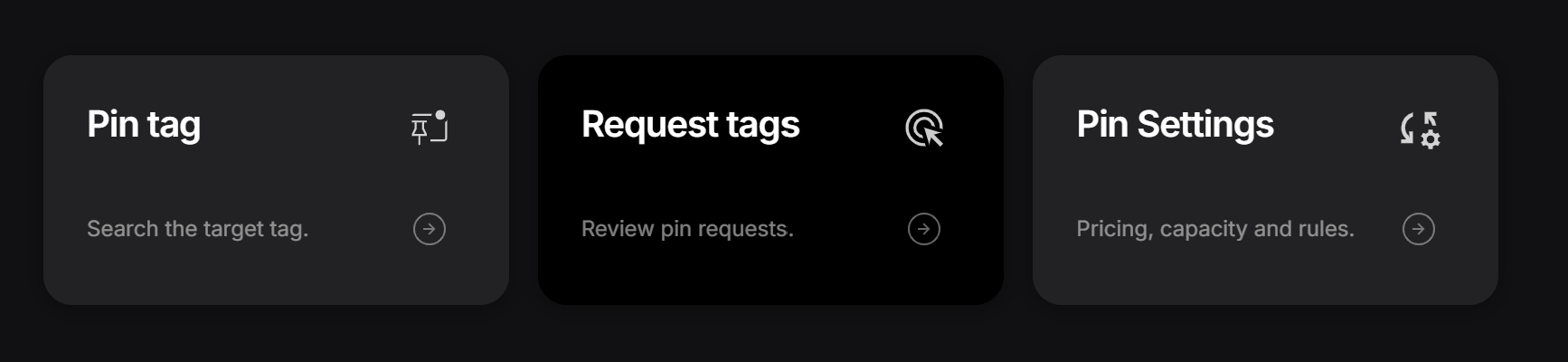 Use these pages when you want to **find a target tag**, **track or review requests**, and **control the rules for how pinning works on your own tag**.
* [Pin Tag](/settings/pinning/search-target-tag): Search for relevant target tags, open a pin request, and send your request.
* [Request Tags](/settings/pinning/pin-requests-and-active-pins): Review incoming requests, manage active pins, and handle approvals.
* [Pin Settings](/settings/pinning/pin-settings): Set the plan, rules, verification flow, keywords, and geographic limits.
## When to use each page
### Pin Tag
Go here when you want to discover another tag and ask to appear on it.
This is the part designers use to search for a good placement, open the request sheet, and send a pin request from one of their own tags.
### Request Tags
Go here when you want to follow the request workflow.
This includes reviewing incoming requests, checking request status, accepting or rejecting requests, and managing pins that are already active.
### Pin Settings
Go here when you want to decide how your own tag accepts pins.
This is where you control the pin plan, filtering rules, moderation, verification method, and other settings that shape how requests are handled.
## Simple workflow
1. Use **Pin Tag** to find a target.
2. Use **Request Tags** to follow what happens next.
3. Use **Pin Settings** to control how your tag behaves as a host.
That gives you a simple full flow: **discover, request, review, and manage**.
Use these pages when you want to **find a target tag**, **track or review requests**, and **control the rules for how pinning works on your own tag**.
* [Pin Tag](/settings/pinning/search-target-tag): Search for relevant target tags, open a pin request, and send your request.
* [Request Tags](/settings/pinning/pin-requests-and-active-pins): Review incoming requests, manage active pins, and handle approvals.
* [Pin Settings](/settings/pinning/pin-settings): Set the plan, rules, verification flow, keywords, and geographic limits.
## When to use each page
### Pin Tag
Go here when you want to discover another tag and ask to appear on it.
This is the part designers use to search for a good placement, open the request sheet, and send a pin request from one of their own tags.
### Request Tags
Go here when you want to follow the request workflow.
This includes reviewing incoming requests, checking request status, accepting or rejecting requests, and managing pins that are already active.
### Pin Settings
Go here when you want to decide how your own tag accepts pins.
This is where you control the pin plan, filtering rules, moderation, verification method, and other settings that shape how requests are handled.
## Simple workflow
1. Use **Pin Tag** to find a target.
2. Use **Request Tags** to follow what happens next.
3. Use **Pin Settings** to control how your tag behaves as a host.
That gives you a simple full flow: **discover, request, review, and manage**.