> ## Documentation Index
> Fetch the complete documentation index at: https://docs.peektag.com/llms.txt
> Use this file to discover all available pages before exploring further.
# Assistant Instructions
> Train the experience agent with clear behavior, tone, boundaries, and goals.
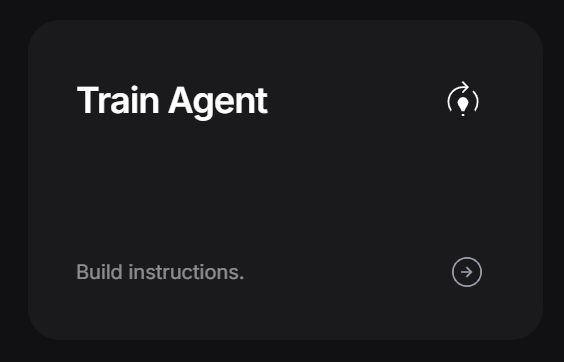 Assistant Instructions help you teach the experience agent how to talk, what to use as context, and what rules to follow when it chats with customers.
Think of this page in two parts:
* **Train the agent** so it remembers the latest experience data.
* **Write instructions** so it knows how to behave during the conversation.
## Train with your latest data
When you click **Train**, PeekTag reads the latest data from the experience.
This can include things like:
* Experience title
* Description
* Menu or product details
* Uploaded content
* Business information
* Metadata
* Settings that help describe the experience
PeekTag then uses that information to prepare the agent, so its answers are based on the latest version of the experience instead of old or missing data.
Assistant Instructions help you teach the experience agent how to talk, what to use as context, and what rules to follow when it chats with customers.
Think of this page in two parts:
* **Train the agent** so it remembers the latest experience data.
* **Write instructions** so it knows how to behave during the conversation.
## Train with your latest data
When you click **Train**, PeekTag reads the latest data from the experience.
This can include things like:
* Experience title
* Description
* Menu or product details
* Uploaded content
* Business information
* Metadata
* Settings that help describe the experience
PeekTag then uses that information to prepare the agent, so its answers are based on the latest version of the experience instead of old or missing data.
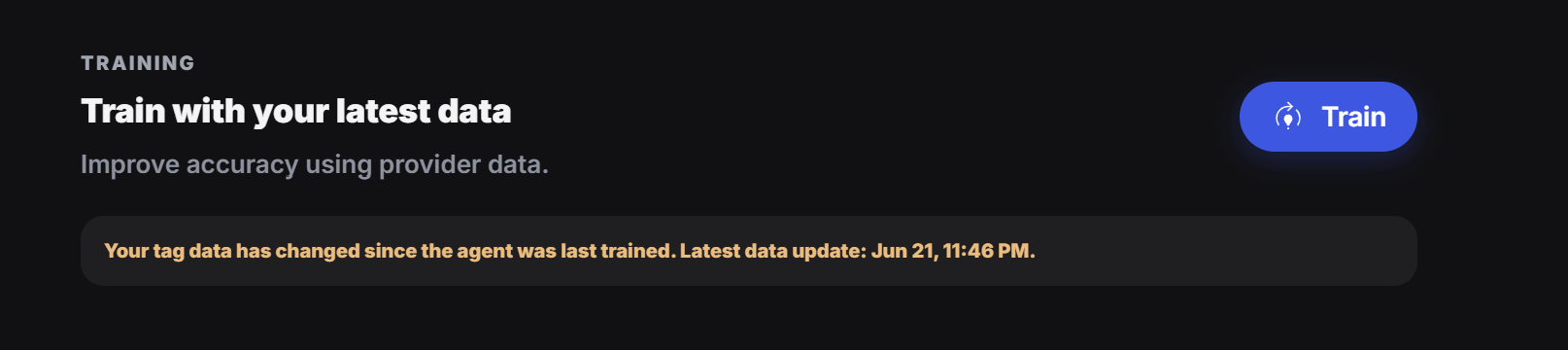 Always click **Train** after you update the experience. If you change the title, description, menu, products, files, settings, or any important content, train the agent again so it answers with the latest data.
## Why training matters
If the agent is not trained after an update, it may still answer using older information.
For example, if you update a menu item, change a service description, add a new product, or edit the experience text, the agent needs to learn that new version before customers start asking questions.
A simple rule:
Update something, then train the agent. That keeps the model fresh and avoids outdated answers.
## Build instructions
After the agent has the latest data, use **Agent Instructions** to explain how it should behave.
This is where you write the rules the agent should follow during the conversation.
Always click **Train** after you update the experience. If you change the title, description, menu, products, files, settings, or any important content, train the agent again so it answers with the latest data.
## Why training matters
If the agent is not trained after an update, it may still answer using older information.
For example, if you update a menu item, change a service description, add a new product, or edit the experience text, the agent needs to learn that new version before customers start asking questions.
A simple rule:
Update something, then train the agent. That keeps the model fresh and avoids outdated answers.
## Build instructions
After the agent has the latest data, use **Agent Instructions** to explain how it should behave.
This is where you write the rules the agent should follow during the conversation.
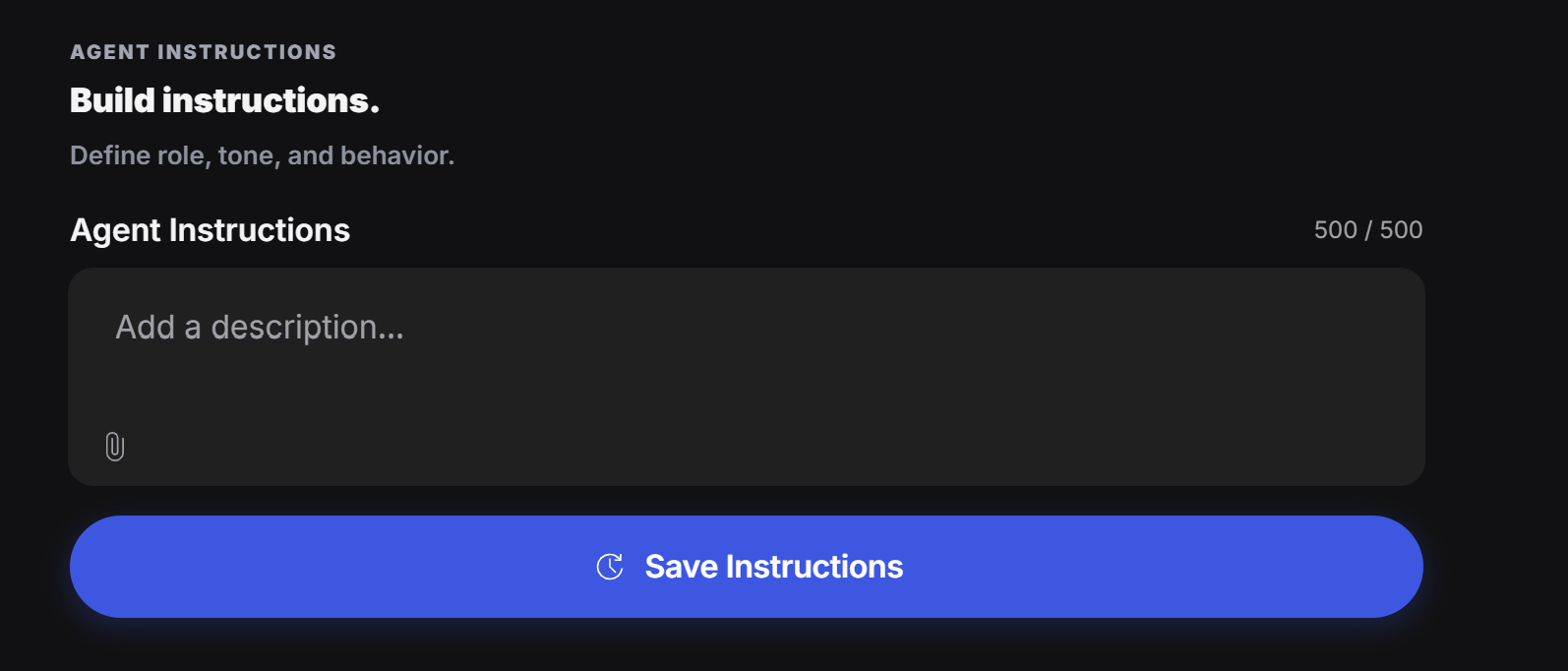 Good instructions tell the agent:
* What role it has
* How it should speak
* What tone to use
* What it should help the customer do
* What it should avoid
* When it should recommend an action
* What it should never guess
## Simple example
```text theme={null}
You are a helpful fashion assistant for this outfit experience. Help customers understand the outfit, explain the style, and guide them toward the next step. Keep answers short, friendly, and practical. Do not invent prices, availability, brands, or product details unless they are included in the experience data.
```
## What to include
Say who the agent is. For example: fashion assistant, menu guide, booking helper, or product advisor.
Tell it how to sound: friendly, premium, simple, expert, calm, playful, or direct.
Tell it what the customer should achieve, such as choose an outfit, understand a menu, book a service, or ask for help.
Tell it what not to say, not to promise, and not to guess.
## Good everyday rules
Use plain rules like these:
* Keep answers short and easy to understand.
* Ask one question at a time.
* Do not make up missing information.
* If something is not in the experience data, say that clearly.
* Guide the customer to the next useful action.
* Stay on topic for this experience.
* Match the business tone.
Write instructions like you are training a real team member. Be clear, simple, and practical.
## When to update instructions
Update the instructions when:
* The business goal changes
* The offer changes
* The tone needs to feel different
* Customers are asking confusing questions
* The agent gives answers that are too long, too vague, or too risky
* You add new actions, products, services, or content
Instructions and training work together. Training updates what the agent knows. Instructions control how the agent should use that knowledge.
Good instructions tell the agent:
* What role it has
* How it should speak
* What tone to use
* What it should help the customer do
* What it should avoid
* When it should recommend an action
* What it should never guess
## Simple example
```text theme={null}
You are a helpful fashion assistant for this outfit experience. Help customers understand the outfit, explain the style, and guide them toward the next step. Keep answers short, friendly, and practical. Do not invent prices, availability, brands, or product details unless they are included in the experience data.
```
## What to include
Say who the agent is. For example: fashion assistant, menu guide, booking helper, or product advisor.
Tell it how to sound: friendly, premium, simple, expert, calm, playful, or direct.
Tell it what the customer should achieve, such as choose an outfit, understand a menu, book a service, or ask for help.
Tell it what not to say, not to promise, and not to guess.
## Good everyday rules
Use plain rules like these:
* Keep answers short and easy to understand.
* Ask one question at a time.
* Do not make up missing information.
* If something is not in the experience data, say that clearly.
* Guide the customer to the next useful action.
* Stay on topic for this experience.
* Match the business tone.
Write instructions like you are training a real team member. Be clear, simple, and practical.
## When to update instructions
Update the instructions when:
* The business goal changes
* The offer changes
* The tone needs to feel different
* Customers are asking confusing questions
* The agent gives answers that are too long, too vague, or too risky
* You add new actions, products, services, or content
Instructions and training work together. Training updates what the agent knows. Instructions control how the agent should use that knowledge.