> ## Documentation Index
> Fetch the complete documentation index at: https://docs.peektag.com/llms.txt
> Use this file to discover all available pages before exploring further.
# Overview
> Create a promotion experience for a product, service, event, or limited-time offer.
 ## Promotion Experience
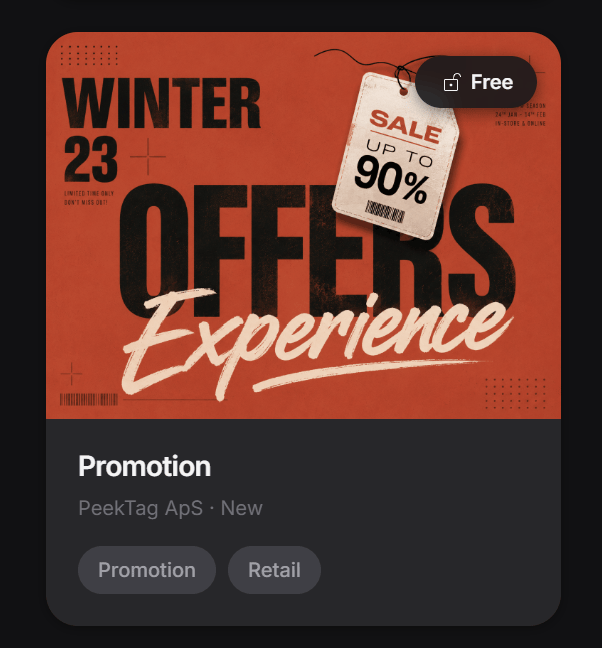
A Promotion Experience is for highlighting one specific offer in a simple, clear, and attractive way.
## Promotion Experience
A Promotion Experience is for highlighting one specific offer in a simple, clear, and attractive way.
 You can use it to promote a product, a service, an event, a seasonal campaign, or a limited-time deal. The goal is to help people understand the offer fast, feel interested, and take action.
In most cases, this experience works best when you keep the message focused. One product, one service, one main offer, and one clear next step usually performs better than trying to say everything at once.
> Add screenshot: Promotion card overview
> Add screenshot: Promotion about and features
## Start with the use case
The first step is choosing the closest use case for what you want to promote.
You can use it to promote a product, a service, an event, a seasonal campaign, or a limited-time deal. The goal is to help people understand the offer fast, feel interested, and take action.
In most cases, this experience works best when you keep the message focused. One product, one service, one main offer, and one clear next step usually performs better than trying to say everything at once.
> Add screenshot: Promotion card overview
> Add screenshot: Promotion about and features
## Start with the use case
The first step is choosing the closest use case for what you want to promote.
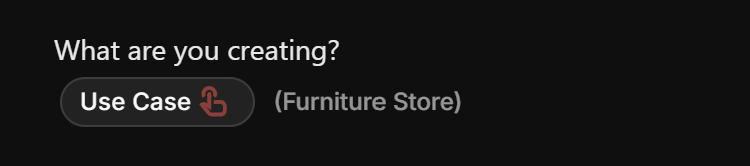 This helps the experience behave more like the real thing you are creating. For example, promoting a retail product is different from promoting a beauty service, a restaurant special, or a limited-time event. Picking the closest use case helps PeekTag shape the experience in a way that feels more natural for that kind of offer.
## Write a short tagline
The tagline is the quick attention-grabber.
This helps the experience behave more like the real thing you are creating. For example, promoting a retail product is different from promoting a beauty service, a restaurant special, or a limited-time event. Picking the closest use case helps PeekTag shape the experience in a way that feels more natural for that kind of offer.
## Write a short tagline
The tagline is the quick attention-grabber.
 Keep it short. Ideally, it should be around 1 to 5 words. Shorter is usually better as long as it is clear.
Good taglines are direct, specific, and easy to notice. They should quickly tell the customer what makes the offer worth looking at.
A few simple examples:
* Weekend Sale
* Free Dessert
* Glow Facial
* Summer Offer
* 20% Off
Try to avoid long sentences here. A short and sharp line usually works better than a detailed explanation.
## Add the main offer
In the `offer` section, the designer adds the main thing being promoted.
Keep it short. Ideally, it should be around 1 to 5 words. Shorter is usually better as long as it is clear.
Good taglines are direct, specific, and easy to notice. They should quickly tell the customer what makes the offer worth looking at.
A few simple examples:
* Weekend Sale
* Free Dessert
* Glow Facial
* Summer Offer
* 20% Off
Try to avoid long sentences here. A short and sharp line usually works better than a detailed explanation.
## Add the main offer
In the `offer` section, the designer adds the main thing being promoted.
 This is where you usually enter:
* the product or service title
* a short description
* one or more images
Think of this as the main promotional block. If someone only reads this part, they should still understand what the offer is about.
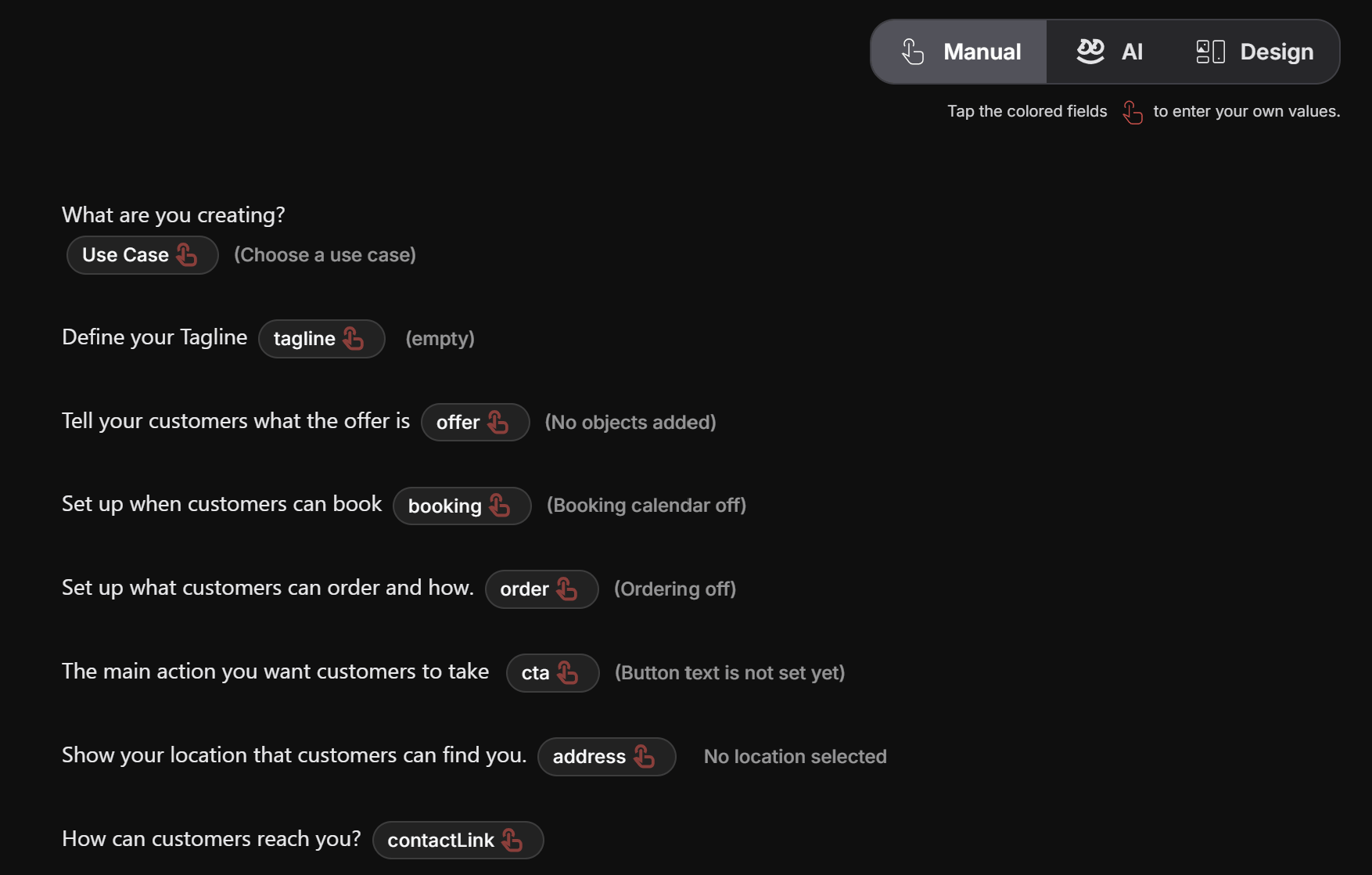
> Add screenshot: Manual mode with use case, tagline, offer, booking, order, cta, address, and contact fields
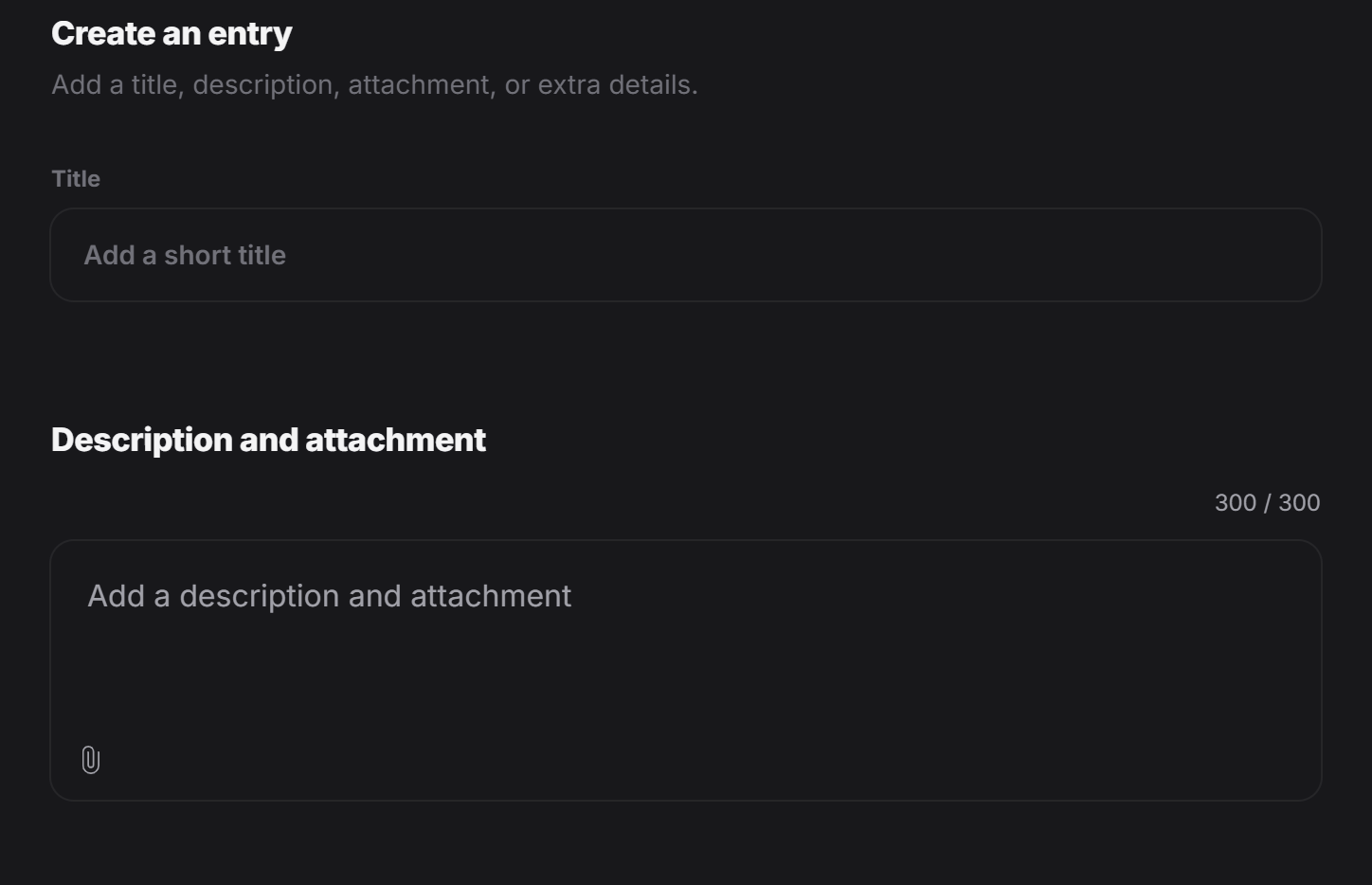
> Add screenshot: Create an entry modal
This is where you usually enter:
* the product or service title
* a short description
* one or more images
Think of this as the main promotional block. If someone only reads this part, they should still understand what the offer is about.
> Add screenshot: Manual mode with use case, tagline, offer, booking, order, cta, address, and contact fields
> Add screenshot: Create an entry modal
 ## Add custom details
After the main offer is added, you can add extra details.
## Add custom details
After the main offer is added, you can add extra details.
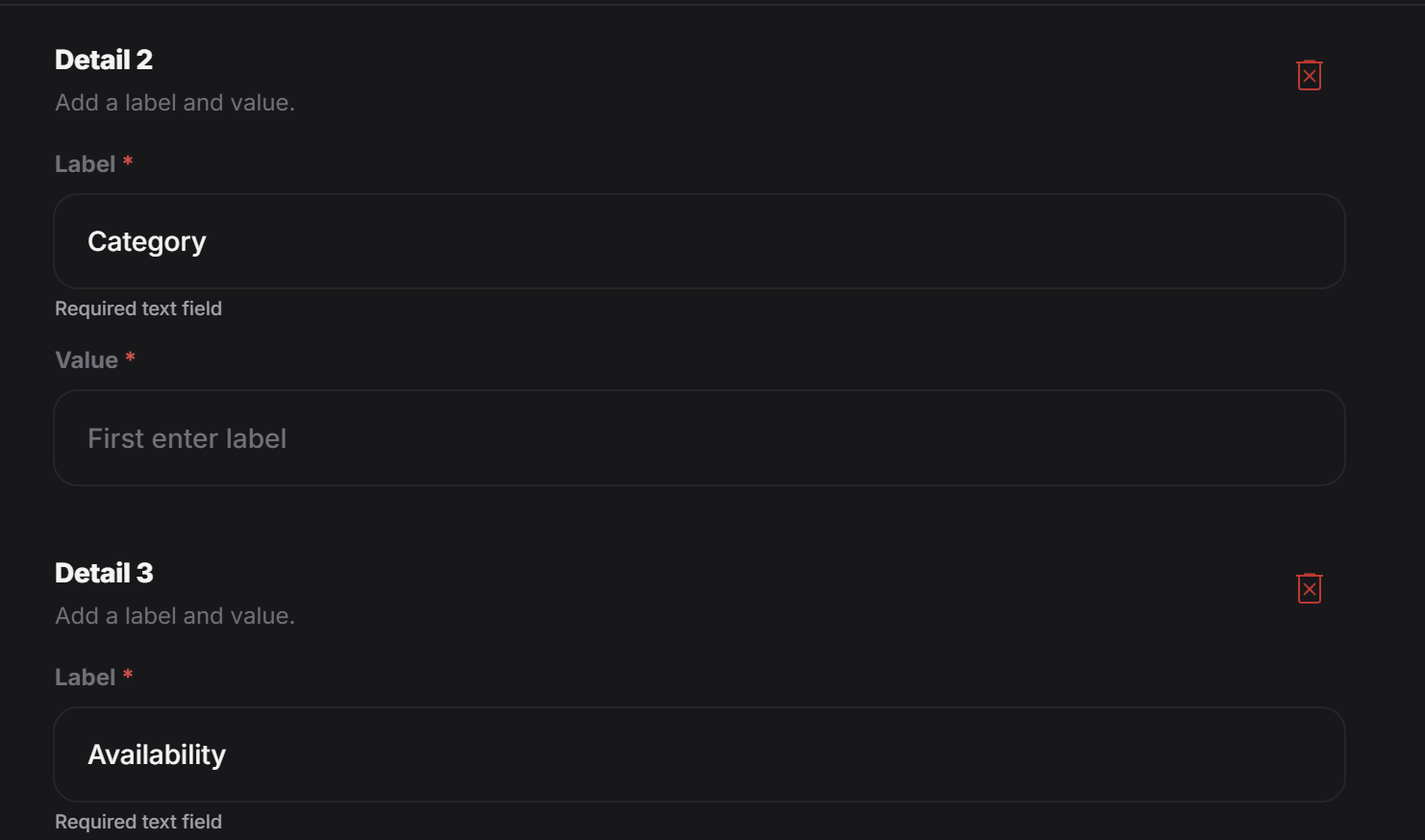 Each detail is a simple pair:
* a label
* a value
This is useful for product or service features such as:
* Price: 49 EUR
* Duration: 60 minutes
* Material: 100% cotton
* Size: Medium
* Color: Black
* Availability: In stock
If you want to add another feature, click `Add another detail`.
This is a good place for practical information that helps the customer decide faster.
> Add screenshot: Custom details
> Add screenshot: Add another detail button
## Add the promotional offer
At the end, the designer can define the actual offer for that item.
Each detail is a simple pair:
* a label
* a value
This is useful for product or service features such as:
* Price: 49 EUR
* Duration: 60 minutes
* Material: 100% cotton
* Size: Medium
* Color: Black
* Availability: In stock
If you want to add another feature, click `Add another detail`.
This is a good place for practical information that helps the customer decide faster.
> Add screenshot: Custom details
> Add screenshot: Add another detail button
## Add the promotional offer
At the end, the designer can define the actual offer for that item.
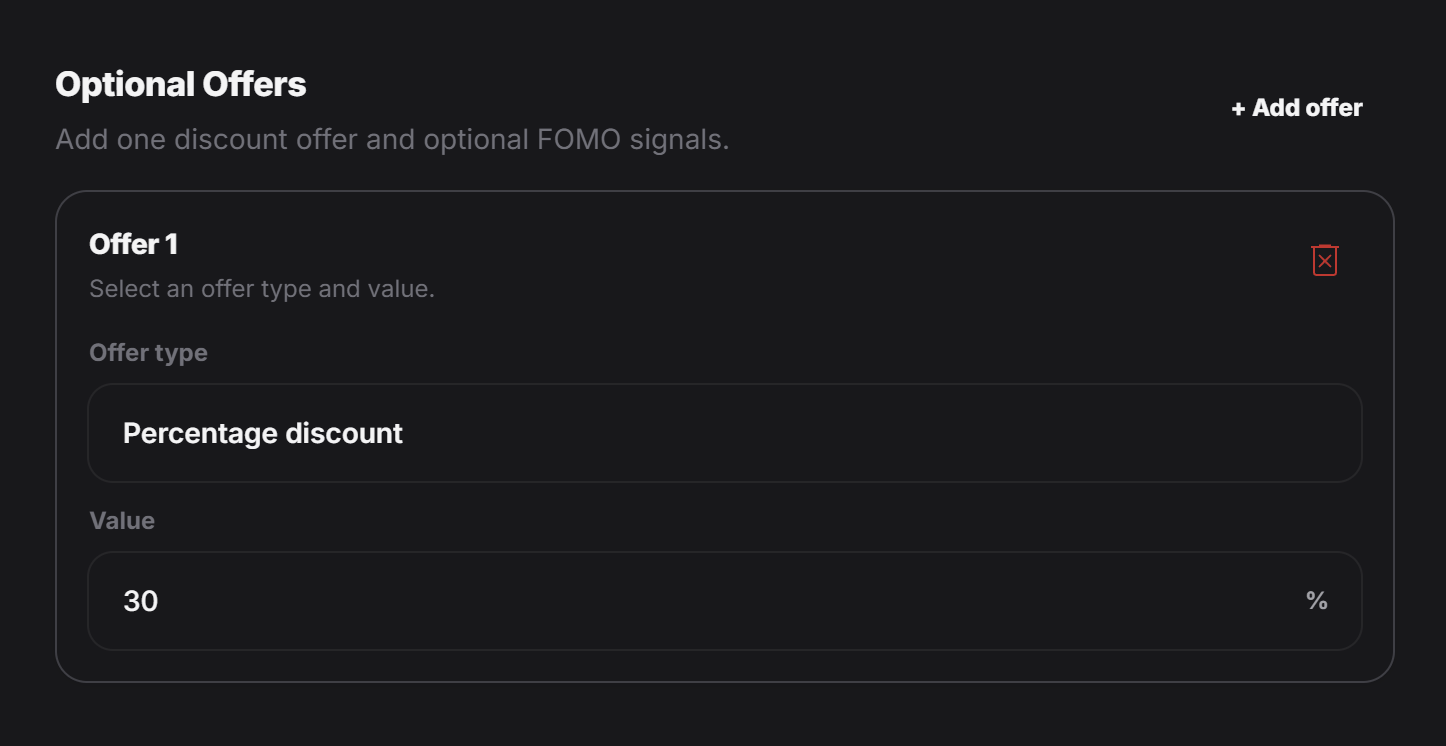 For example, you can add:
* a percentage discount
* a fixed discount
* cashback
* a bundle-style offer
* another promotional reward that fits the campaign
This helps turn a simple product or service entry into a real promotional experience.
> Add screenshot: Optional offers
## Add booking or ordering if needed
If this promotion should let customers book or order directly, you can also turn on those parts from the related clickable pills.
For example, you can add:
* a percentage discount
* a fixed discount
* cashback
* a bundle-style offer
* another promotional reward that fits the campaign
This helps turn a simple product or service entry into a real promotional experience.
> Add screenshot: Optional offers
## Add booking or ordering if needed
If this promotion should let customers book or order directly, you can also turn on those parts from the related clickable pills.
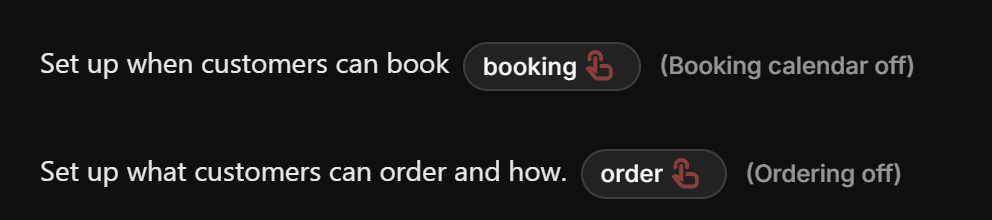 Use these guides for the full setup:
* [Booking Calendar](/editing/manual-editing/booking-calendar)
* [Order](/editing/manual-editing/order)
If your promotion is only for awareness or redirection, you can leave booking and ordering off.
## Add the final action
At the end of the experience, the customer usually needs a clear next step.
Use these guides for the full setup:
* [Booking Calendar](/editing/manual-editing/booking-calendar)
* [Order](/editing/manual-editing/order)
If your promotion is only for awareness or redirection, you can leave booking and ordering off.
## Add the final action
At the end of the experience, the customer usually needs a clear next step.
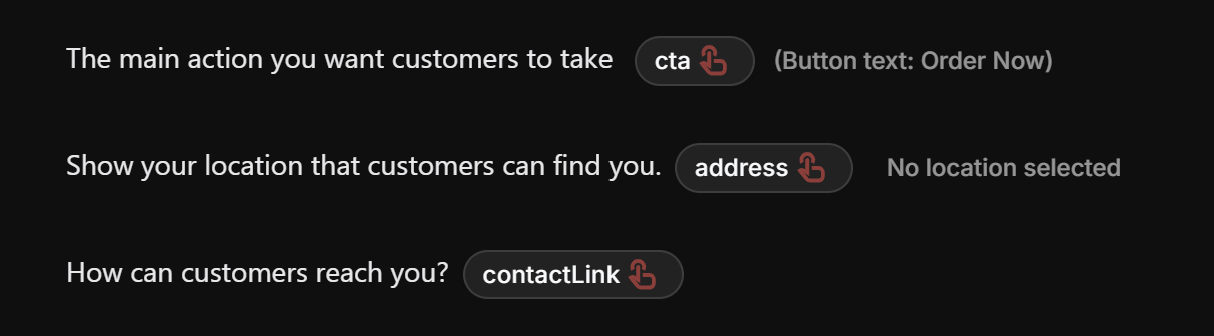 That is where the address field and CTA field come in.
For example, you might want the customer to:
* open a product page
* visit a store location
* call or message the business
* book an appointment
* buy now
* learn more
Use these guides for those fields:
* [Action Button](/editing/manual-editing/action-button)
* [Map](/editing/manual-editing/map)
## Simple way to think about it
A Promotion Experience usually follows this structure:
1. Choose the right use case
2. Write a short tagline
3. Add the main offer with title, description, and images
4. Add details that help people understand the item
5. Add the discount or promotional offer
6. Turn on booking or ordering if needed
7. Set the CTA and address if you want customers to go somewhere next
If you keep those seven parts clear and simple, the final experience usually feels much stronger.
## Best practice
Try to make the experience easy to scan.
For most promotions, people should be able to understand these three things very quickly:
* What is being offered?
* Why is it interesting right now?
* What should I do next?
If the answer to those three questions is clear, the promotion is usually in good shape.
That is where the address field and CTA field come in.
For example, you might want the customer to:
* open a product page
* visit a store location
* call or message the business
* book an appointment
* buy now
* learn more
Use these guides for those fields:
* [Action Button](/editing/manual-editing/action-button)
* [Map](/editing/manual-editing/map)
## Simple way to think about it
A Promotion Experience usually follows this structure:
1. Choose the right use case
2. Write a short tagline
3. Add the main offer with title, description, and images
4. Add details that help people understand the item
5. Add the discount or promotional offer
6. Turn on booking or ordering if needed
7. Set the CTA and address if you want customers to go somewhere next
If you keep those seven parts clear and simple, the final experience usually feels much stronger.
## Best practice
Try to make the experience easy to scan.
For most promotions, people should be able to understand these three things very quickly:
* What is being offered?
* Why is it interesting right now?
* What should I do next?
If the answer to those three questions is clear, the promotion is usually in good shape.