> ## Documentation Index
> Fetch the complete documentation index at: https://docs.peektag.com/llms.txt
> Use this file to discover all available pages before exploring further.
# Discount
> Set up discount offers, cashback rewards, bundle deals, spend-based rewards, and free delivery badges.
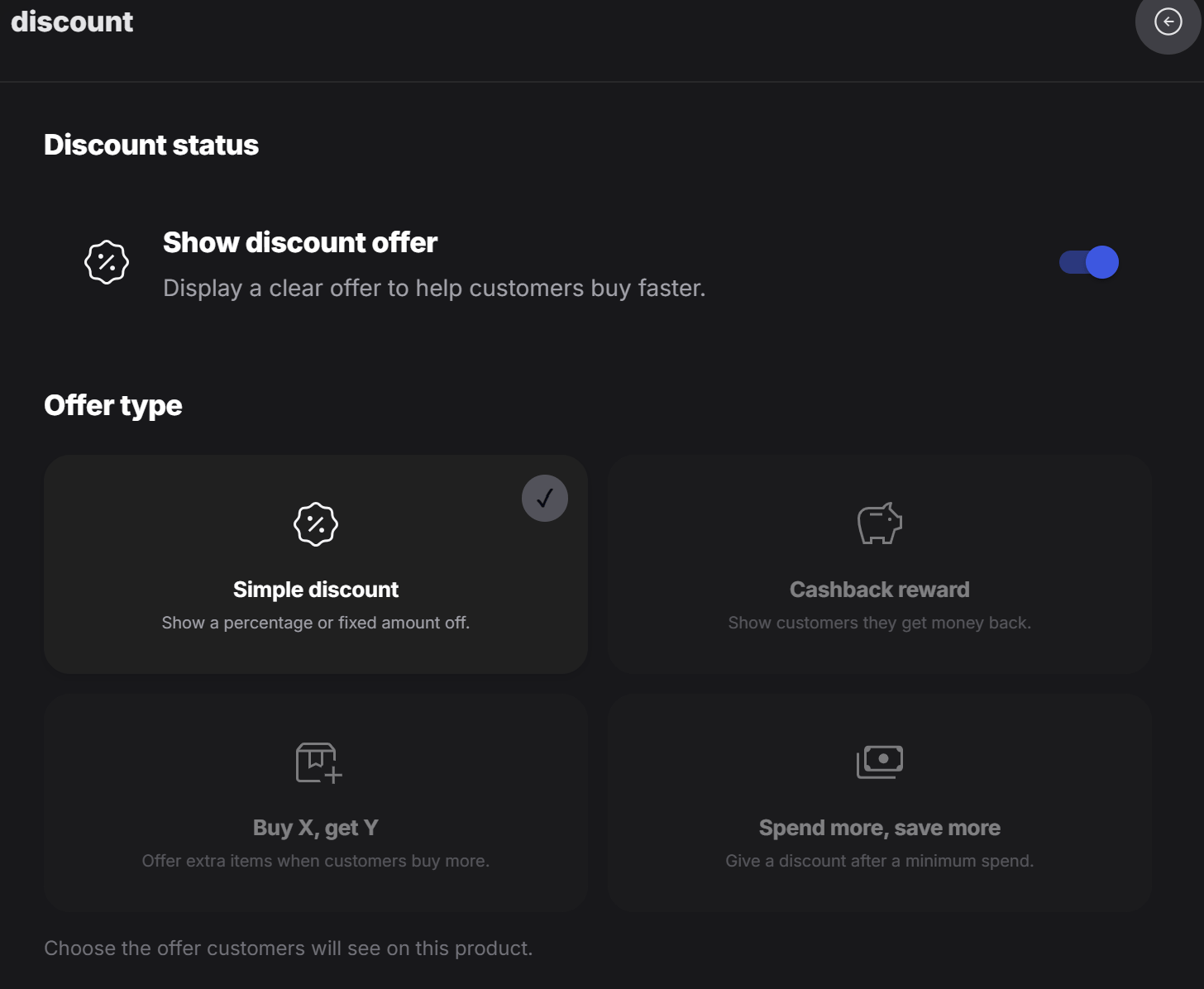
## Discount status
Turn on **Show discount offer** when you want the promotion to appear on the tag. If this is off, the discount setup stays hidden from customers.
## Offer type
PeekTag supports four discount models. Designers can choose the model that matches the offer they want to create.
| Goal | Best option |
| --------------------------------------- | --------------------- |
| Give a direct discount | Simple discount |
| Give value back after purchase | Cashback reward |
| Create a quantity-based deal | Buy X, get Y |
| Encourage larger orders | Spend more, save more |
| Highlight shipping as part of the offer | Free delivery |
## Simple discount
Use **Simple discount** for a direct price reduction. This is the easiest offer for customers to understand.
The discount can be set as:
* **Percentage**, such as `20% off`
* **Fixed amount**, such as `50 DKK off`
This works well for straightforward promotions like a seasonal sale, a launch offer, or a quick campaign discount.
 ## Cashback reward
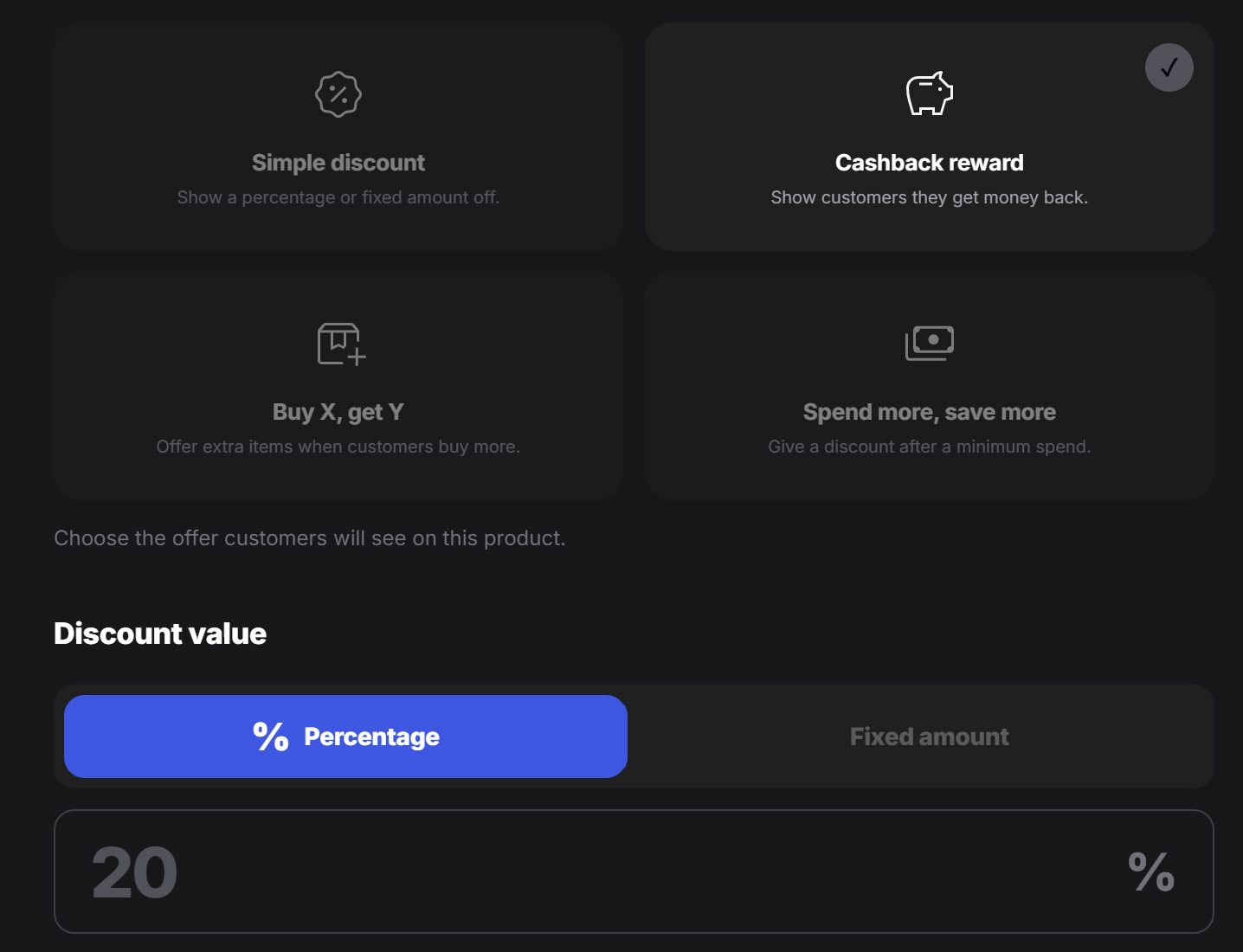
Use **Cashback reward** when the customer should receive value back after the purchase.
Cashback can also be configured as:
* **Percentage**, such as `10% cashback`
* **Fixed amount**, such as `25 DKK back`
This is useful when the tag owner wants to encourage customers to return, keep using the brand, or feel like they are getting something back from the order.
## Cashback reward
Use **Cashback reward** when the customer should receive value back after the purchase.
Cashback can also be configured as:
* **Percentage**, such as `10% cashback`
* **Fixed amount**, such as `25 DKK back`
This is useful when the tag owner wants to encourage customers to return, keep using the brand, or feel like they are getting something back from the order.
 ## Buy X, get Y
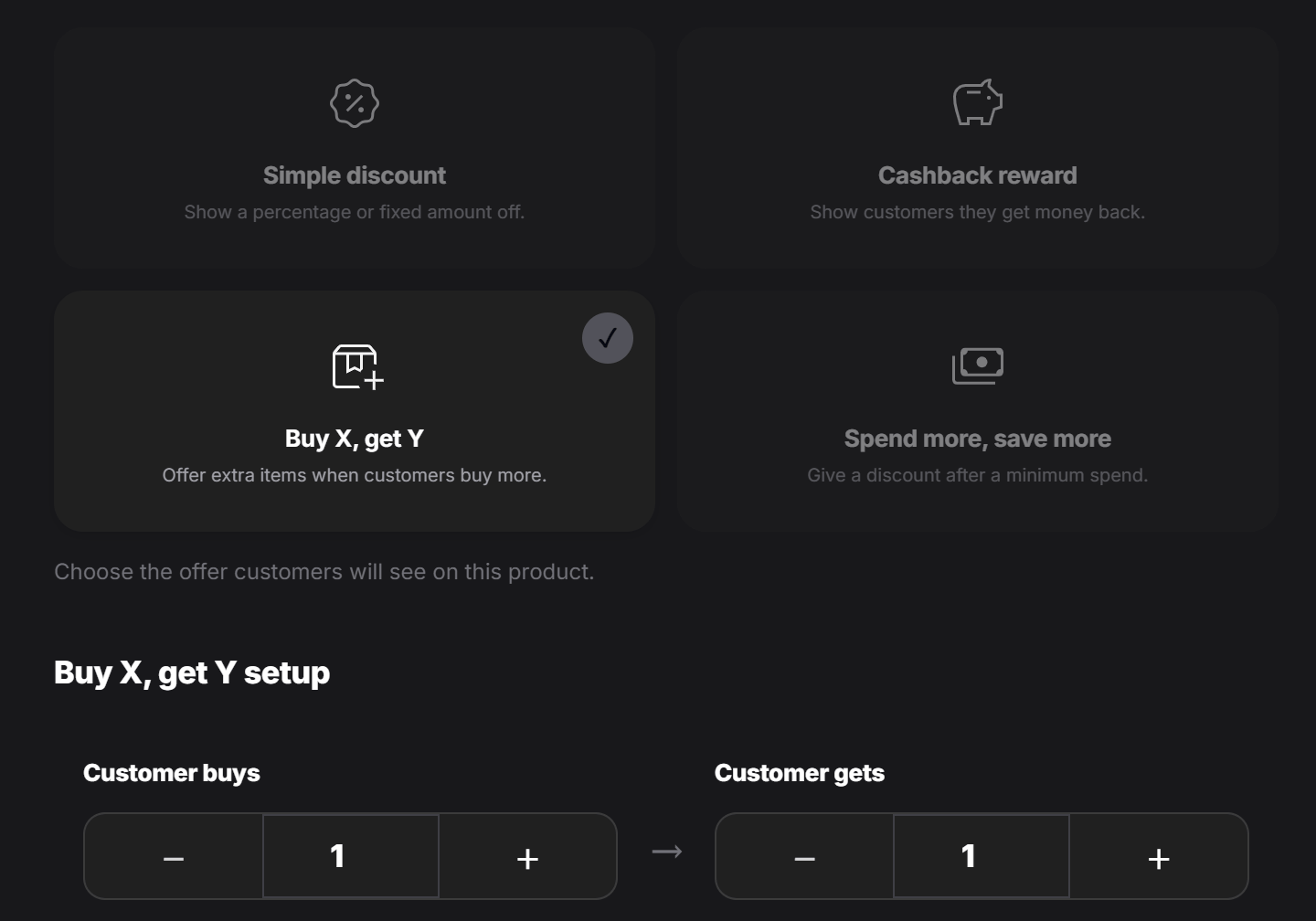
Use **Buy X, get Y** for quantity-based offers. The customer buys a certain number of items and receives extra items as part of the offer.
For example:
* Buy 1, get 1
* Buy 2, get 1
* Buy 3, get 2
The controls at the bottom let the designer increase or decrease both numbers. This is useful for bundle offers, product launches, restaurant deals, or retail campaigns.
## Buy X, get Y
Use **Buy X, get Y** for quantity-based offers. The customer buys a certain number of items and receives extra items as part of the offer.
For example:
* Buy 1, get 1
* Buy 2, get 1
* Buy 3, get 2
The controls at the bottom let the designer increase or decrease both numbers. This is useful for bundle offers, product launches, restaurant deals, or retail campaigns.
 ## Spend more, save more
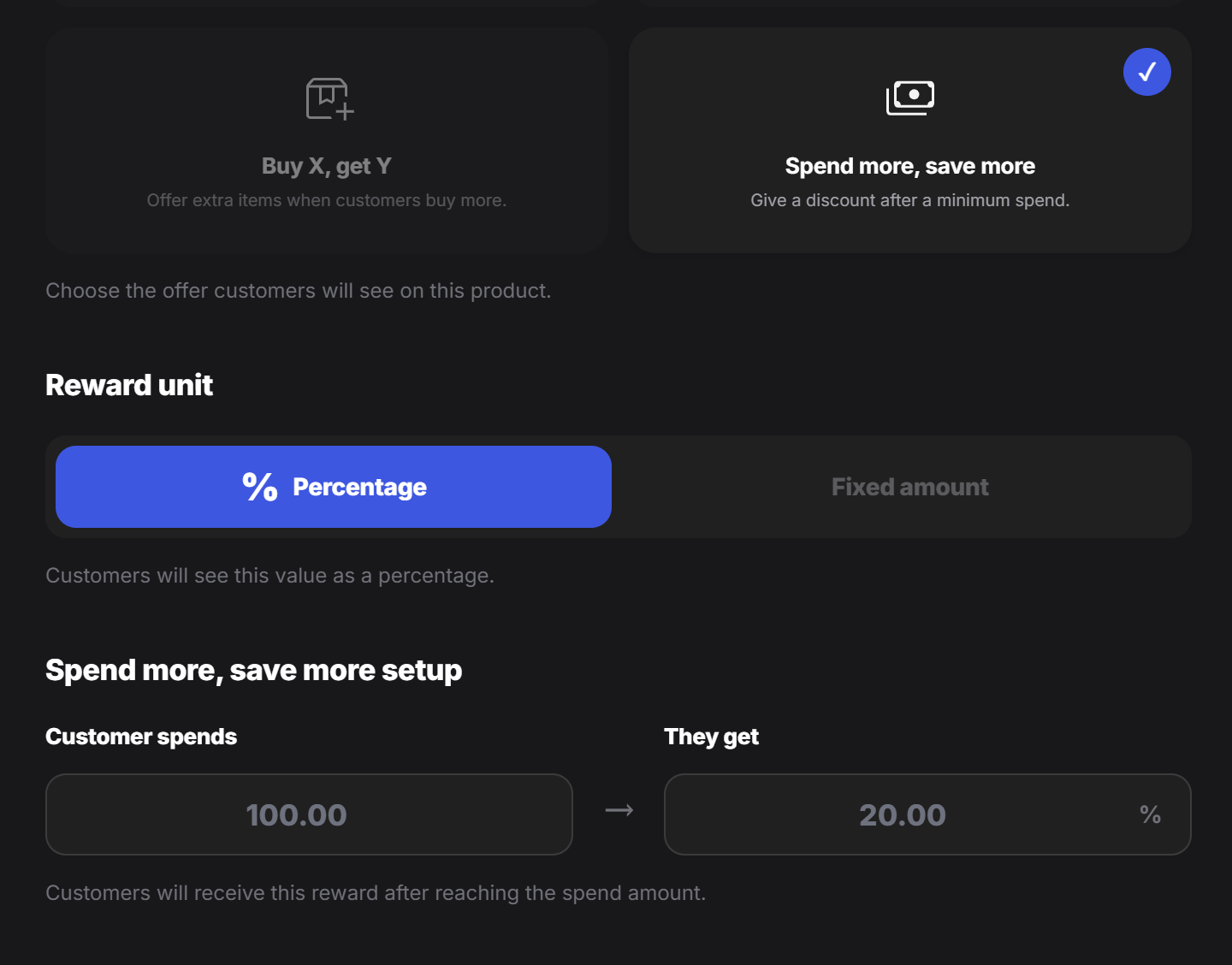
Use **Spend more, save more** when the customer should receive a reward after reaching a minimum spend amount.
For example:
* Spend `100 DKK` and get `20% off`
* Spend `200 DKK` and get `30 DKK off`
The reward can be either:
* **Percentage**
* **Fixed amount**
This model is useful when the goal is to increase the basket size or encourage customers to add more items before checkout.
## Spend more, save more
Use **Spend more, save more** when the customer should receive a reward after reaching a minimum spend amount.
For example:
* Spend `100 DKK` and get `20% off`
* Spend `200 DKK` and get `30 DKK off`
The reward can be either:
* **Percentage**
* **Fixed amount**
This model is useful when the goal is to increase the basket size or encourage customers to add more items before checkout.
 ## Free delivery
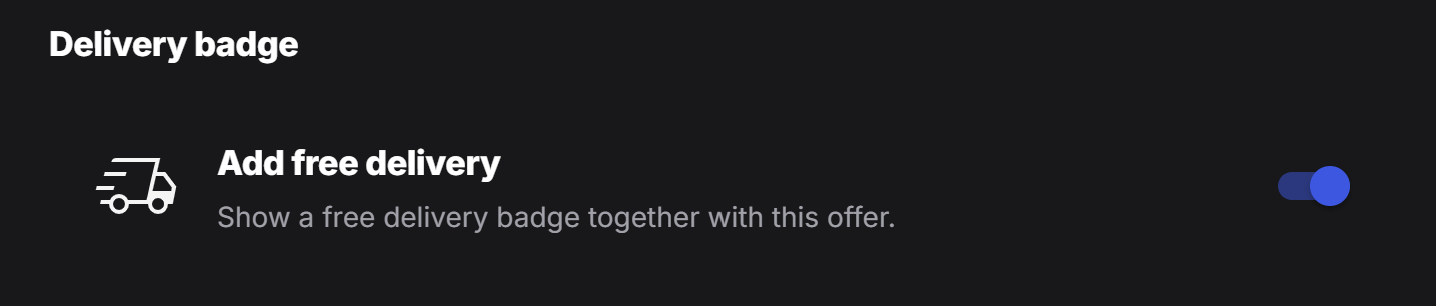
Designers can also enable **Add free delivery** for the tag. When this option is active, the tag shows a free delivery badge together with the offer.
Use this when delivery is part of the promotion and customers should notice it before they place an order.
## Free delivery
Designers can also enable **Add free delivery** for the tag. When this option is active, the tag shows a free delivery badge together with the offer.
Use this when delivery is part of the promotion and customers should notice it before they place an order.