> ## Documentation Index
> Fetch the complete documentation index at: https://docs.peektag.com/llms.txt
> Use this file to discover all available pages before exploring further.
# Changelog
> Product updates, release notes, and announcements for PeekTag.
We added a dedicated changelog page for PeekTag product and documentation updates.
You can use this page to publish:
* New features
* UI improvements
* Bug fixes
* Workflow changes
* Release announcements
You can also include images inside each update.
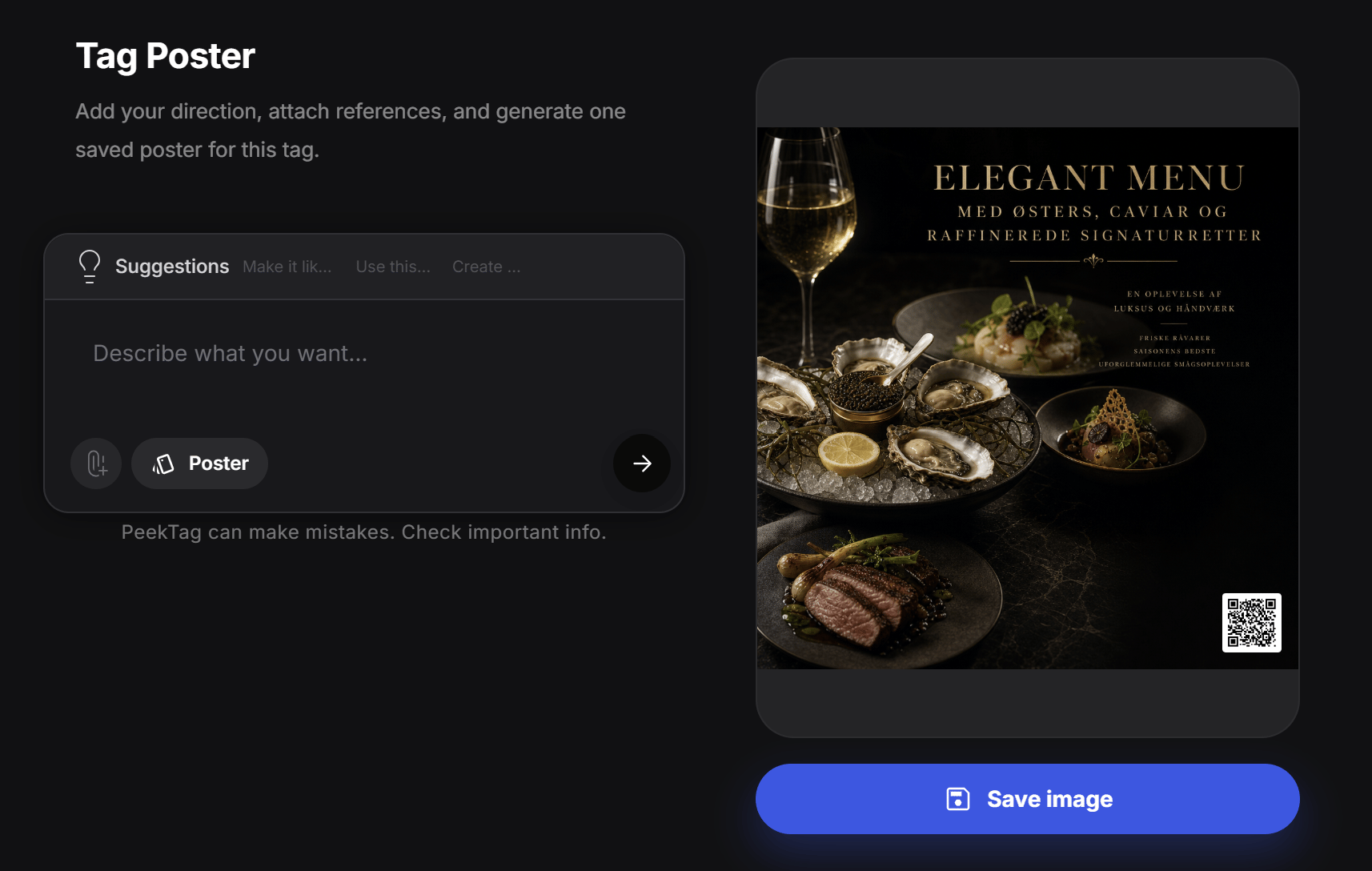 This is an example changelog entry.
Use each update block for one release, one launch, or one group of related changes.
You can write normal text, add bullet points, include links, and place screenshots or visuals when they help explain the update.
This is an example changelog entry.
Use each update block for one release, one launch, or one group of related changes.
You can write normal text, add bullet points, include links, and place screenshots or visuals when they help explain the update.